6
Click in the Edit Using PosterArtist in the A Page Layout list.
Note
•
This function cannot be used with a 64-bit version OS.
7
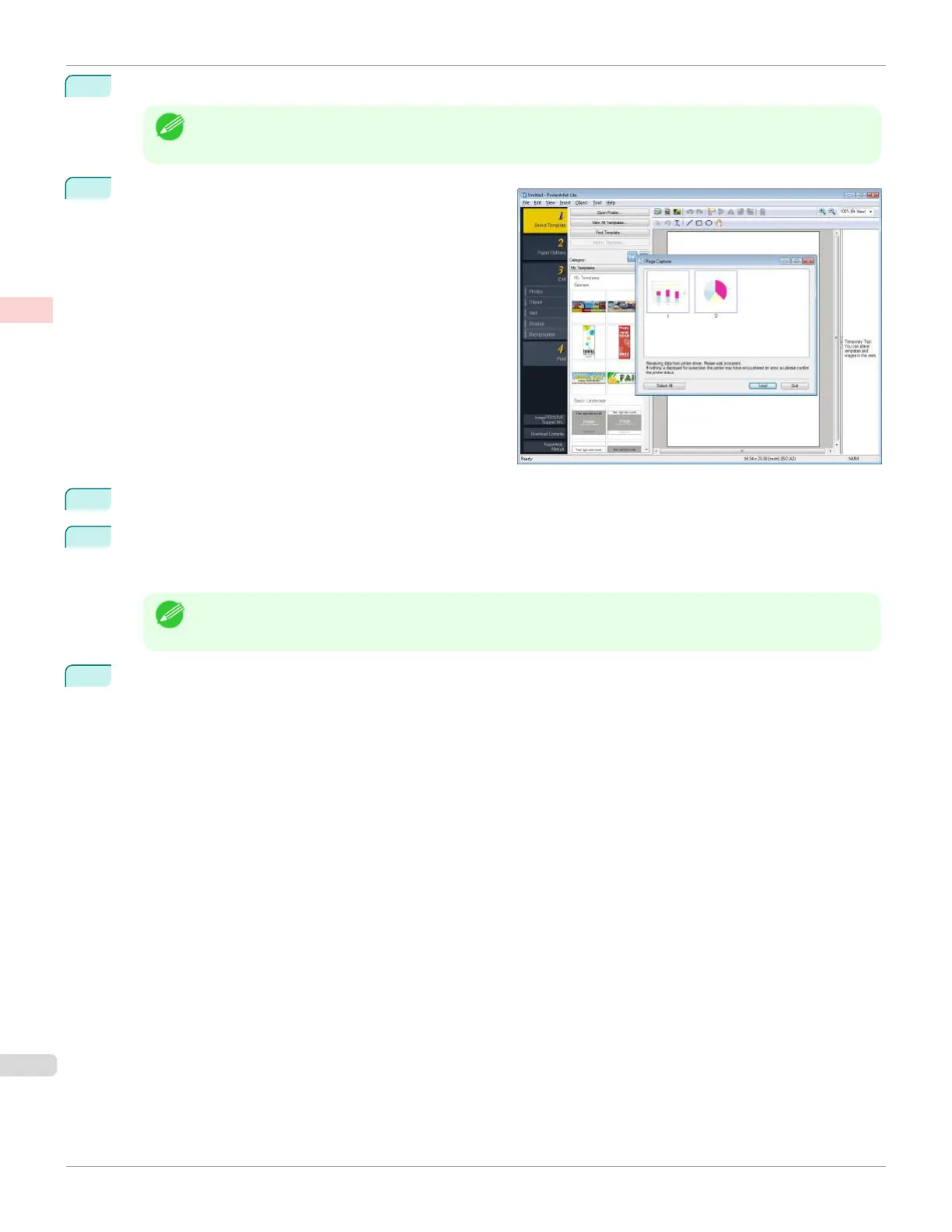
When you attempt to print, PosterArtist starts up and
the PageCapture window is displayed. (At this point,
the document will not be printed yet.)
8
Choose the page to load in PosterArtist.
9
Edit and rearrange the image in the PosterArtist window as desired.
Without closing the PosterArtist window, repeat steps 1-8 to arrange originals from multiple applications on the
same page.
Note
•
For details on how to edit and sort images, refer to the PosterArtist Manual.
10
Print from the PosterArtist menu.
Using PosterArtist to Compose Originals
iPF670
User's Guide
Enhanced Printing Options Printing Photos and Office Documents
40













 To Next Page