Network Environment
After confirming what type of network environment you will connect the printer to, set up the printer and computers as
needed. For the specifications of the network interface, see "Specifications." ➔P.630
•
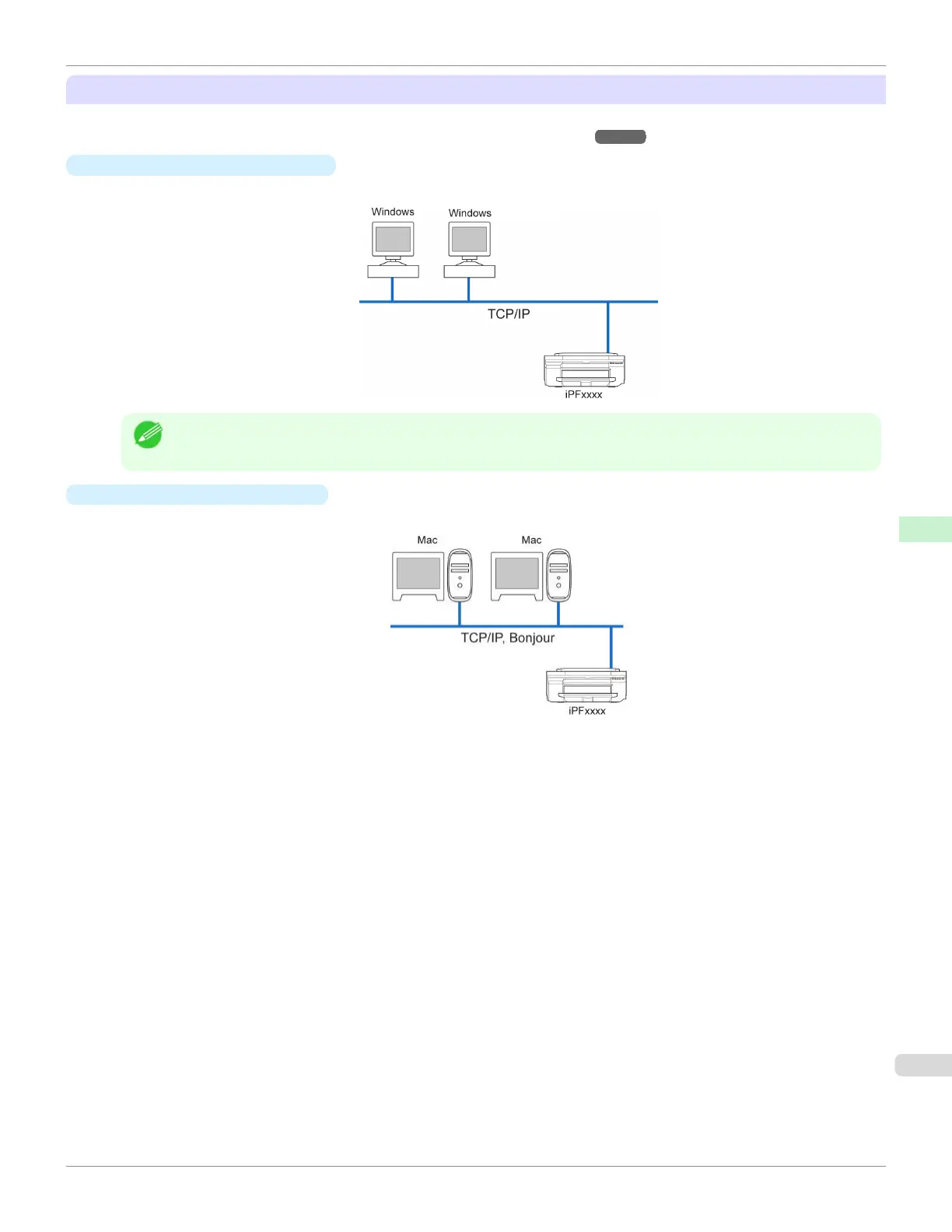
Example of a Windows network
In Windows networks, print over TCP/IP.
Note
•
NetBIOS is not supported.
•
Example of a Mac OS network
In Mac OS networks, print over TCP/IP using the Bonjour function.
iPF670
Network Environment
User's Guide
Network Setting Network Environment
487













 To Next Page