Chapter 4
4-7
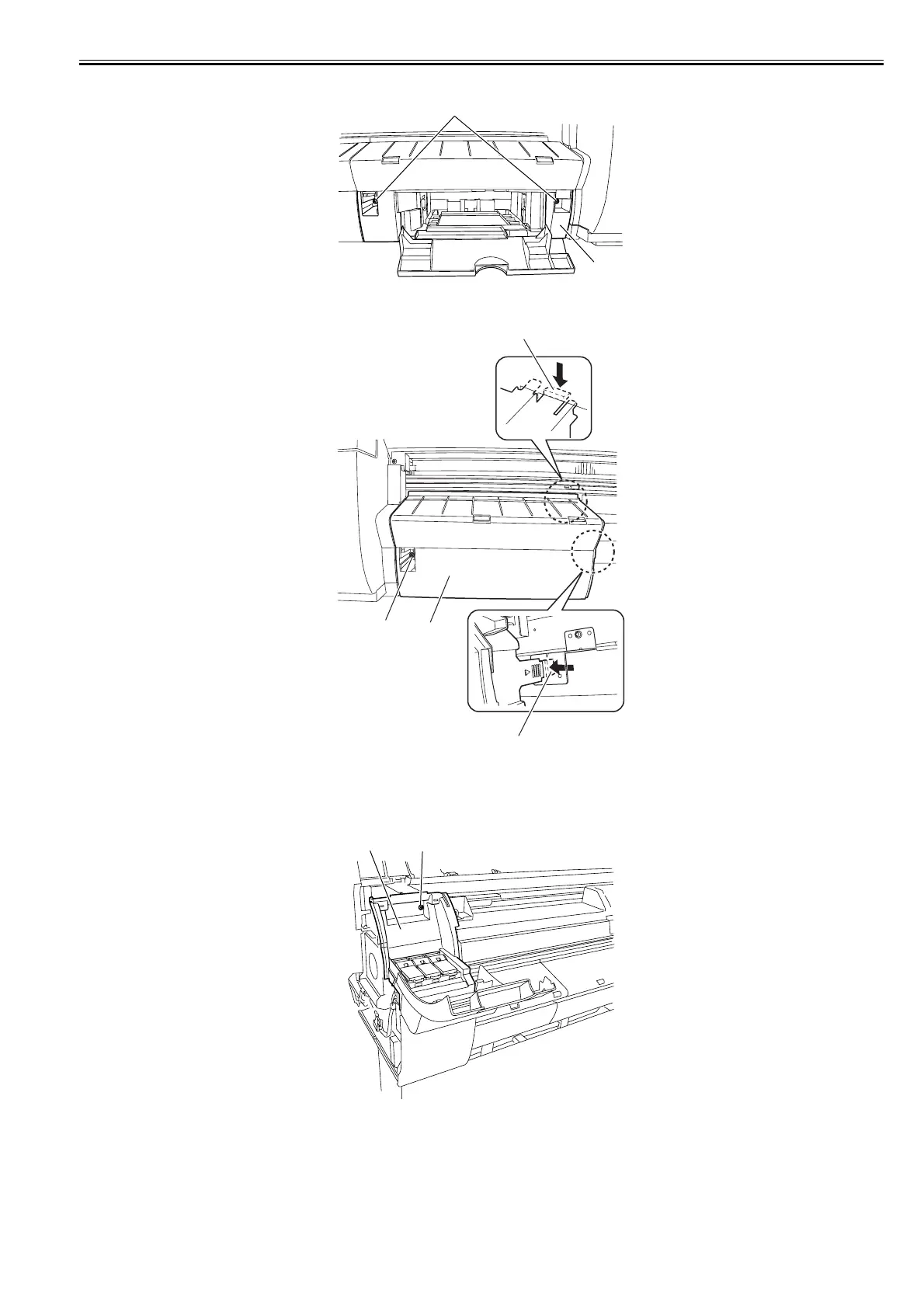
2) Remove two screws [1], and then the output guide (right) [2].
F-4-10
3) Remove one screw [1], release two hooks [2], and then remove the output guide (middle)/left [3].
F-4-11
g) Left/Right Ink Tank Cover
Removing the Left/Right Ink Tank Cover
1) To remove the left/right ink tank cover [2], remove the left/right cover, and then one screw [1].
<Left Ink Tank Cover>
F-4-12
[2]
[1]
[1]
[3]
[2]
[2]
[1][2]














 To Next Page