Chapter 4
4-41
b) Mist Exhaust Duct
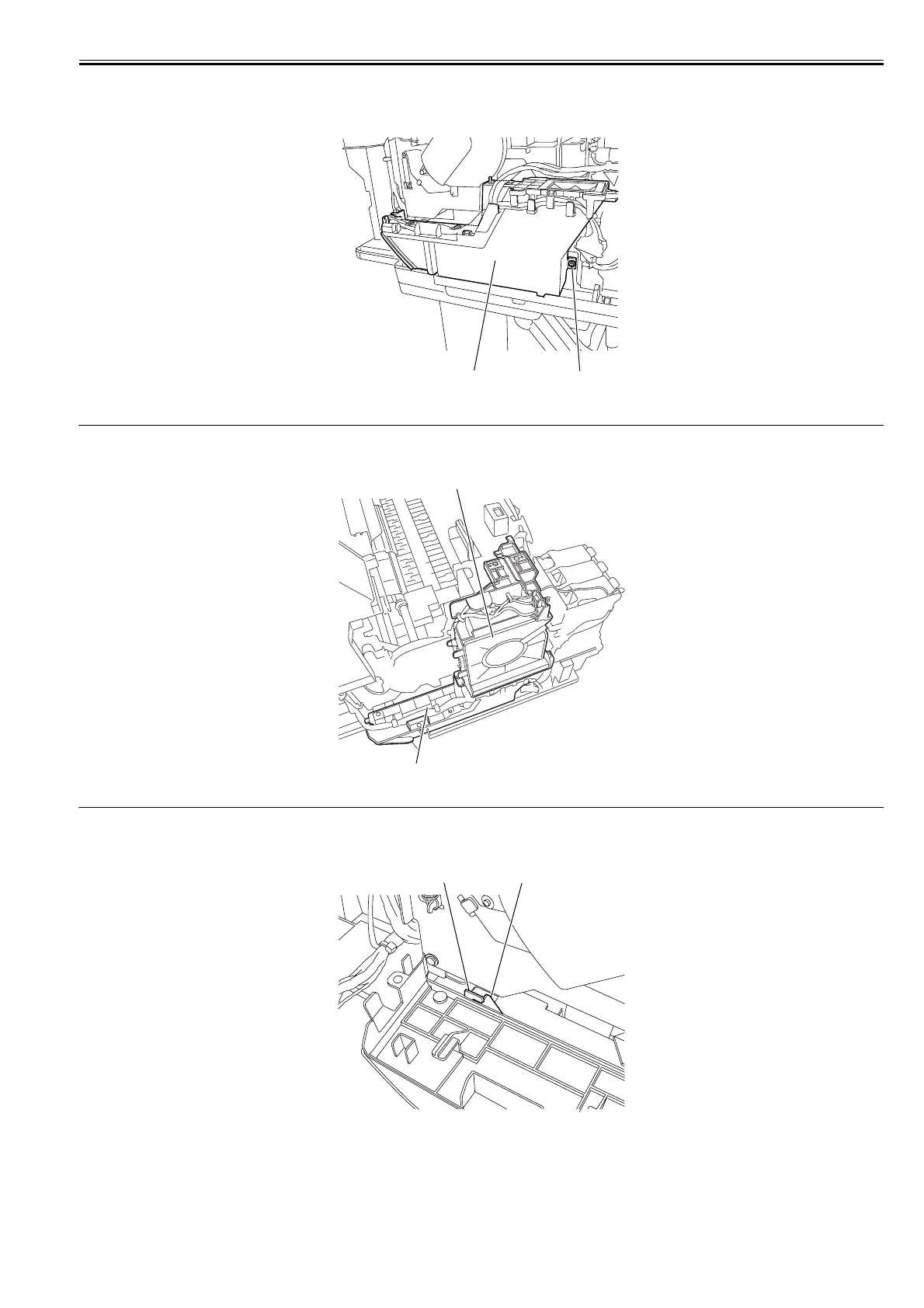
Removing the Mist Exhaust Duct
1) Remove the mist fan.
2) Remove one screw [1], and then remove the cable from the cable guide to remove the mist exhaust duct [2].
F-4-94
MEMO:
The mist fan [1] and mist exhaust duct [2] can be removed together.
F-4-95
Precautions about Reinstallation of Mist Exhaust Duct
Make sure that the protrusion [1] on the mist exhaust duct fits in the notch [2] on the side plate.
F-4-96
[1]
[2]
[2]
[1]
[2]
[1]














 To Next Page