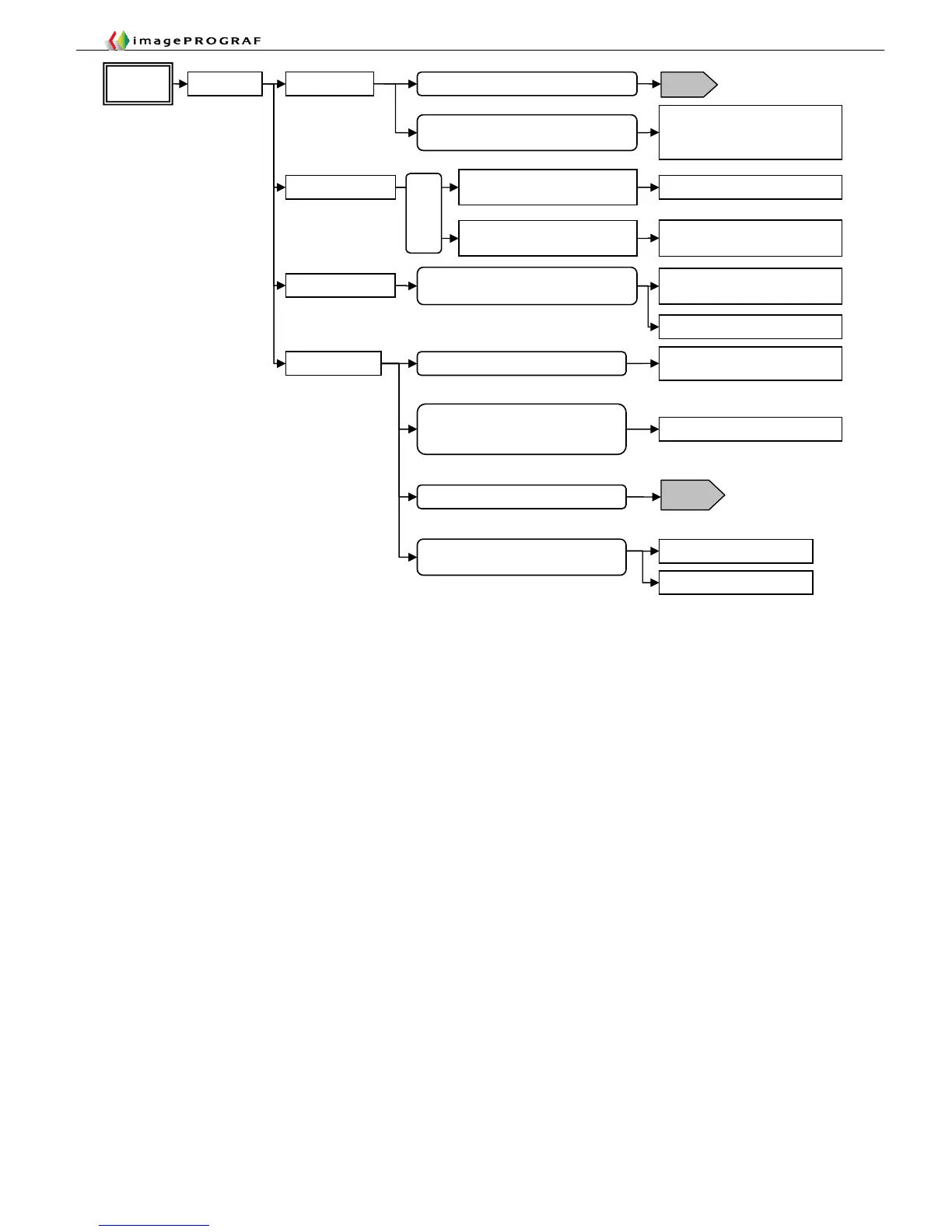
Perform band adjustment
Explanatory drawing 2
Explanatory drawing 3
Carriage stops in a recovery
operation (printing on long sheets)
Print in an upper mode
Check the specifications of the PC
and the network
Carriage stops waiting for data to
be transferred
Correct trailing end feeding/print on
roll media
If the spur is deformed, replace
Cockling
Print in an upper mode or change
paper
Wavy paper caused by ink
Reduce suction force/change paper
Paper overlapping/Paper taken up before
drying (non-uniform fusing)
Do not allow paper to overlap until it
dries
Do not use a media take-up unit
Non-uniform carriage scanning
Dented paper caused by the pinch roller
nip
Change paper
2F26
Faulty carriage encoder
T16
Cut the leading end
Band blotches
Dented paper or disordered
impact/non-uniform drying caused by
suction














 To Next Page