Troubleshooting Guide
4-14
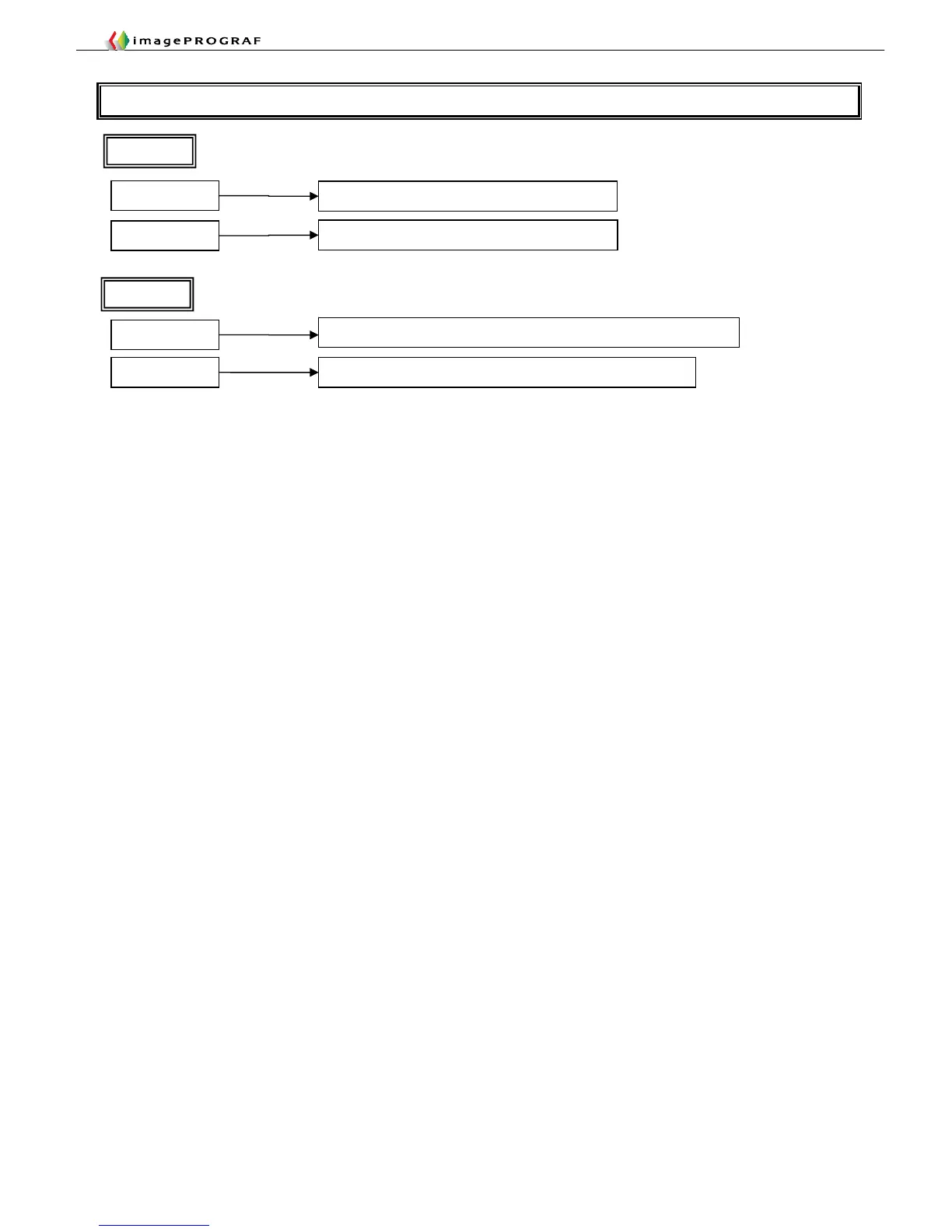
T10 Collecting Screen Shots
Screen as a whole
Press the [Print Screen] key
Current window
Press the [Alt] + [Print Screen] keys
After pressing the [Apple] + [Shift] + [4] keys, specify a range with the mouse
After pressing the [Apple] + [Shift] +[4 ] keys, press the [Space] key
Windows
Macintosh
Specified area
Current window














 To Next Page