Chapter 1 Using This Guide
1-1
1. Using This Guide
2. Model Groups
The iPF Series is broken down into the following groups in this Guide:
Model group Maximum paper
width
Five-color dye/pigment
model
Eight-color
pigment model
Twelve-color
pigment model
60 inches - iPF9000S iPF9000, iPF9100
iPF8000 Series
44 inches
(B0 extra-sized)
- iPF8000S iPF8000, iPF8100
iPF8300
iPF800 Series
44 inches
(B0 extra-sized)
iPF810, iPF820 - -
iPF700 Series
36 inches
(A0 extra-sized)
iPF700, iPF710, iPF720 - -
24 inches
(A1 extra-sized)
iPF600, iPF605, iPF610 iPF6000S iPF6100, iPF6200
iPF6300, iPF6350
iPF5000 Series
17 inches
(A2 extra-sized)
iPF500, iPF510 - iPF5000, iPF5100
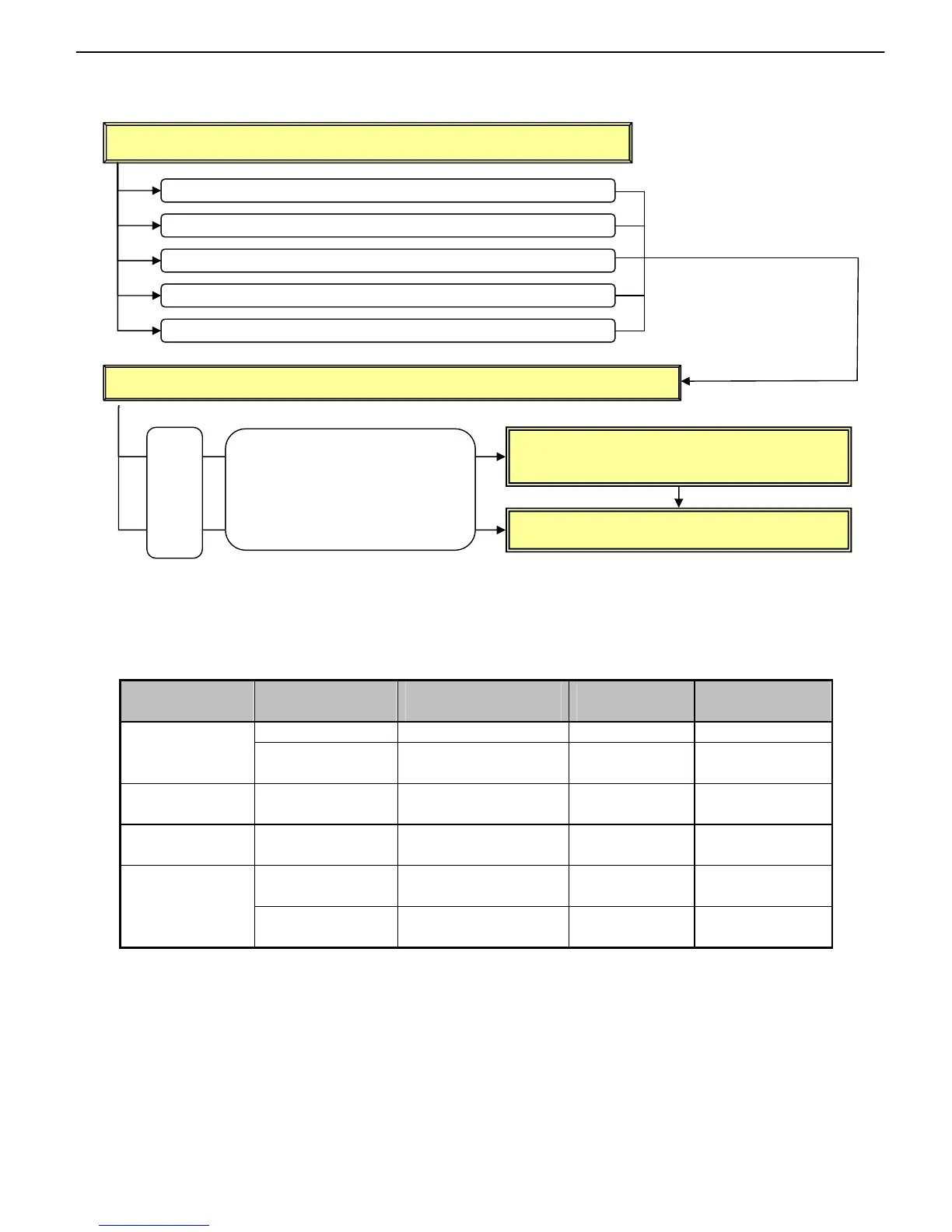
STEP1: Find a relevant phenomenon from Chapter 2, “Trouble Database.”
STEP2: Carry out the relevant troubleshooting found in Chapter 2, “Trouble Database.”
Go to Chapter 3, “More Sophisticated Fault
Isolation Tasks.”
Go to Chapter 4, “Fault Isolation Tool Collection.”
From operation panel displays
From last 4 digits of error codes (panel display, Print Inf)
From imaging (user complaint) problems
From other problems (such as abnormal noise and taking too long)
From software-specific problems (e.g., Microsoft Word)
If there
are
links,
follow
them.
If any component name or the like
is unknown, see Chapter 7, “Main
Unit Configuration Diagrams: Paper
Paths.”














 To Next Page