Chapter 5 Fault Isolation Tool Collection
4-1
T01 Carriage Encoder Fault Isolation Tool
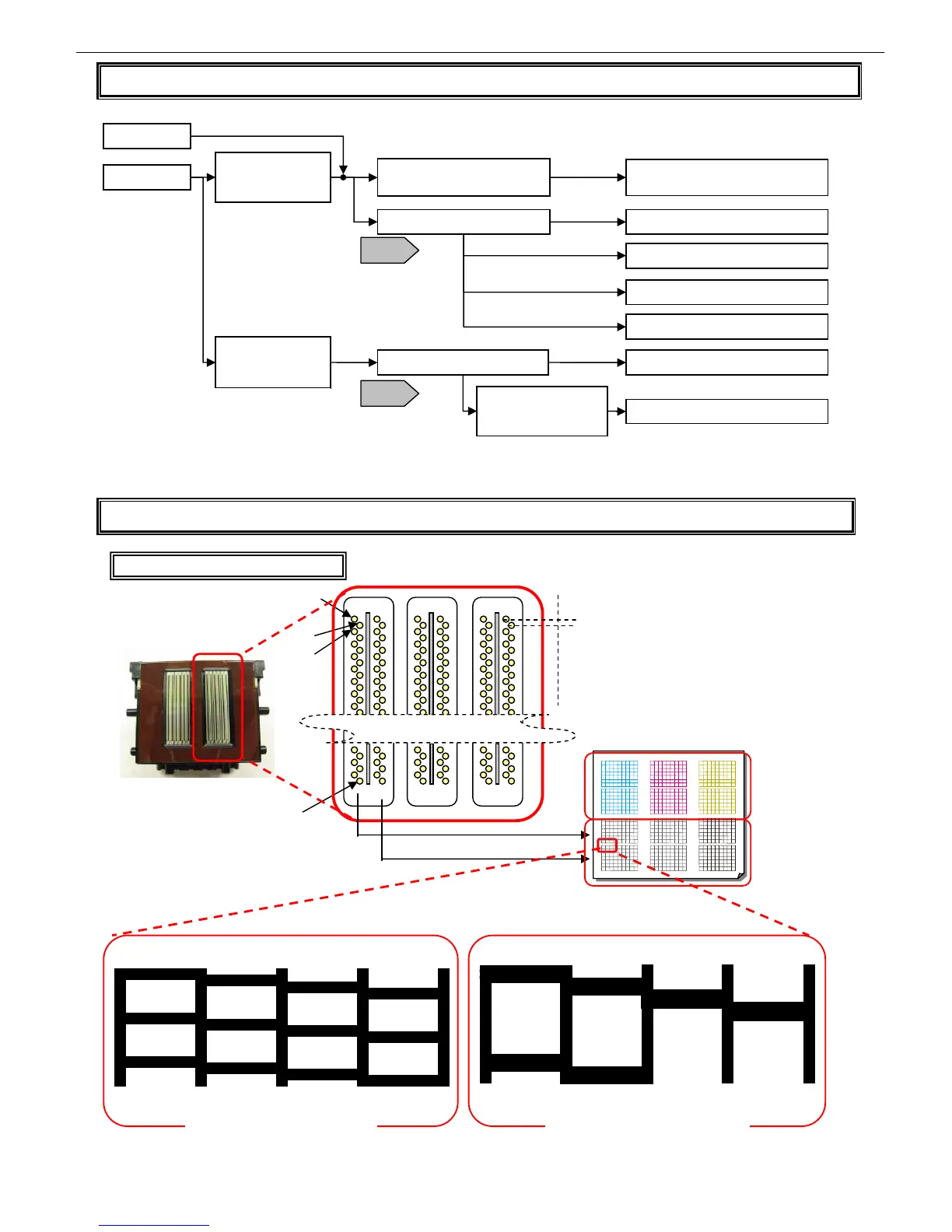
T02 Interpreting Nozzle Check Patterns
B line
A line
0
1
2
1279
1200dpi
Printing Nozzle Check Print
0
64
65
1
2
66
67
3
4
5
6
7
1
2 3
33
34
35
0
32
65
66
67
64
Printing in service mode
(one horizontal line per nozzle)
Printing in user mode
(one horizontal line per two nozzles)
Identical to the arrangement of caps
Replace the flat cable
Position-dependent
uneven lines in
paper feed direction
Can print
Normal operation is
restored by wiping the
carriage encoder film
Cannot print
Random uneven
lines in an image in
paper feed direction
Check the main controller flat
cable (long) for connection
Clean the end face and then reinsert
the cable
Is the flat cable broken? Replace the flat cable
Replace the sensor/carriage
Replace the carriage encoder film
Yes
No
Yes
Remove the carriage encoder film and wipe it lightly
with lens-cleaning paper moistened with water
Is the flat cable broken?
Replace the main controller
T18
T18
Replace the carriage encoder film
No
P4-28 Explanatory
drawings2














 To Next Page