Chapter 6 Miscellaneous Information
5-13
(3) Viewing and saving Print Inf and status information (Download
to the PC as data)
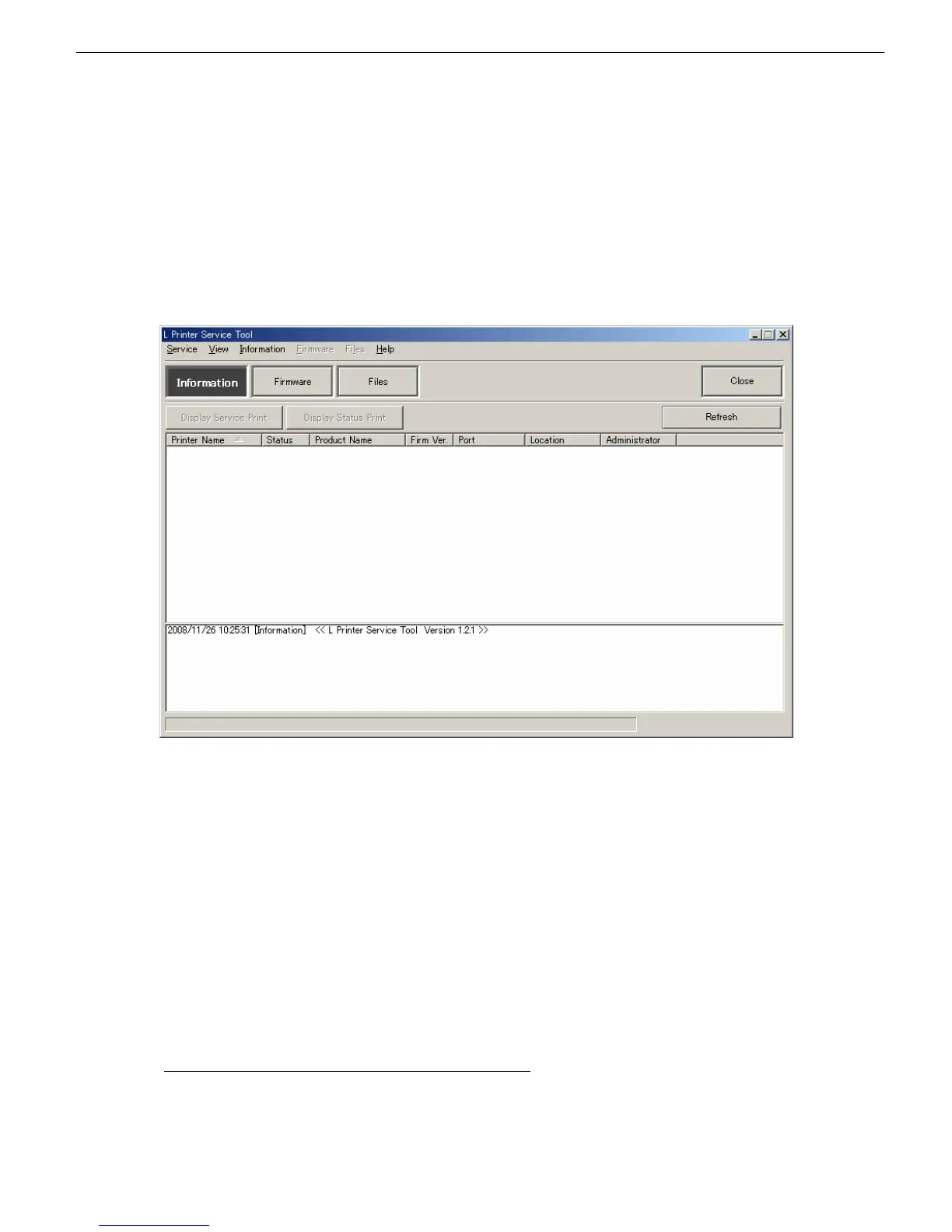
■Service Print Display
Collects Print Inf information from the printer and displays it as text in a text editor.
The textual information collected is automatically saved to a log and can be reviewed in a log window.
■Status Print Display
Collects status print Inf information from the printer and displays it as text in a text editor.
The textual information collected is automatically saved to a log and can be reviewed in a log window.
(4) Upgrading (downgrading) firmware
■Download firmware
Starts a firmware download.
■Firmware specifications
・Optional directory specification (default)
Firmware that can be updated is selected automatically. (The firmware can only be updated.)
・Optional file specification
The optional file (firmware) specification allows the firmware to be upgraded and downgraded.
■Forced download mode
Do not use Forced Download Mode in usual operations. If Forced Download Mode is run by mistake, the
main unit may become unable to start because the firmware file check, model check, and printer status
check are disabled. In this case, the main controller would need a replacement.














 To Next Page