Chapter 5 Fault Isolation Tool Collection
4-19
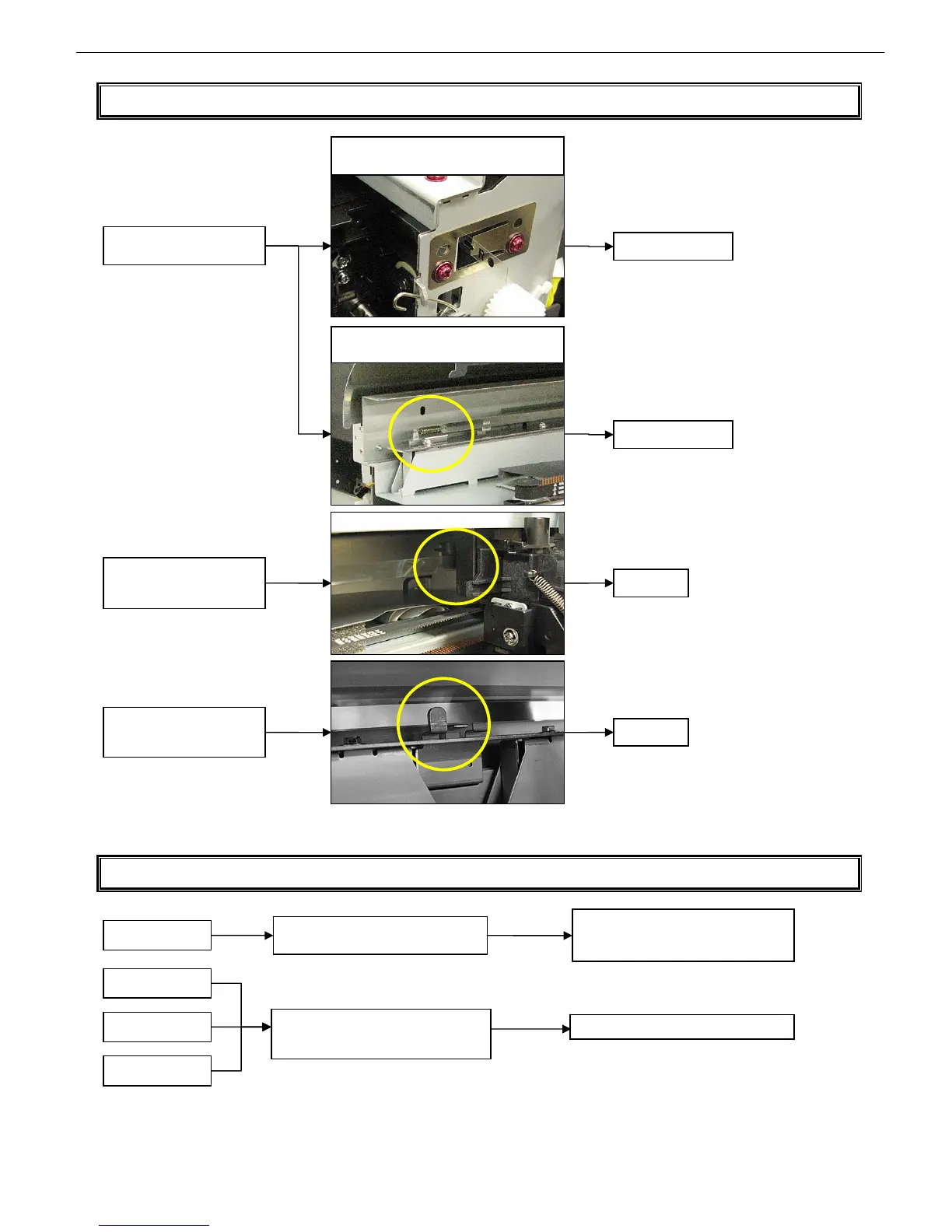
T13 Carriage encoder installation fault isolation tool
T14 How to unlock the carriage (without having to remove the cover)
Check the carriage encoder
for slacks
Is the positional relationship
of the carriage encoder film
with the support plate
Is the carriage encoder film
inserted in the sensor groove
on the carriage side?
iPF700/iPF800/iPF8000 Series
Check the mounting leaf spring for
deformation
Check the coil for elongation
(iPF8000 Series)
Fix the leaf spring
Replace the coil
Fix
Fix
Switch on the printer with the top cover
o
en detection sensor disabled
iPF5000 Series
iPF700 Series
iPF8000 Series
Choose [Main Menu] → [Maintenance]
→ [Replace rail cleaner] → [Yes]
18 to 28 seconds after the printer is switched on
Unplug the printer when the carriage has
moved to about the middle after being
unlocked
Check and close the top cove














 To Next Page