Chapter 4 More Sophisticated Fault Isolation Tasks
3-7
③ “Hardware error. 03800500-xxxx”
2F2F, 2F40, 2F41,
2F42, 2F43, 2F44
See the explanation of P2-47.
Break 2F2F down after iPF650/750series,
iPF6300/6350 and iPF8300.
T03
Check nozzle check
print in service mode
More than half of the nozzles
are non-discharging (per color)
If the firmware is Ver.1.23
or earlier, upgrade it and
check.
Real non-ejection
Non-discharging nozzle detection failure
Flow 2
Non-ejection mask error
Yes
No
Flow 1
Non-discharging nozzle detection failure (if non-discharging only in user mode)
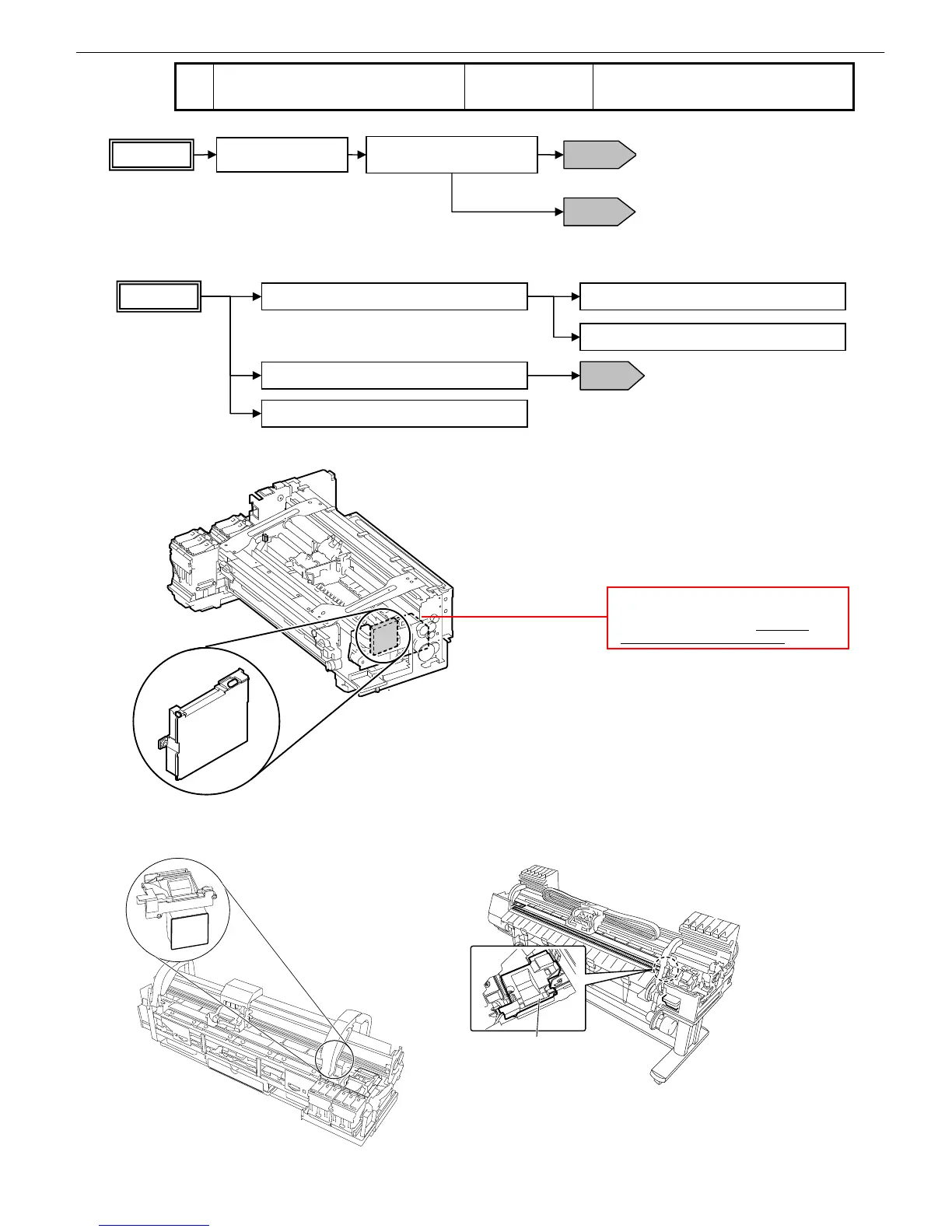
Check the non-ejection sensor for displacement
Check the carriage encoder for successful
Check to see if nozzles are not installed slantwise
Replace the non-ejection sensor
Replace the main controller
T01
Flow 2
Carriage encoder fault isolation
不吐検センサ
Head management sensor
■iPF5000 Series
Head mana
不吐検
センサ
Head management
sensor
■iPF700 Series ■iPF800/iPF8000 Series
Cumulative print counts (roll paper/manually
fed paper/cassettes*)
* On cassette models only (all counts
measured in terms of A4 sheets














 To Next Page