Chapter 4 More Sophisticated Fault Isolation Tasks
3-25
Ink Dropping
(1) Clean the rubber parts of the blade and cap of the purge
unit with alcohol.
(2) Turn the gear one cycle and coat the blade with glycerin.
Clean the purge unit
Clean the carriage unit
(1) With the head removed, clean the outer surface of the
bottom of the carriage.
* The carriage unit cannot be fully cleaned without
removing the carriage.
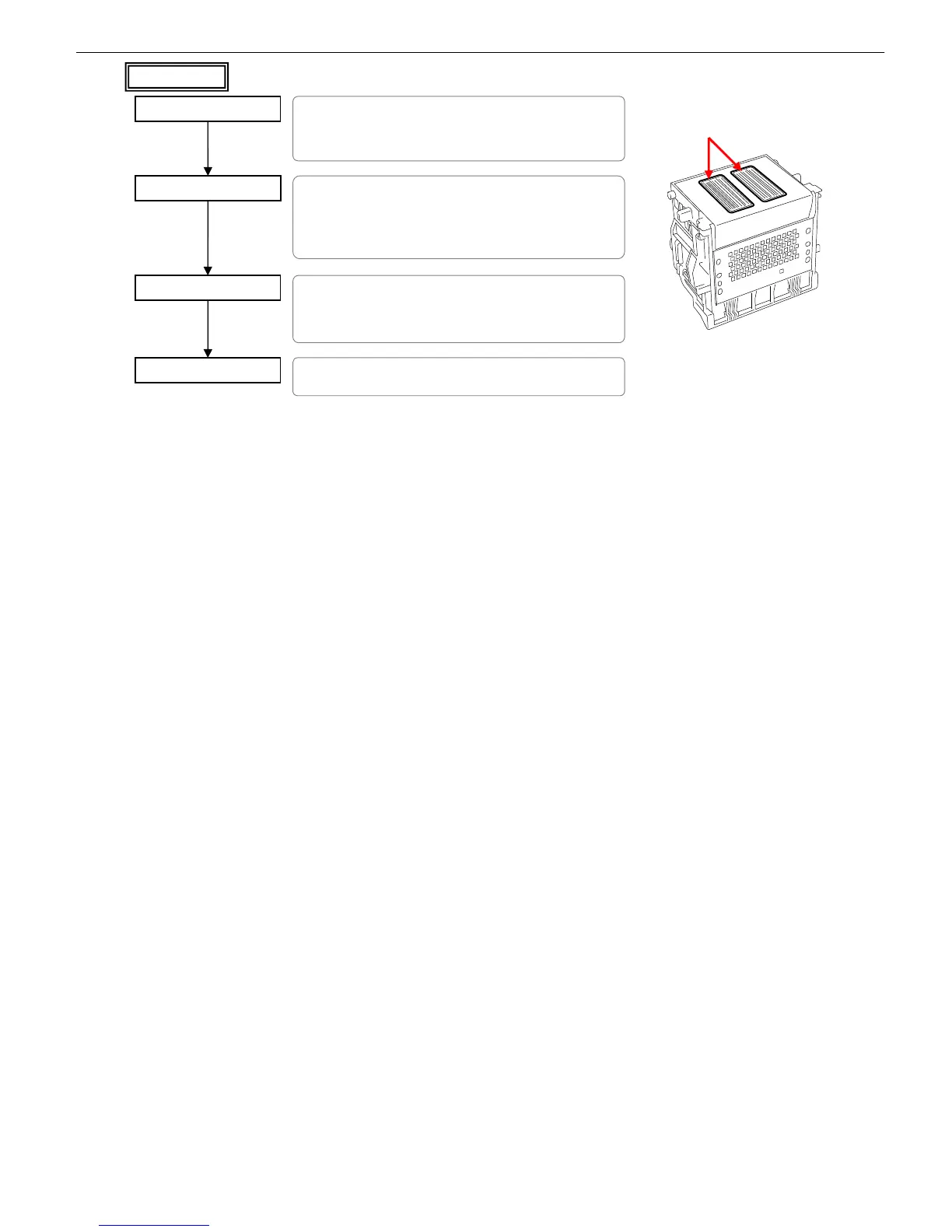
Clean soiling off the head
(1) Move the carriage to the middle.
(2) Place an anti-soiling sheet and take out the head onto it.
(3) Clean the soiling off the head.
*Use commercial purified water. (Do not use tap water)
*Never touch the nozzle surfaces.
Perform Cleaning B
(1) Replace the head in original position and switch on the
printer.
Nozzle surfaces














 To Next Page