Printing a Document Secured by a PIN (Secure Print)
0W20-024
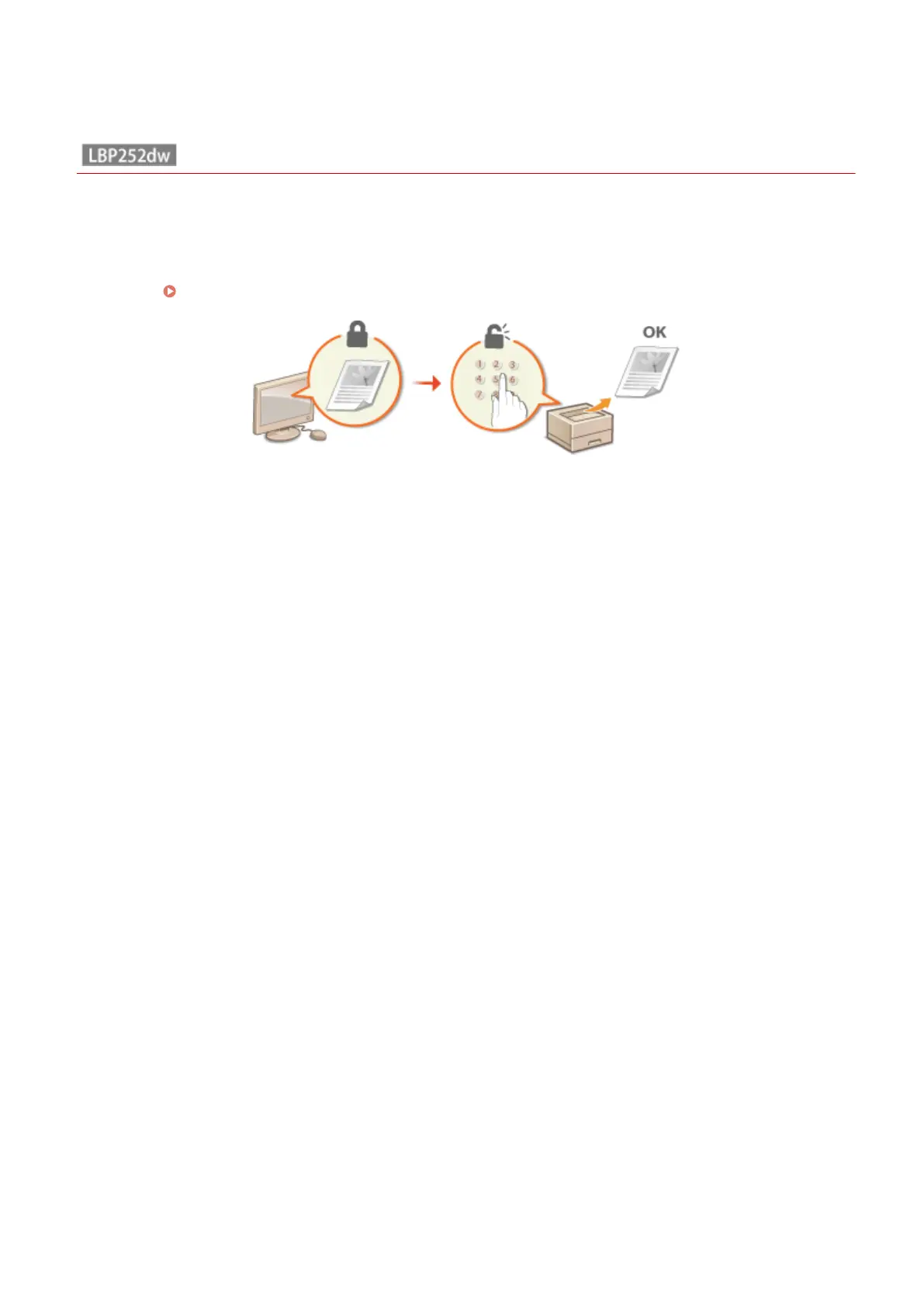
By setting a PIN to a document when printing from a computer, the document is held in the memory of the machine,
and is not printed until the correct PIN is entered on the operation panel of the machine. This function is called "Secure
Print," and the document that is protected by a PIN is called a "secured document." Using Secure Print keeps printouts
of condential documents from being left unattended. Before you can use this function, you need to complete some
procedures. Preparing for Using Secure Print(P. 110)
Printing
109










 To Next Page