Loading Paper in the Paper Drawer
0W20-00S
Load the paper that you usually use in the paper drawer. When you want to print on paper that is not loaded in the
paper drawer, load the paper in the multi-purpose tray. Loading Paper in the Multi-Purpose Tray(P. 41)
Make sure to load paper in portrait orientation
● Paper cannot be loaded in landscape orientation. Make sure to load the paper in portrait orientation, as
shown in the illustrations below.
● Follow the procedure below when loading paper into the optional paper feeder.
1
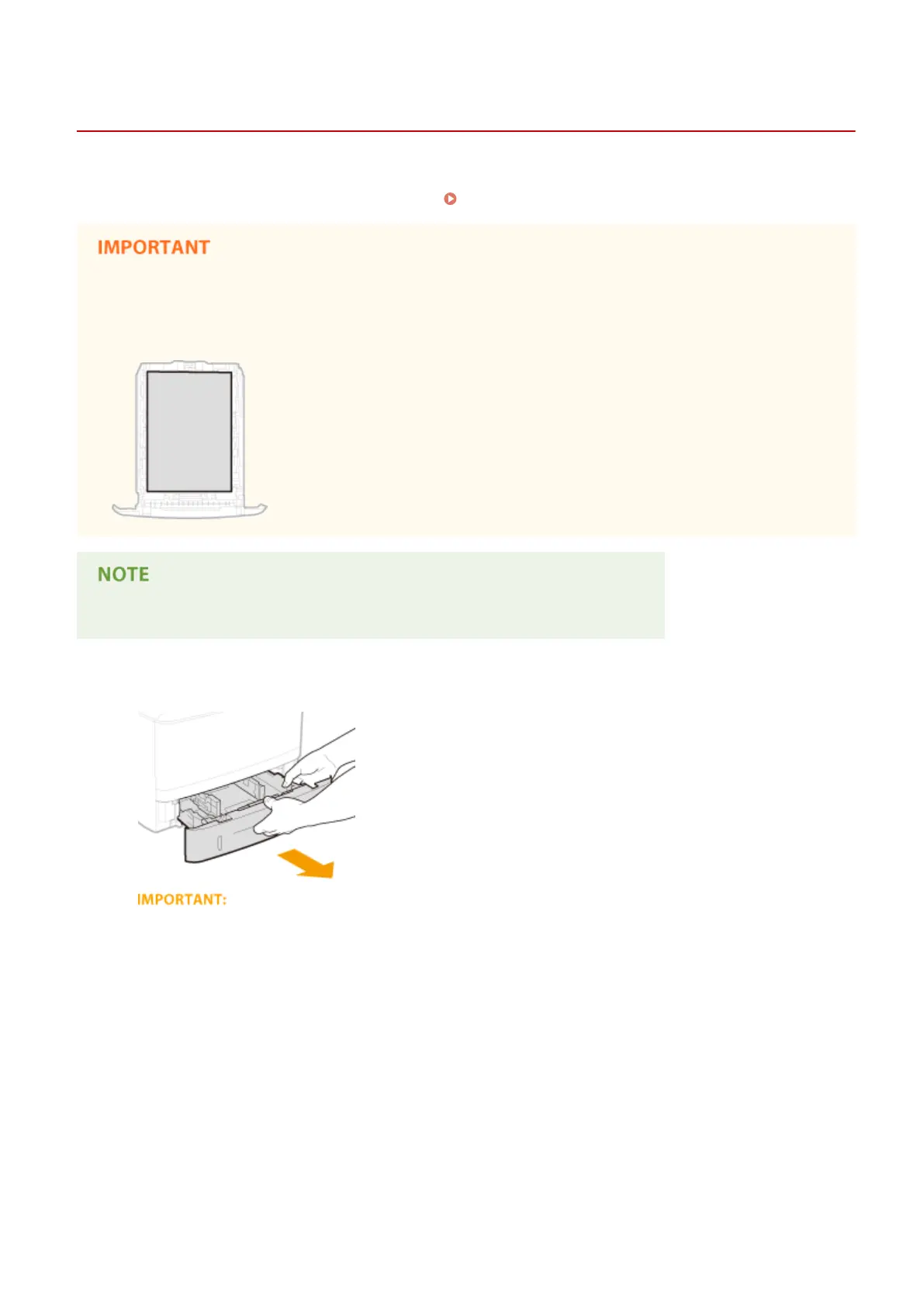
Pull out the paper drawer.
● Make sure to hold the paper drawer with both hands, and pull it out gently. Otherwise, you may damage
the paper drawer by dropping it, if it slides out too easily.
2
Slide the paper guides apart.
● Press the lock release lever to slide the paper guides outward.
Basic Operations
37










 To Next Page