Enlarging or Reducing
0W20-01H
You can make enlarged or reduced printouts by using a preset print ratio, such as A5
to A4, or a custom print ratio that you set in increments of 1%.
Setting Print Ratio by Specifying the Original Document and Paper Size (Preset Ratio)
The print ratio is automatically set based on the document and paper size you have specied.
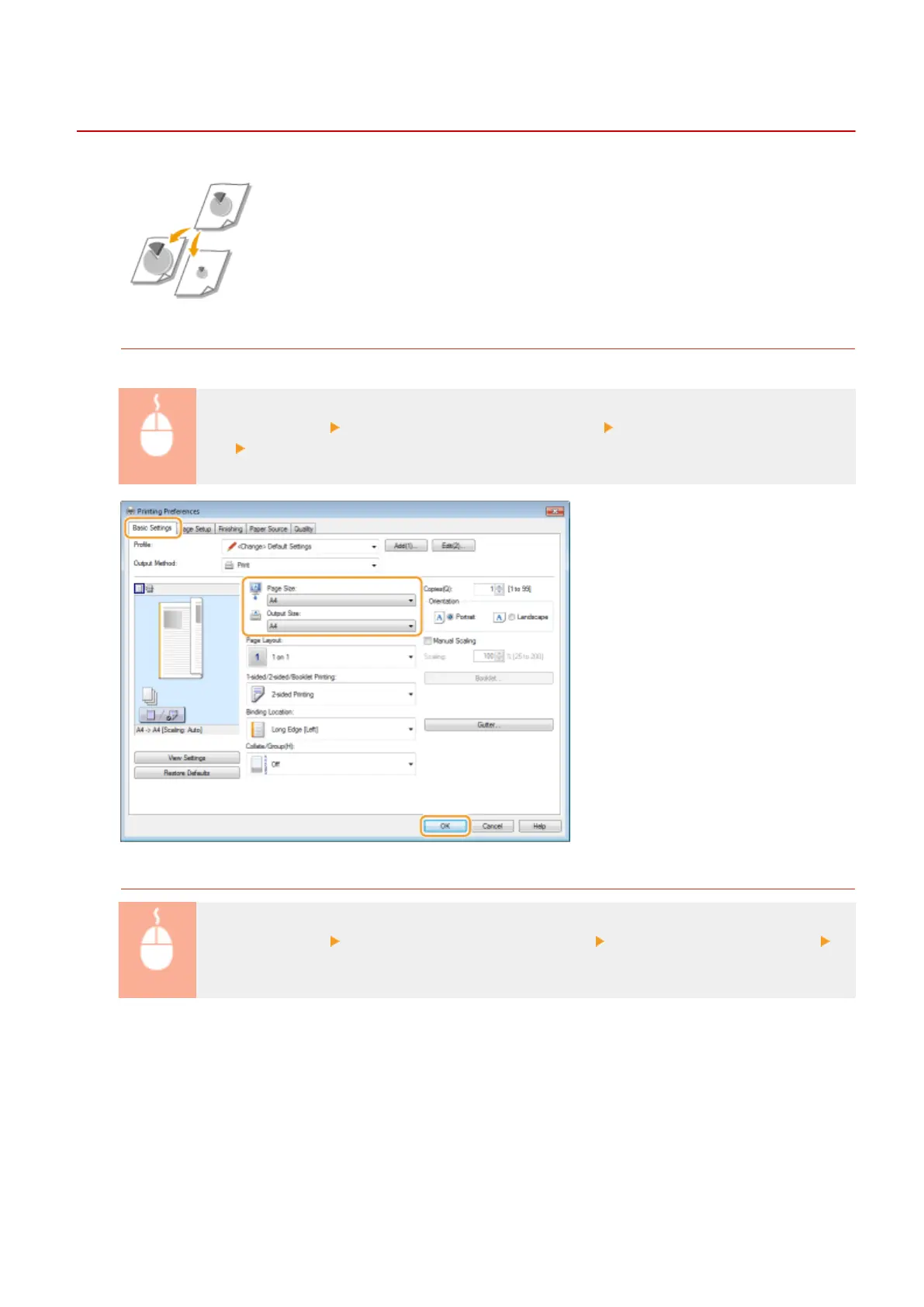
[Basic Settings] tab Select the document size in [Page Size] Select the paper size in [Output
Size] [OK]
Specifying Print Ratio in Increments of 1%
[Basic Settings] tab Select the [Manual Scaling] check box Enter the print ratio in [Scaling]
[OK]
Printing
82










 To Next Page