Selecting Wired LAN or Wireless LAN
0W20-02U
After you decide on wired or wireless LAN to connect the machine to the computer, select wired LAN or wireless LAN
using the operation panel. Note that if you change the setting from <Wired LAN> to <Wireless LAN> or vice versa, you
will need to uninstall the printer driver installed on your computerand then reinstall it. For more information, see
the Printer Driver Installation Guide.
1
Press .
2
Use / to select <Network Settings>, and press .
● If the logon screen appears, enter the correct ID and PIN using the numeric keys, and then press .
Logging on to the Machine(P. 34)
3
Select <Network Settings>, and press .
4
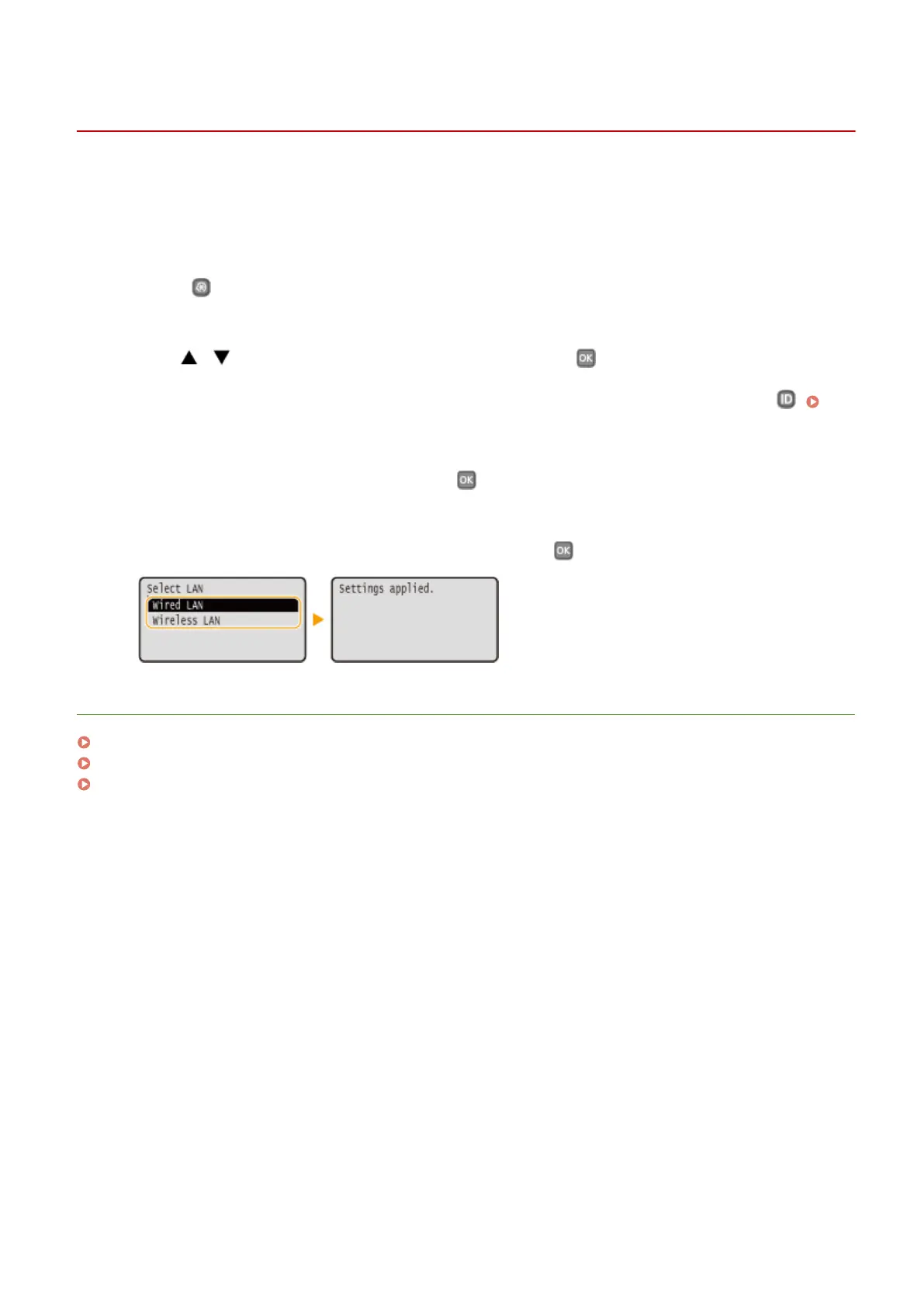
Select <Wired LAN> or <Wireless LAN>, and press .
LINKS
Connecting to a Network(P. 132)
Connecting to a Wired LAN(P. 135)
Connecting to a Wireless LAN(P. 136)
Network
134










 To Next Page