Loading Registered Data
0W20-055
Load (import) data that was exported from the machine. You can also import settings from another machine if it is the
same model as your machine.
1
Start the Remote UI and log on in System Manager Mode. Starting Remote
UI(P. 270)
2
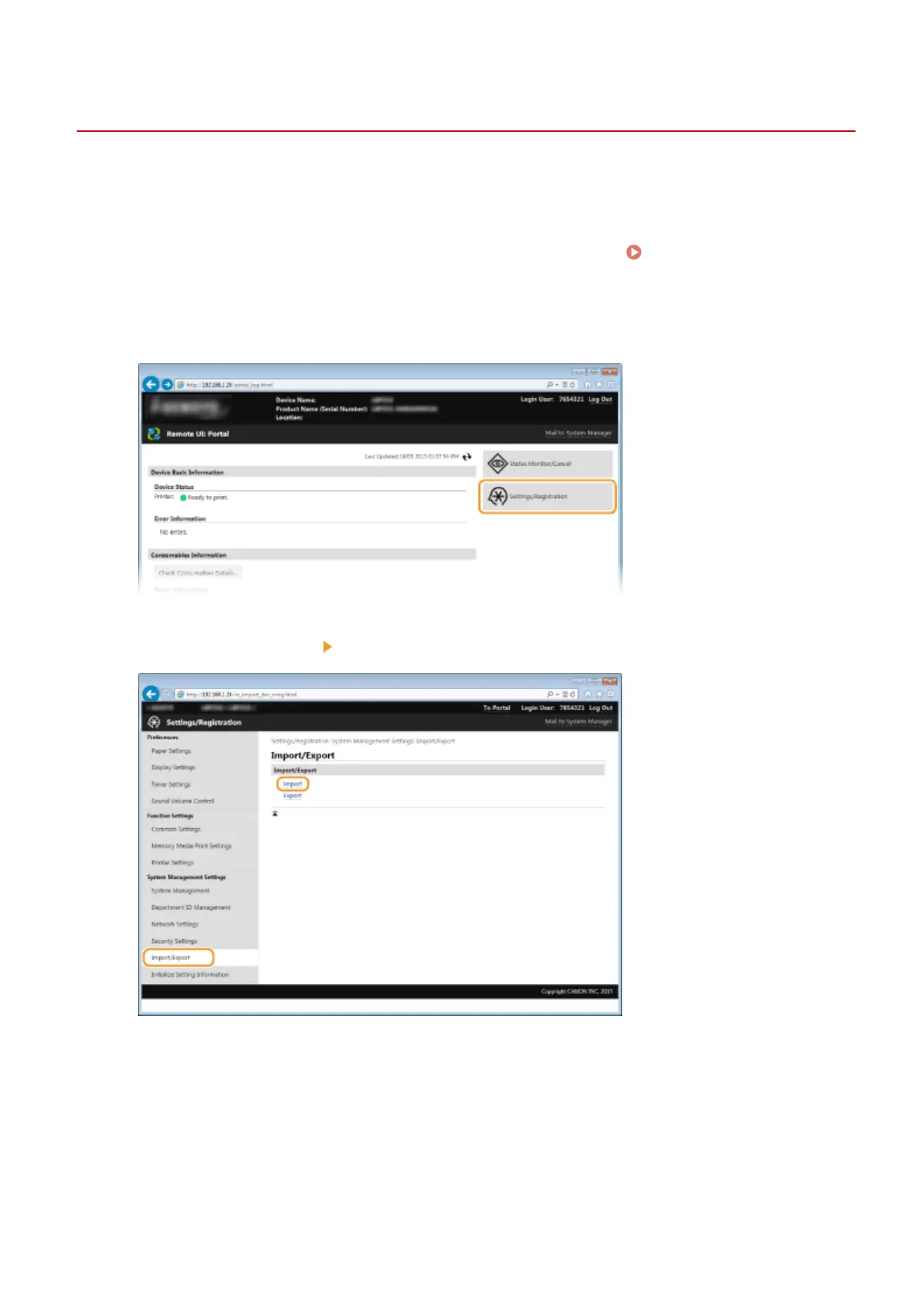
Click [Settings/Registration].
3
Click [Import/Export] [Import].
4
Specify the le to import, and enter the password.
Using Remote UI
284










 To Next Page