Adjusting Print Density
0W20-06C
If the resulting print is darker or lighter than expected, you can adjust the toner density. You can make ne adjustment
of the toner density by dividing the whole density range into three areas.
● If <Toner Save> is set to <On>, you cannot use this adjustment function. Toner Save(P. 316)
1
Press .
2
Use / to select <Printer Settings>, and press .
3
Select <Print Quality> <Density>.
4
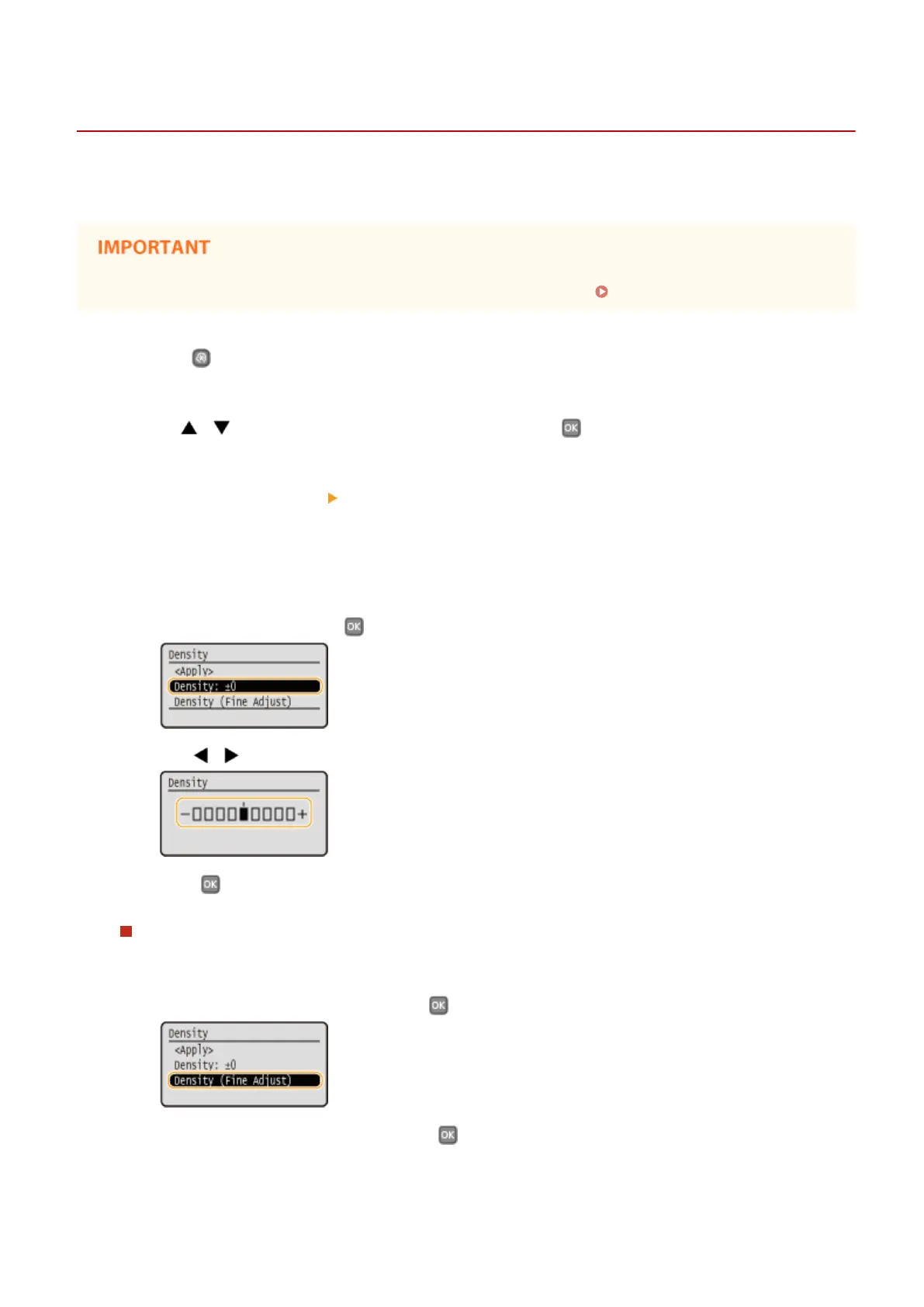
Adjust the density.
1
Select <Density>, and press .
2
Use / to adjust the density.
3
Press .
Making ne adjustment of toner density by density level
You can make ne adjustment of toner density on three density levels - high, medium, and low.
1
Select <Density (Fine Adjust)>, and press .
2
Select the desired density level, and press .
Maintenance
405










 To Next Page