Powering OFF at a Fixed Time
0W20-017
You can make a setting so that the power is automatically tuned OFF at a specied time on each day of the week. This
allows you to avoid useless power consumption that may occur due to failure to turn OFF the power. By default, this
function is disabled.
1
Start the Remote UI and log on in System Manager Mode. Starting Remote
UI(P. 270)
2
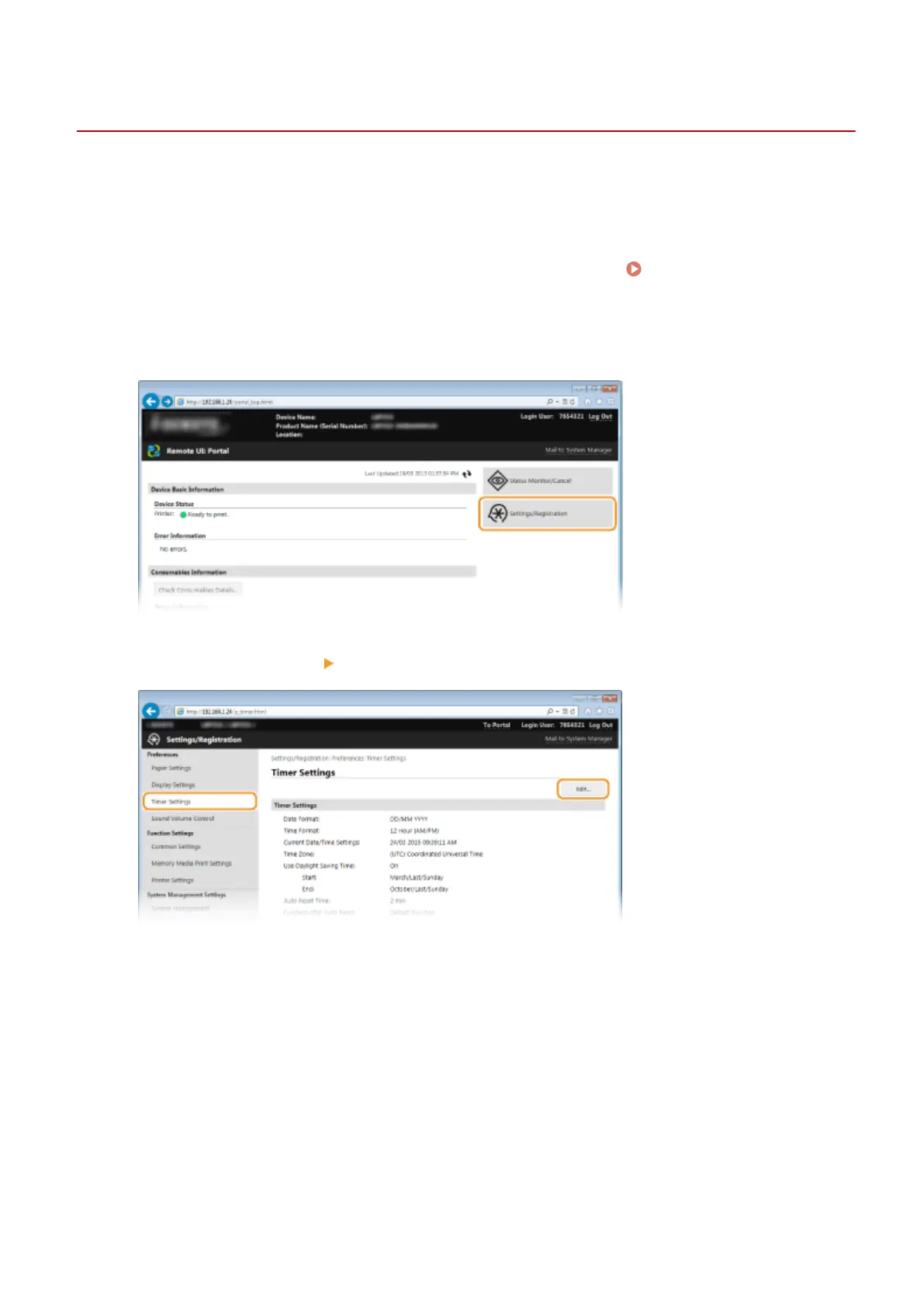
Click [Settings/Registration].
3
Click [Timer Settings] [Edit].
4
Select the check box for [Set Auto Shutdown Weekly Timer], and set the time to turn
OFF the power.
Basic Operations
64










 To Next Page