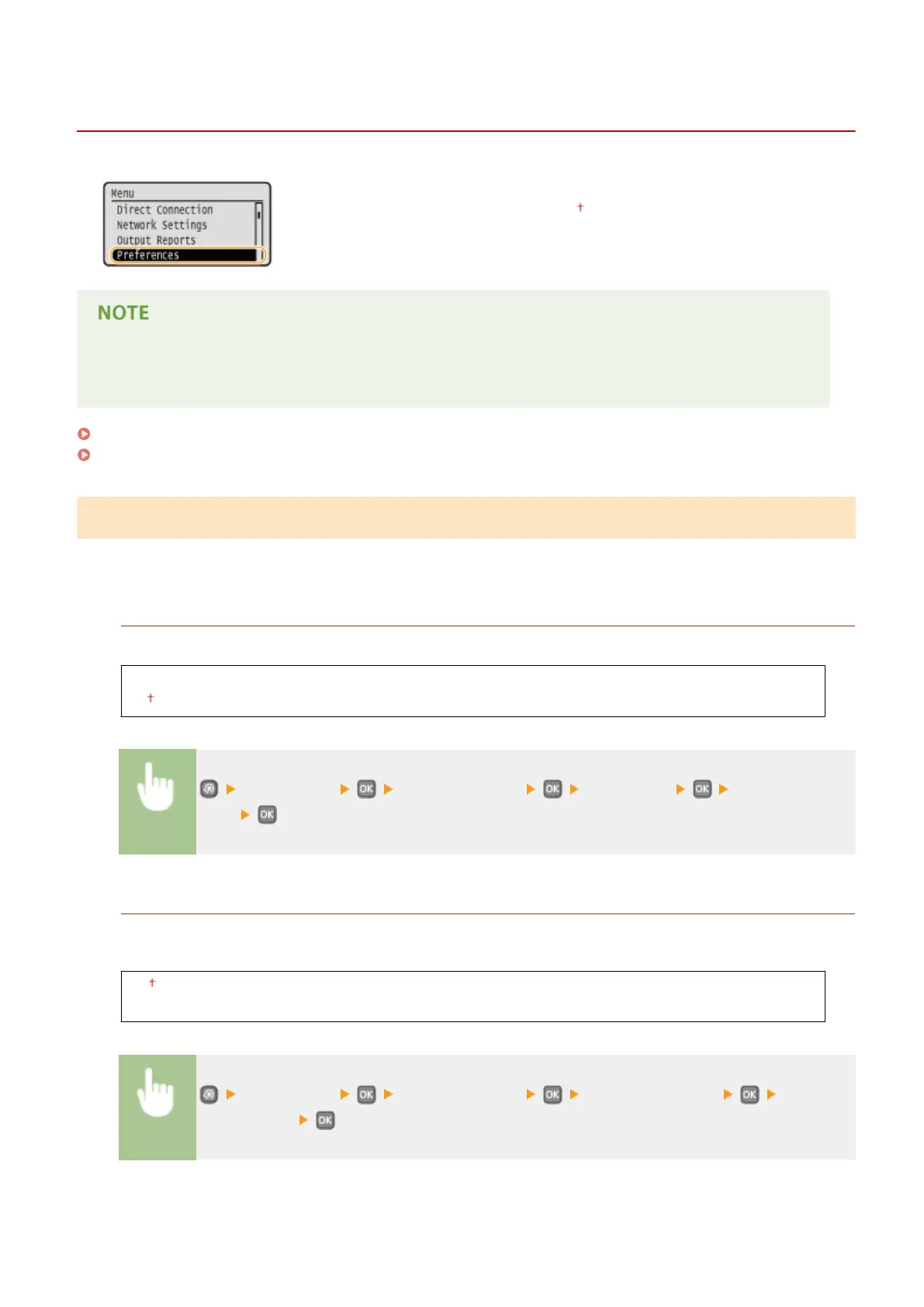
Preferences
0W20-058
All the settings about the sound volume and display are listed with short descriptions.
Default settings are marked with a dagger ( ).
Asterisks (
*
)
Settings marked with an asterisk (*) have different defaults depending on the country or region of purchase.
Volume Settings(P. 302)
Display Settings(P. 303)
Volume Settings
Adjust the volume of a notication beep the machine generates when a key is pressed on the operation panel, printing
is complete, etc.
Entry Tone
Select whether the machine beeps when a key is pressed on the operation panel.
Off
On
<Preferences> <Volume Settings> <Entry Tone> Select <Off> or
<On>
Invalid Entry Tone
Select whether the machine beeps when an invalid settings value is entered, such as when a user is trying to
enter a number unavailable for a setting.
Off
On
<Preferences> <Volume Settings> <Invalid Entry Tone> Select
<Off> or <On>
Setting Menu List
302










 To Next Page