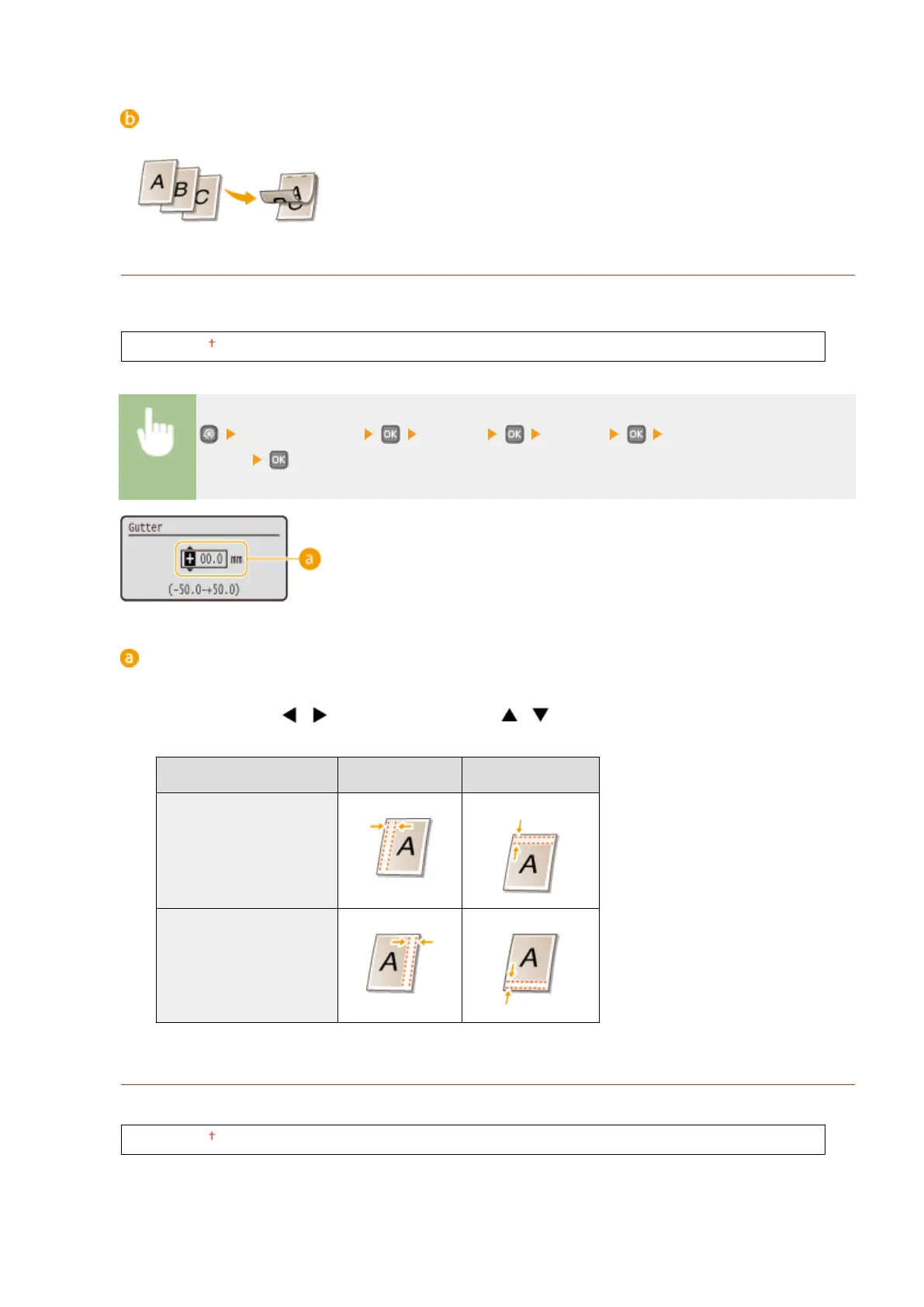
<Short Edge>
Specify this to bind on the short edge of paper.
Gutter
Shift the print position to adjust the binding margin to apply to the binding edge specied by <Binding
Location>. The value "00.0" exerts no effect on the binding margin.
-50.0 to 00.0 to +50.0 (mm)
<Printer Settings> <Layout> <Gutter> Specify the binding
margin
Entering the setting value
Specify the print position shift direction and shift width. Whether the setting value is a "+" or "-" value
determines the binding edge along which to adjust the binding margin. You can adjust the binding margin in
units of 0.5 mm. Use / to move the cursor, and / to switch between "+" / "-" and to increase or
decrease the value.
Setting Value
Long Edge Short Edge
A value with a "+" sign Left edge of paper Top edge of paper
A value with a "-" sign Right edge of paper Bottom edge of paper
Offset Short Edge/Offset Long Edge
Irrespective of the paper source, you can shift the print position in units of 0.5 mm for all print jobs.
-50.0 to 00.0 to +50.0 (mm)
Setting Menu List
318










 To Next Page