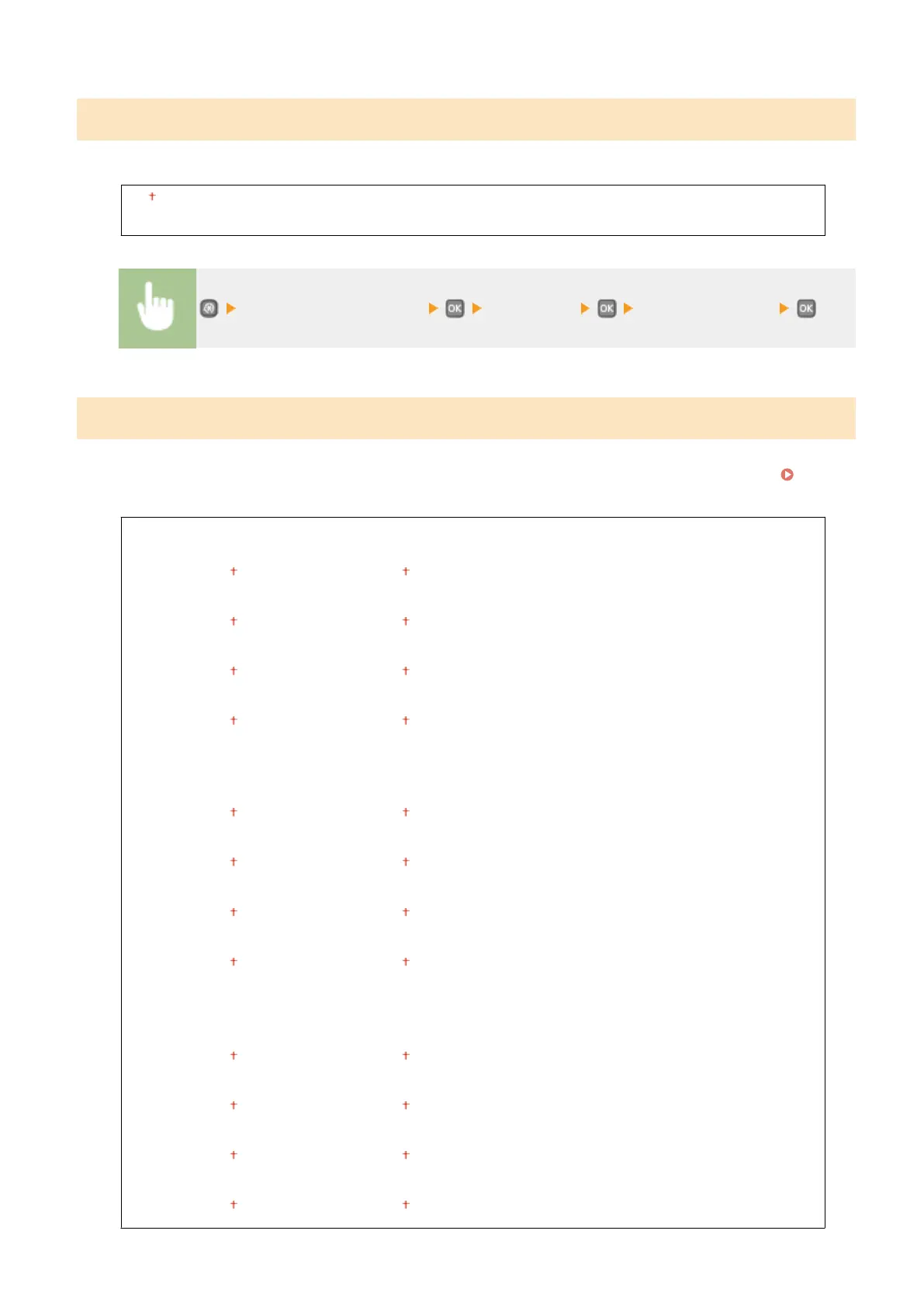
Toner Save
You can save toner when performing Report Print.
Off
On
<Adjustment/Maintenance> <Toner Save> Select <Off> or <On>
Adjust Print Position
For each paper source, you can adjust the print position. You can adjust the print position in the range -5.0 to +5.0 mm
in vertical direction, and in the range -3.0 to +3.0 mm in horizontal direction, both in increments of 0.1 mm.
Adjusting Print Position(P. 407)
Multi-Purpose Tray
Adjust Vertically (Front Side)
-0.20 to 0.00
to +0.20 (") or -5.0 to 0.0 to +5.0 (mm)
Adjust Horizontally (Front Side)
-0.12 to 0.00
to +0.12 (") or -3.0 to 0.0 to +3.0 (mm)
Adjust Vertically (Back Side)
-0.20 to 0.00 to +0.20 (") or -5.0 to 0.0 to +5.0 (mm)
Adjust Horizontally (Back Side)
-0.12 to 0.00 to +0.12 (") or -3.0 to 0.0 to +3.0 (mm)
Drawer 1
Adjust Vertically (Front Side)
-0.20 to 0.00
to +0.20 (") or -5.0 to 0.0 to +5.0 (mm)
Adjust Horizontally (Front Side)
-0.12 to 0.00
to +0.12 (") or -3.0 to 0.0 to +3.0 (mm)
Adjust Vertically (Back Side)
-0.20 to 0.00 to +0.20 (") or -5.0 to 0.0 to +5.0 (mm)
Adjust Horizontally (Back Side)
-0.12 to 0.00
to +0.12 (") or -3.0 to 0.0 to +3.0 (mm)
Drawer 2
*
Adjust Vertically (Front Side)
-0.20 to 0.00
to +0.20 (") or -5.0 to 0.0 to +5.0 (mm)
Adjust Horizontally (Front Side)
-0.12 to 0.00
to +0.12 (") or -3.0 to 0.0 to +3.0 (mm)
Adjust Vertically (Back Side)
-0.20 to 0.00
to +0.20 (") or -5.0 to 0.0 to +5.0 (mm)
Adjust Horizontally (Back Side)
-0.12 to 0.00
to +0.12 (") or -3.0 to 0.0 to +3.0 (mm)
Setting Menu List
333










 To Next Page