Implementing Robust Security Features
0W20-04H
Authorized users may incur unanticipated losses from attacks by malicious third parties, such as sning, spoong,
and tampering of data as it ows over a network. To protect your important and valuable information from these
attacks, the machine supports the following features to enhance security and secrecy.
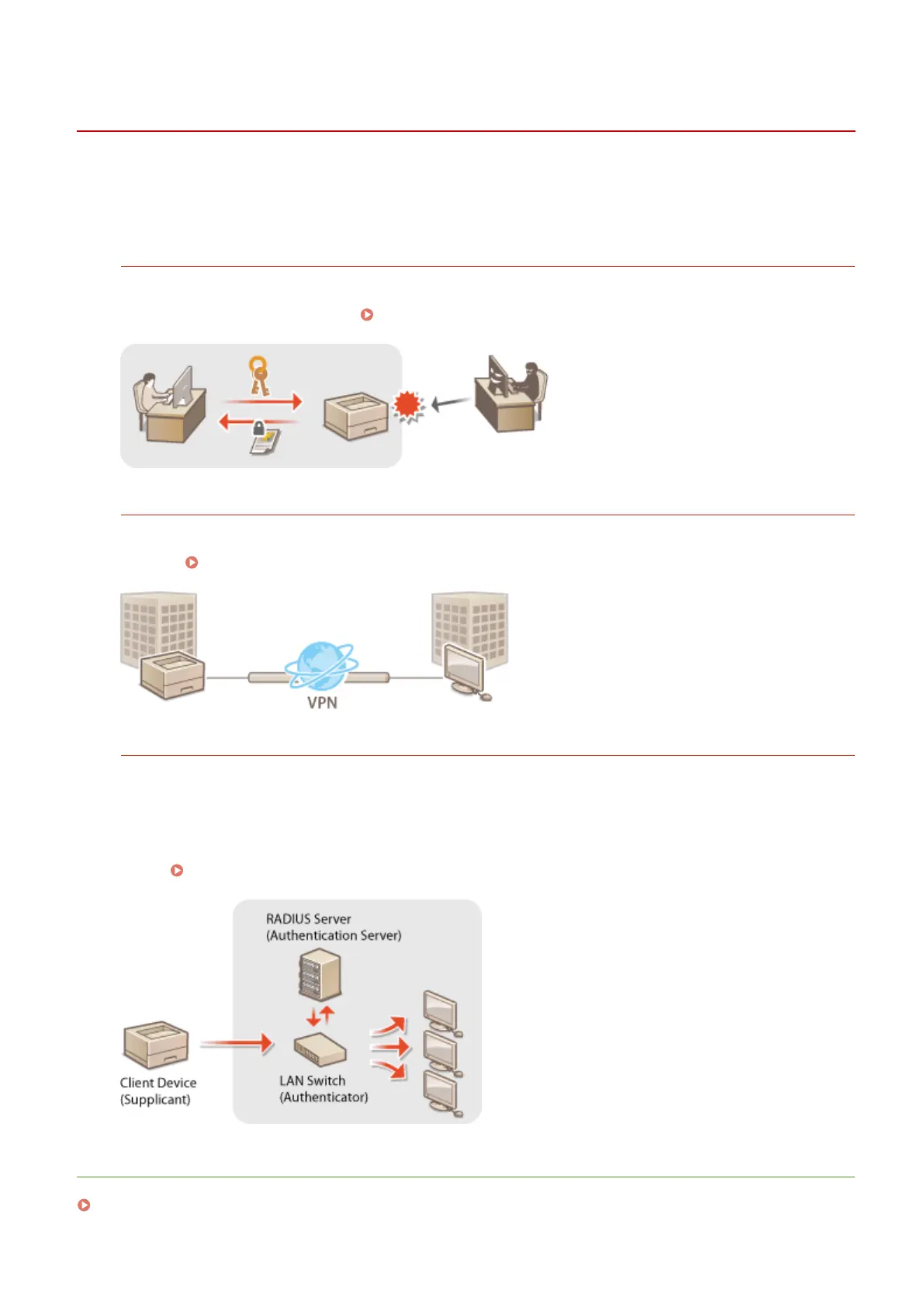
SSL Encrypted Communication
SSL is a protocol for encryption for data sent over a network and is often used for communication via a Web
browser or an e-mail application. SSL enables secure network communication when you access the machine
from a computer via the Remote UI.
Enabling SSL Encrypted Communication for the Remote UI(P. 235)
IPSec Communication
While SSL only encrypts data used on a specic application, such as a Web browser or an e-mail application,
IPSec encrypts the whole (or payloads of) IP packets. This enables IPSec to offer a more versatile security system
than SSL. Conguring IPSec Settings(P. 239)
IEEE 802.1X Authentication
IEEE 802.1X is a standard and mechanism for blocking unauthorized access to the network by collectively
managing user authentication information. If a device tries to connect to the 802.1X network, the device must
go through user authentication in order to prove that the connection is made by an authorized user.
Authentication information is sent to and checked by a RADIUS server, which permits or rejects communication
to the network depending on the authentication result. If authentication fails, a LAN switch (or an access point)
blocks access from the outside of the network. The machine can connect to an 802.1X network as a client
device.
Conguring IEEE 802.1X Authentication(P. 248)
LINKS
Conguring Settings for Key Pairs and Digital Certicates(P. 253)
Security
234










 To Next Page