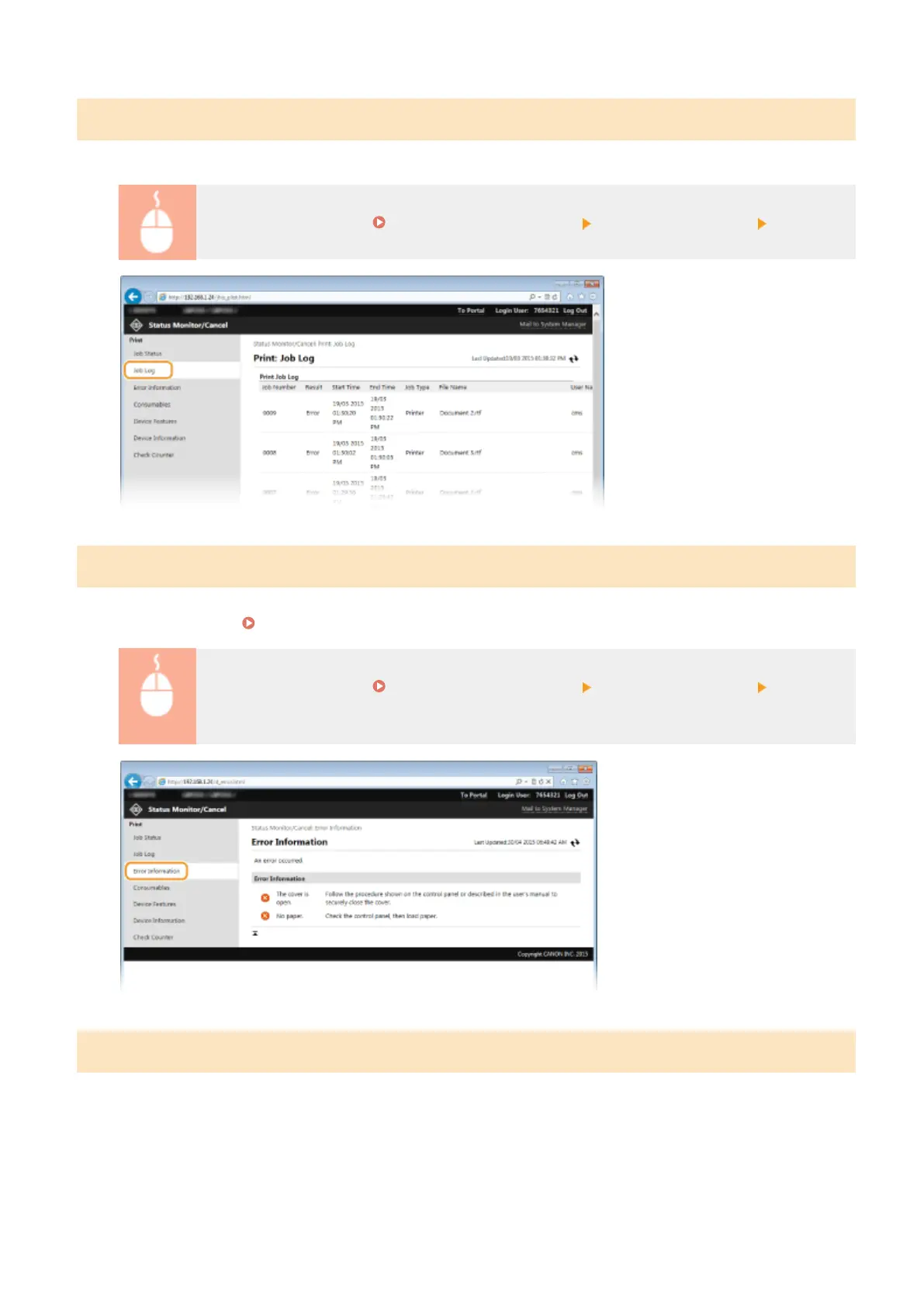
Checking History of Documents
The history of print is displayed up to 128 jobs.
Log on to the Remote UI ( Starting Remote UI(P. 270) ) [Status Monitor/Cancel] [Job Log]
Checking Error Information
When an error occurs, this page will be displayed by clicking the message displayed under [Error Information] on
Portal Page (main page). Portal Page (Main Page)(P. 272)
Log on to the Remote UI ( Starting Remote UI(P. 270) ) [Status Monitor/Cancel] [Error
Information]
Checking Consumables
Paper size and paper type for the paper source, toner cartridge model number, etc. are displayed. You can also click
[Check Consumables Details] in the Portal Page (main page) to display the screen for checking consumables.
Using Remote UI
276










 To Next Page