Log in to the Remote UI ( Starting Remote UI(P. 270) ) [Status Monitor/Cancel]
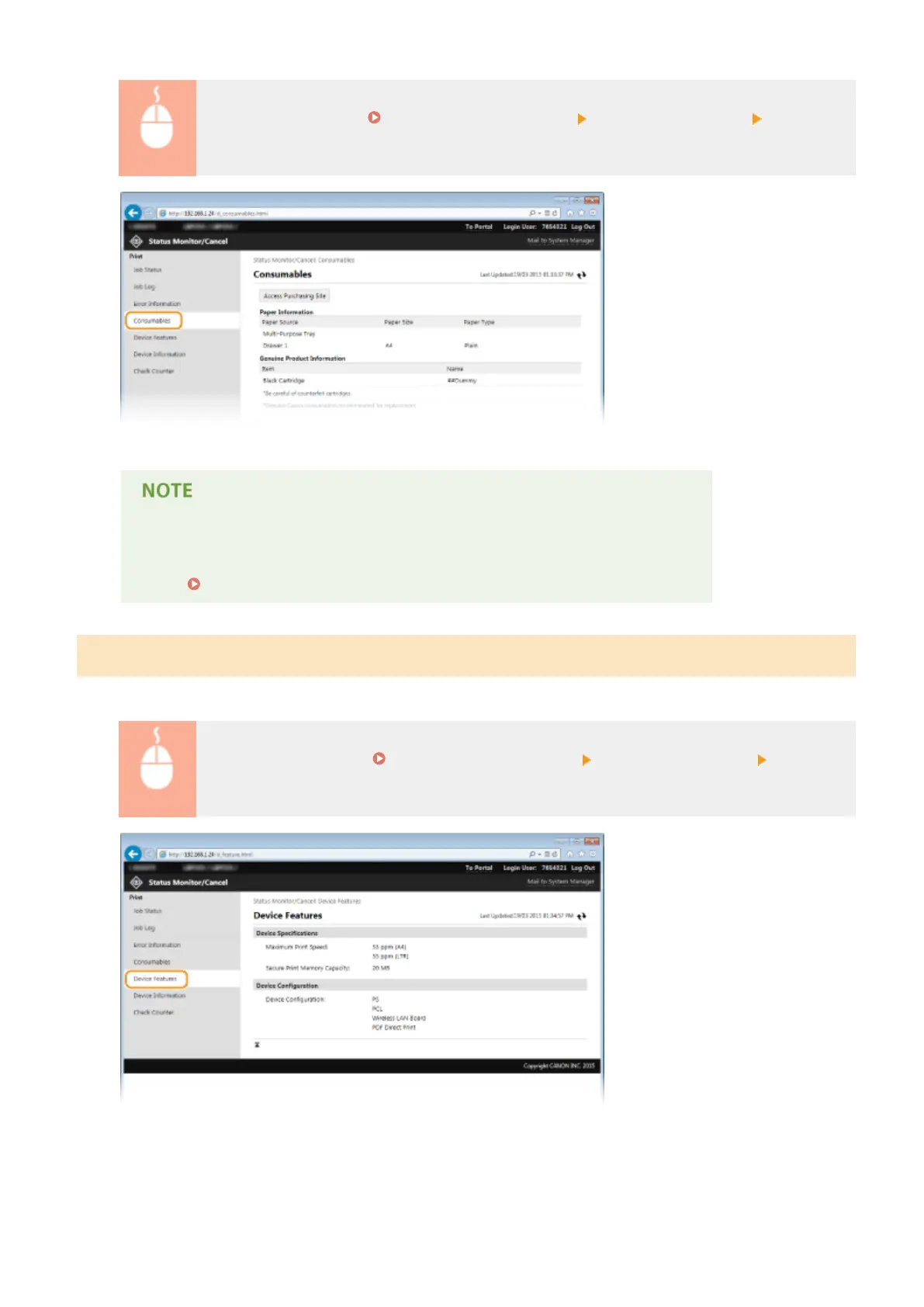
[Consumables]
Click [Access Purchasing Site] to display the page for purchasing consumables.
When [Access Purchasing Site] is not displayed
On the operation panel, set <Display Consumables Purchase Button (RUI)> to <On>.
Display Consumables Information (RUI/Toner Status)(P. 342)
Checking Device Specications
Information including maximum print speed and machine's hardware features is displayed.
Log on to the Remote UI ( Starting Remote UI(P. 270) ) [Status Monitor/Cancel] [Device
Features]
Using Remote UI
277










 To Next Page