Saving Registered Data to a USB Memory Device
0W20-06W
You can export machine settings data and save them in a USB memory device. It is recommended that you regularly
back up important settings.
1
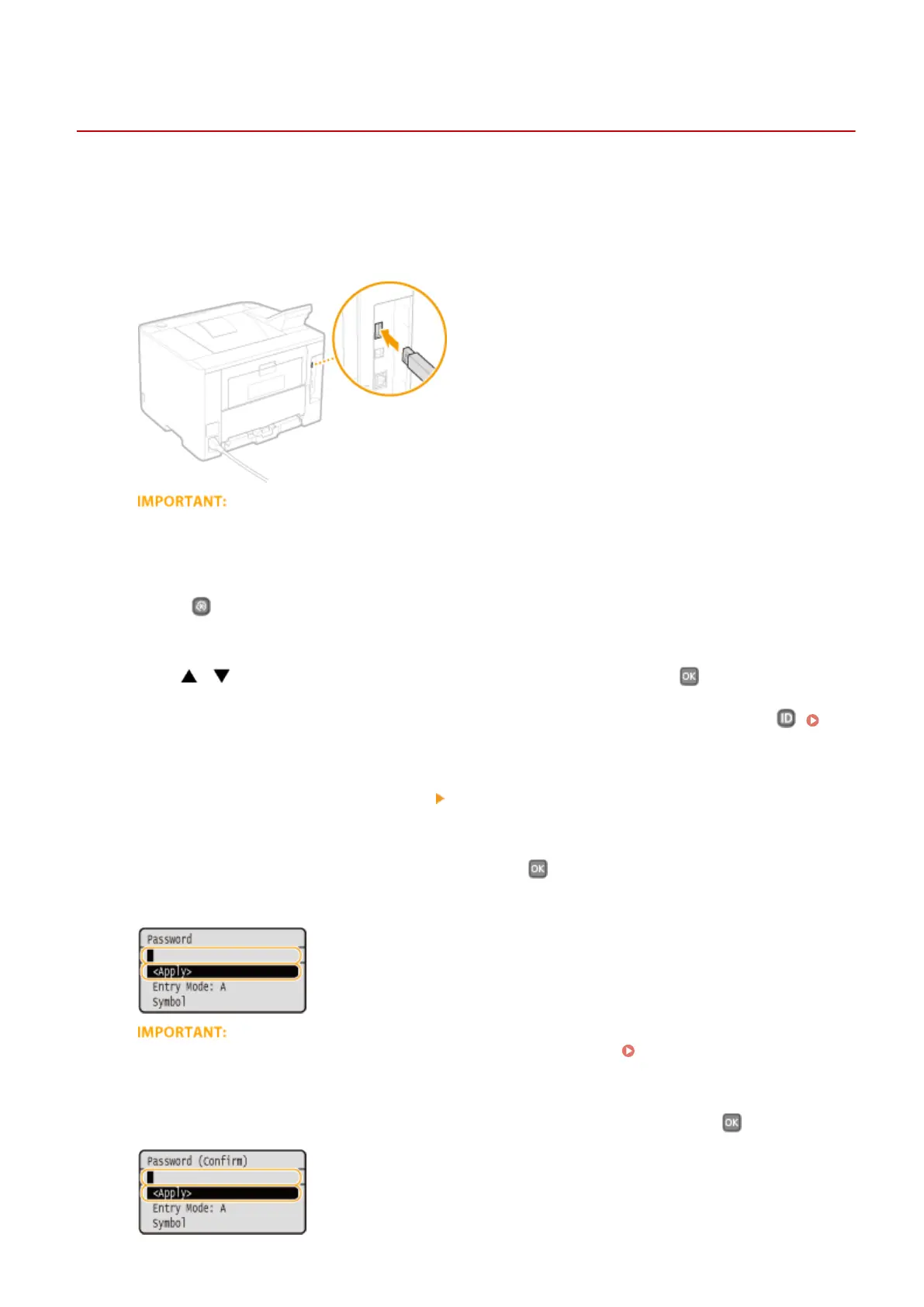
Connect a USB memory device to the USB port for a USB device.
● Do not disconnect, jostle, or turn OFF the machine or USB memory device while the data is being
transferred.
2
Press .
3
Use / to select <System Management Settings>, and press .
● If the logon screen appears, enter the correct ID and PIN using the numeric keys, and then press .
Logging on to the Machine(P. 34)
4
Select <Import/Export of Settings> <Export>.
5
Enter the password, select <Apply>, and press .
● Enter a password for the export data consisting of up to 32 alphanumeric characters.
This password will be required when you import the data to the machine. Loading Registered Data from
a USB Memory Device(P. 420)
6
Enter the password again for conrmation, select <Apply>, and press .
}
Maintenance
418










 To Next Page