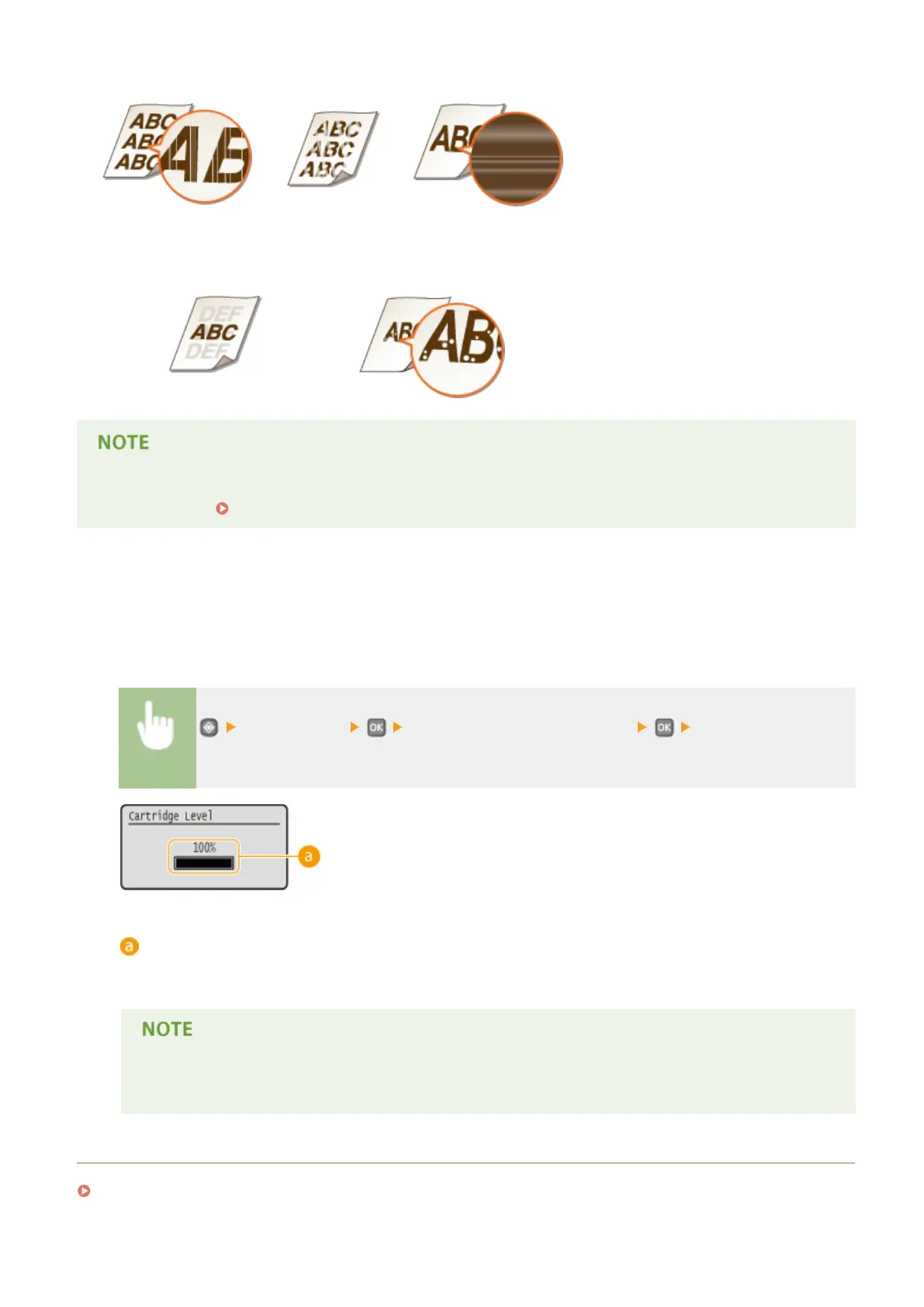
Streaks appear
Partially faded
Uneven density
Afterimages appear in blank areas
White spots appear
● If, of the above symptoms, "Streaks appear," "Partially faded," or "Uneven density" appears, performing the
procedure for Using Up Toner(P. 398) may allow you to get ne print again, for some limited time.
◼
Checking the Amount Remaining in the Toner Cartridge
You can check the amount remaining in the toner cartridge according to the following, whenever you want to. It is
recommended that you check the level before you start to print a large job.
<Device Status> <Amount Remaining in Cartridge> Check the amount
remaining in the toner cartridge
Toner Level
Displays the amount remaining in the toner cartridge. Depending on your environment, other internal parts
may reach the end of their lifetime before the toner runs out.
● The displayed amount remaining in the toner cartridge can be used only as a guide and may differ
from the actual amount.
LINKS
Consumables(P. 443)
Maintenance
397










 To Next Page