Enabling SSL Encrypted Communication for the Remote
UI
0W20-04J
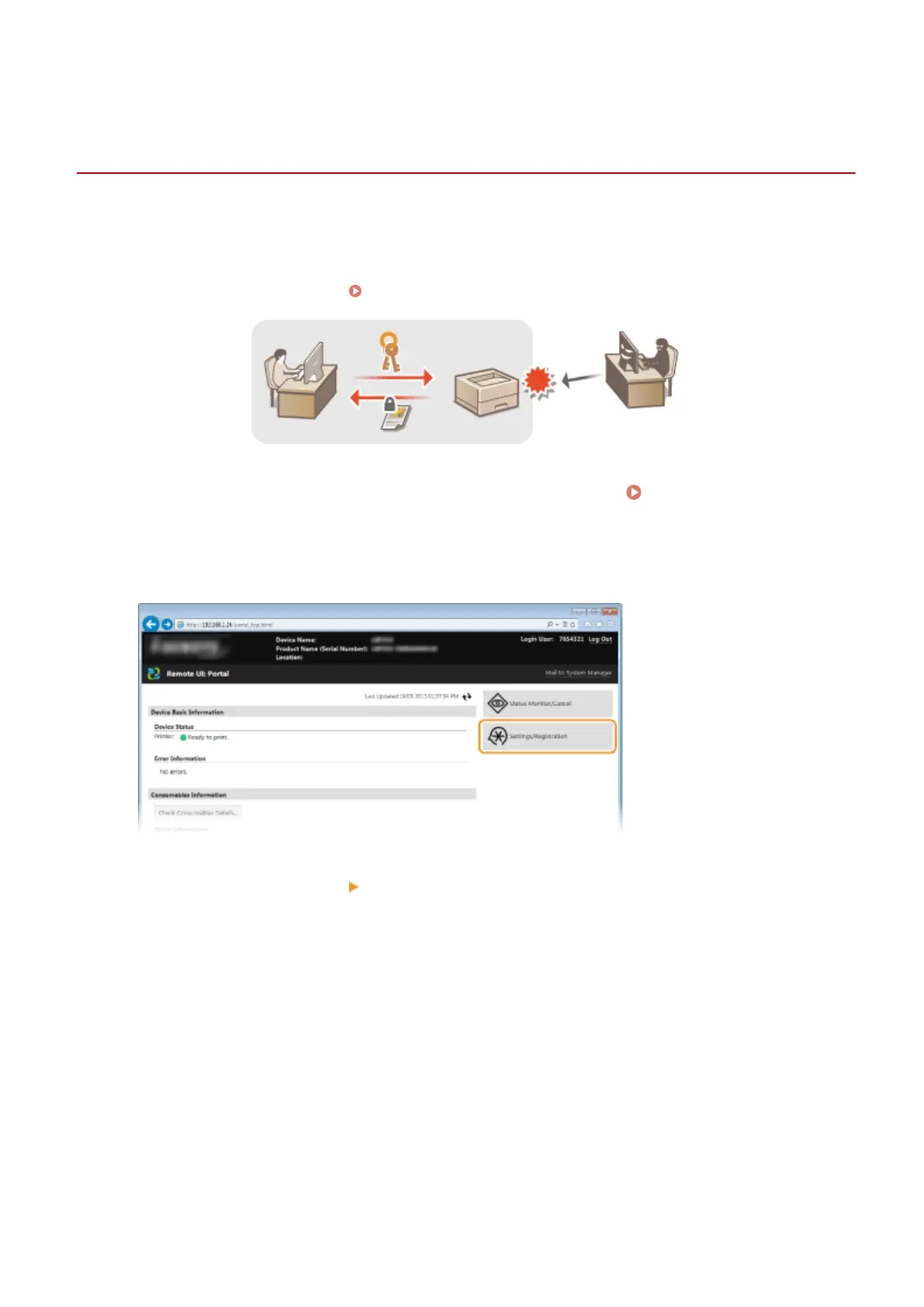
You can encrypt communication between the machine and a Web browser on the computer by using Secure Sockets
Layer (SSL). SSL is a mechanism for encrypting data sent or received over the network. SSL must be enabled when the
Remote UI is used for specifying settings for IPSec (Pre-Shared Key Method), IEEE 802.1X authentication (TTLS/PEAP),
or SNMPv3. To use SSL for the Remote UI, you need to set a key pair and enable the SSL function. Generate or install
the key pair for SSL before enabling SSL ( Conguring Settings for Key Pairs and Digital Certicates(P. 253) ).
1
Start the Remote UI and log on in System Manager Mode. Starting Remote
UI(P. 270)
2
Click [Settings/Registration].
3
Click [Network Settings] [TCP/IP Settings].
Security
235










 To Next Page