Preparing for Using Secure Print
0W20-025
Make sure that Secure Print is enabled on the printer driver.
● To perform the following procedure, log on to the computer with an administrator account.
1
Open the printer folder. Displaying the Printer Folder(P. 474)
2
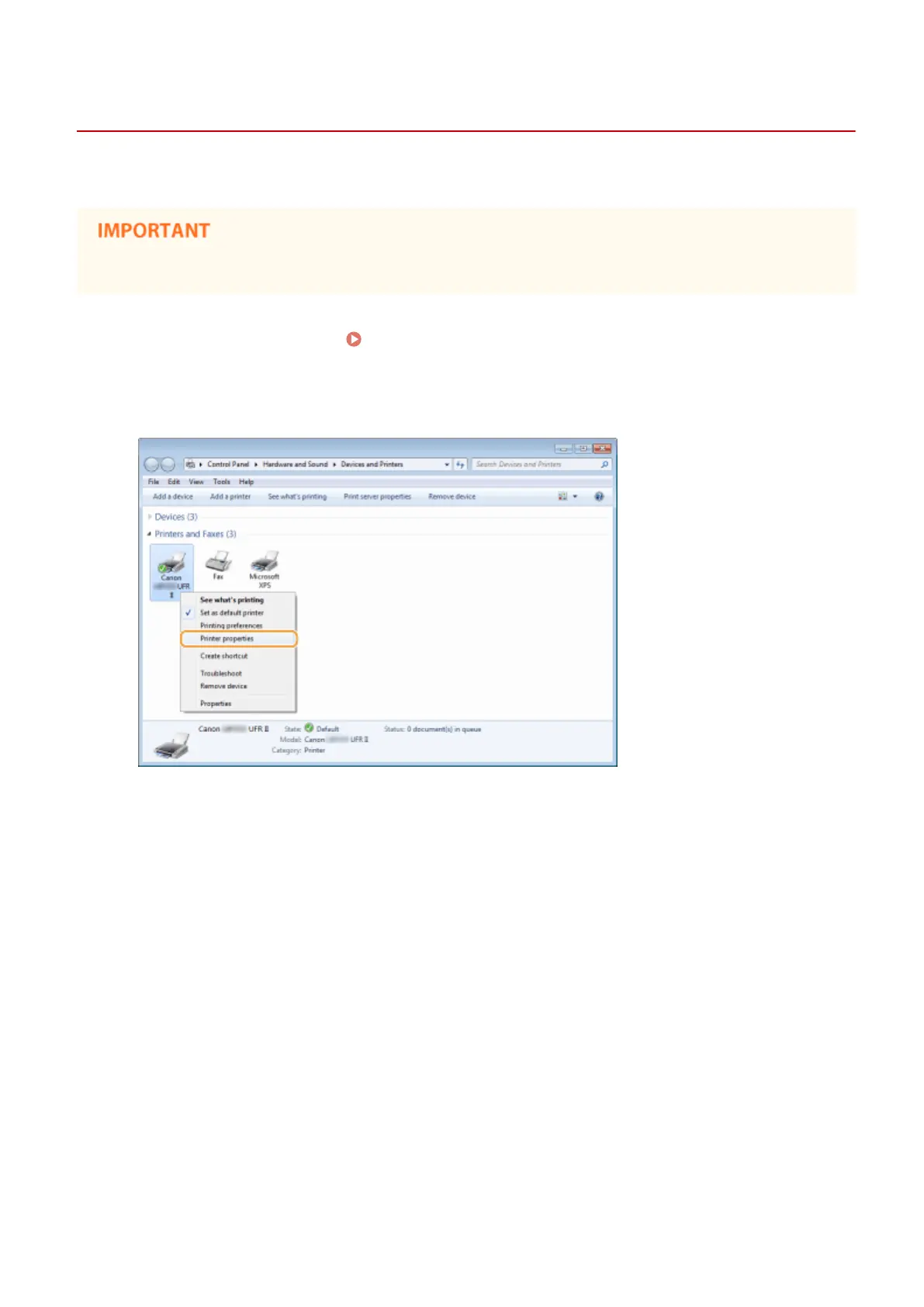
Right-click your printer icon and click [Printer properties] or [Properties].
3
Click the [Device Settings] tab and make sure that the [Allow Use of Secured Print]
check box is selected.
● If the check box is selected, Secure Print is enabled.
● If the check box is not selected, select it and click [OK].
Printing
110










 To Next Page