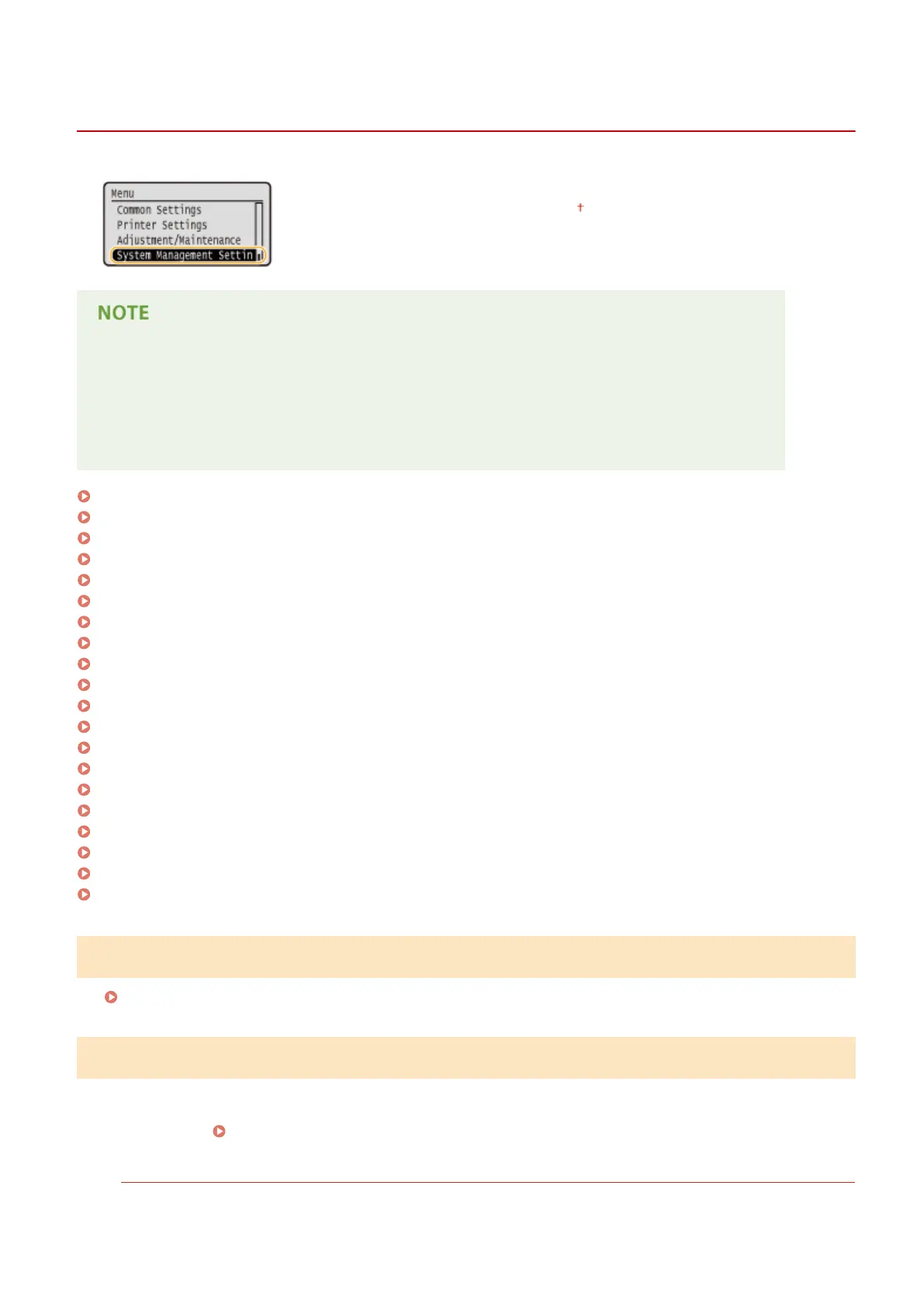
System Management Settings
0W20-08H
All the settings about System Management Settings are listed with short descriptions.
Default settings are marked with a dagger ( ).
Asterisks (
*
)
● Settings marked with "
*1
" cannot be imported or exported.
● Settings marked with "
*2
" have different defaults depending on the country or region of purchase.
● Settings marked with "
*3
" are only available for the LBP252dw.
Network Settings(P. 337)
System Manager Information Settings(P. 337)
Device Information Settings(P. 338)
Department ID Management On/Off(P. 338)
Security Settings(P. 338)
Select Country/Region(P. 340)
Remote UI Settings(P. 341)
Display Job Log(P. 341)
Use as USB Device(P. 342)
Enable Product Extended Survey Program(P. 342)
Display Consumables Information (RUI/Toner Status)(P. 342)
Google Cloud Print Settings(P. 343)
Notify to Check Paper Settings(P. 343)
Import/Export of Settings(P. 343)
Secure Print Settings(P. 343)
PDL Selection (Plug and Play)(P. 344)
Update Firmware(P. 345)
Initialize Key and Certicate(P. 345)
Initialize Menu(P. 345)
Initialize All Data/Settings(P. 346)
Network Settings
See Network Settings(P. 290) .
System Manager Information Settings
Specify the ID or PIN exclusively for Administrators who have access privileges to <Network Settings> and <System
Management Settings>. ID is <System Manager ID> and PIN is <System Manager PIN>. You can also register the name
of an Administrator.
Setting the System Manager ID(P. 207)
System Manager ID and PIN
Enter a number of up to seven digits for the System Manager ID and PIN.
Setting Menu List
337










 To Next Page