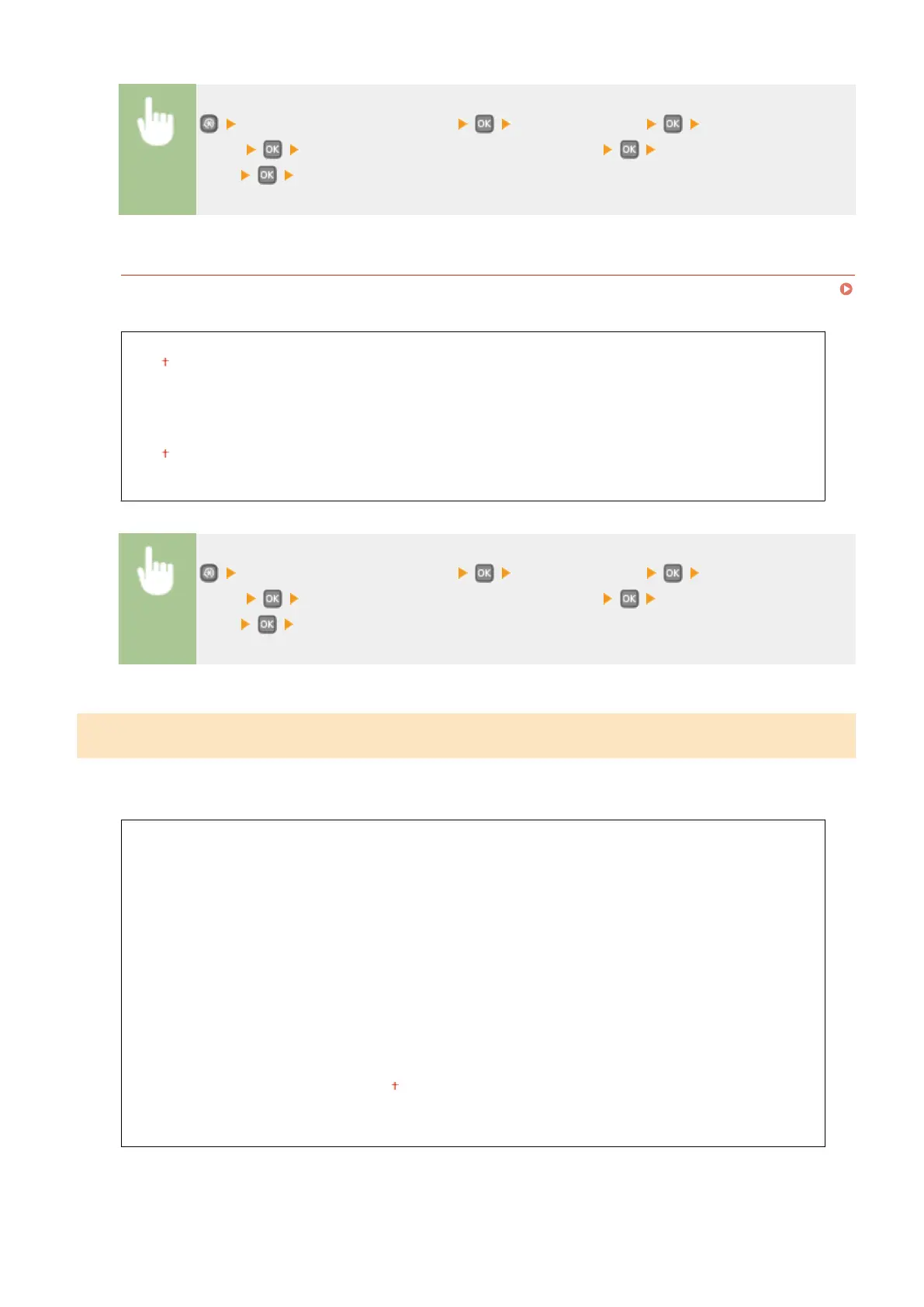
<System Management Settings> <Security Settings> <IPv6 Address
Filter> Select <Outbound Filter> or <Inbound Filter> Select <Off> or
<On> Restart the machine
MAC Address Filter
Enable or disable settings for ltering packets sent to or received from devices with specied MAC addresses.
Specifying MAC Addresses for Firewall Rules(P. 223)
Outbound Filter
Off
On
Inbound Filter
Off
On
<System Management Settings> <Security Settings> <MAC Address
Filter> Select <Outbound Filter> or <Inbound Filter> Select <Off> or
<On> Restart the machine
Select Country/Region
*1
*2
Specify the country or region where the machine is used. The default setting may vary depending on the setting
selected at initial power-on.
Austria (AT)
Belarus (BY)
Belgium (BE)
Czech Republic (CZ)
Denmark (DK)
Egypt (EG)
Finland (FI)
France (FR)
Germany (DE)
Greece (GR)
Hungary (HU)
Ireland (IE)
Italy (IT)
Jordan (JO)
Luxembourg (LU)
Netherlands (NL)
Norway (NO)
Poland (PL)
Portugal (PT)
Russia (RU)
Saudi Arabia (SA)
Slovenia (SI)
South Africa (ZA)
Spain (ES)
Sweden (SE)
Switzerland (CH)
Ukraine (UA)
Great Britain (GB)
Other
Setting Menu List
340










 To Next Page