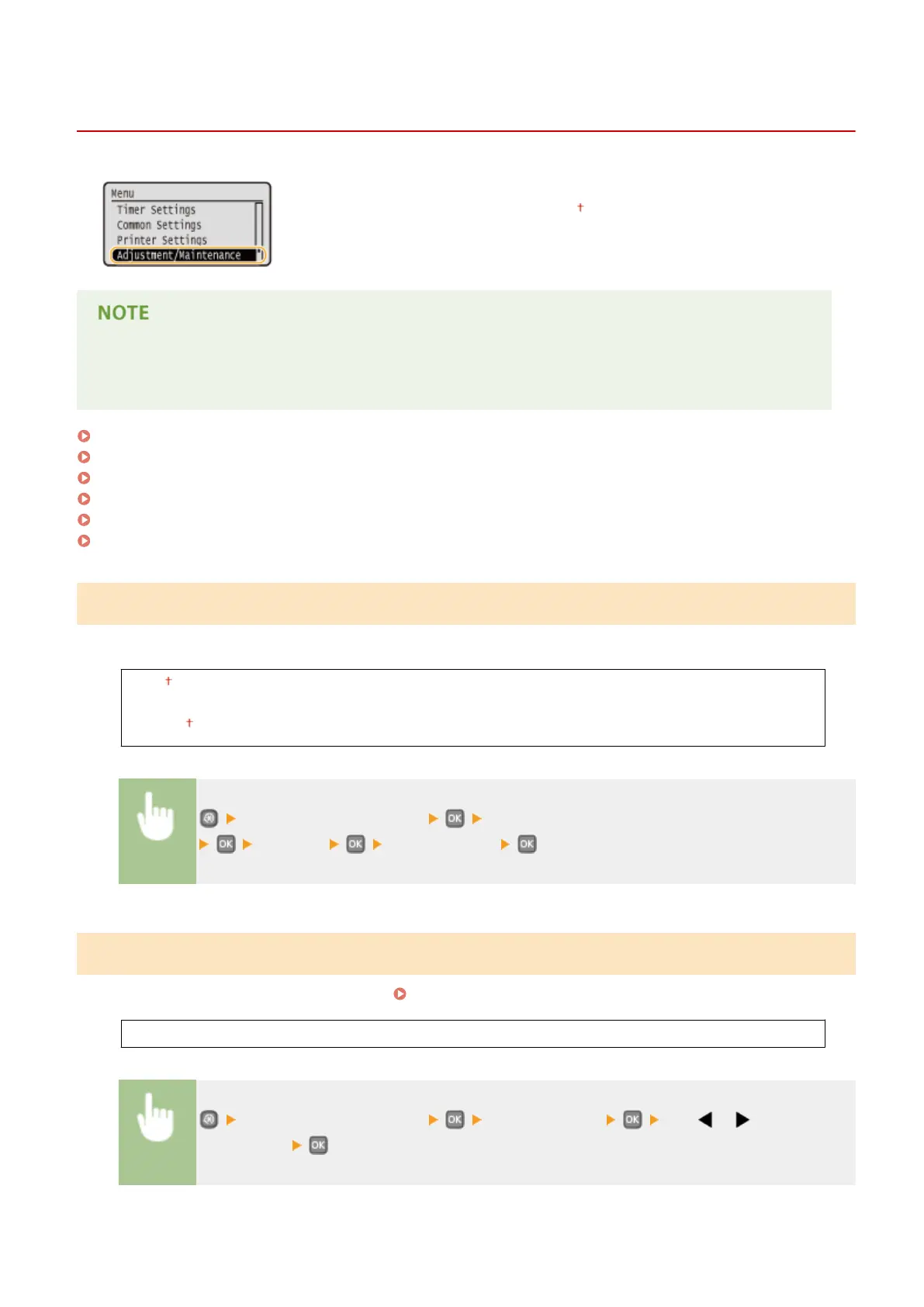
Adjustment/Maintenance
0W20-05F
All the settings about adjustment and maintenance are listed with short descriptions.
Default settings are marked with a dagger ( ).
Asterisks (
*
)
Settings marked with an asterisk (
*
) are only available when the optional paper feeder (drawer 2) is attached.
Display Timing for Cartridge Preparation Notication (P. 332)
Printer Density(P. 332)
Toner Save(P. 333)
Adjust Print Position(P. 333)
Special Processing(P. 334)
Clean Fixing Assembly(P. 336)
Display Timing for Cartridge Preparation Notication
Set the display timing for the message notifying you that the amount remaining in the toner cartridge is low.
Auto
Custom
1 to 20 to 99 (%)
<Adjustment/Maintenance> <Display Timing for Cartridge Preparation Notication>
<Custom> Enter toner level
Printer Density
Adjust the toner density to be used for printing.
Adjusting Print Density(P. 405)
Nine Levels
<Adjustment/Maintenance> <Printer Density> Use / to adjust the
toner density
Setting Menu List
332










 To Next Page