Printing speed becomes slower when you select stronger improvement.
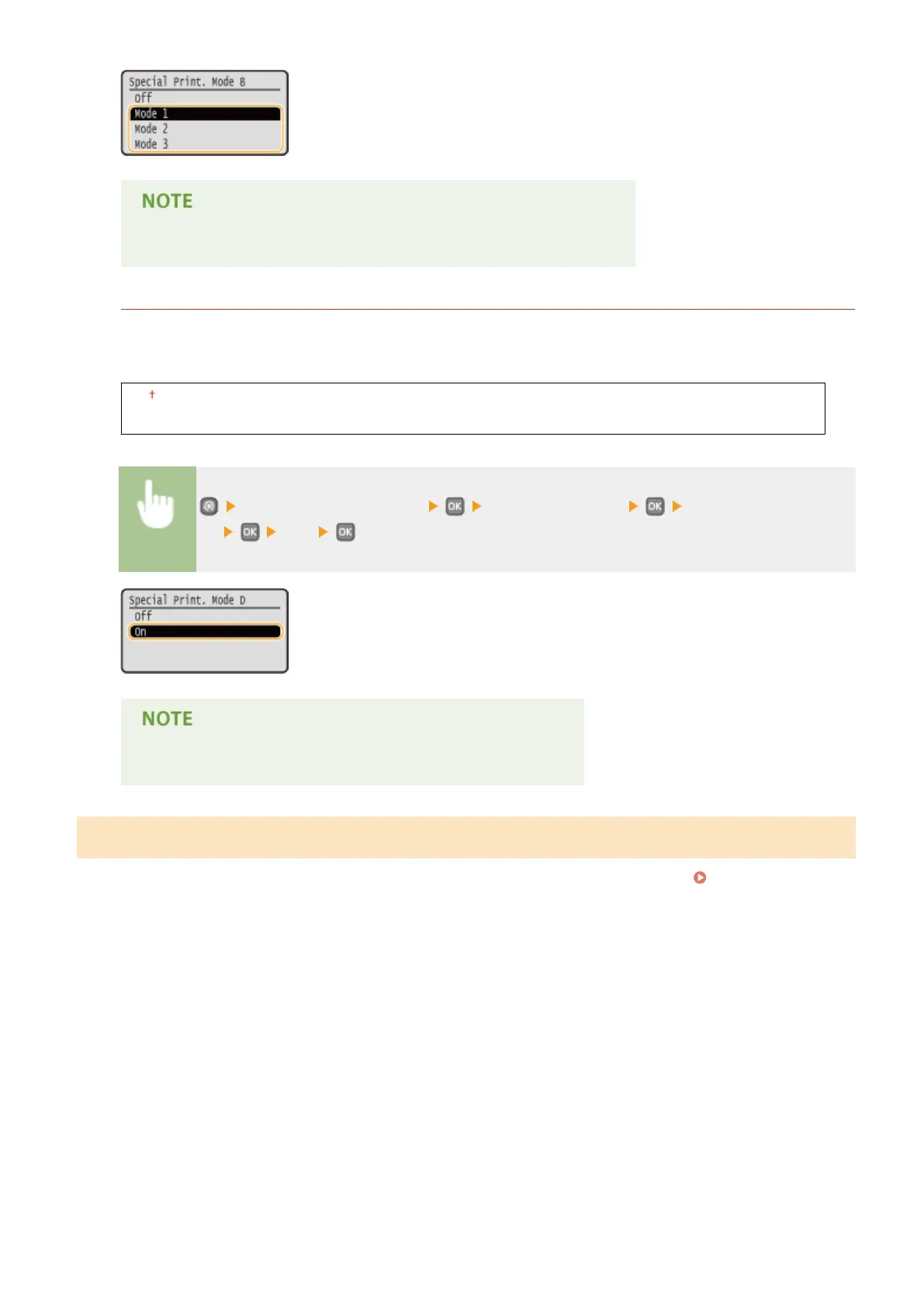
Special Printing Mode D
Streaks may appear on printouts depending on the paper type or the environmental conditions. Setting this
item to <On> may solve the problem. Also, setting this item to <On> will reduce the operating noise during
printing.
Off
On
<Adjustment/Maintenance> <Special Processing> <Special Printing Mode
D> <On>
If you set this item to <On>, the printing speed becomes slower.
Clean Fixing Assembly
Clean the xing unit after a toner cartridge is replaced or if black streaks appear on printouts. Fixing Unit(P. 394)
Setting Menu List
336










 To Next Page