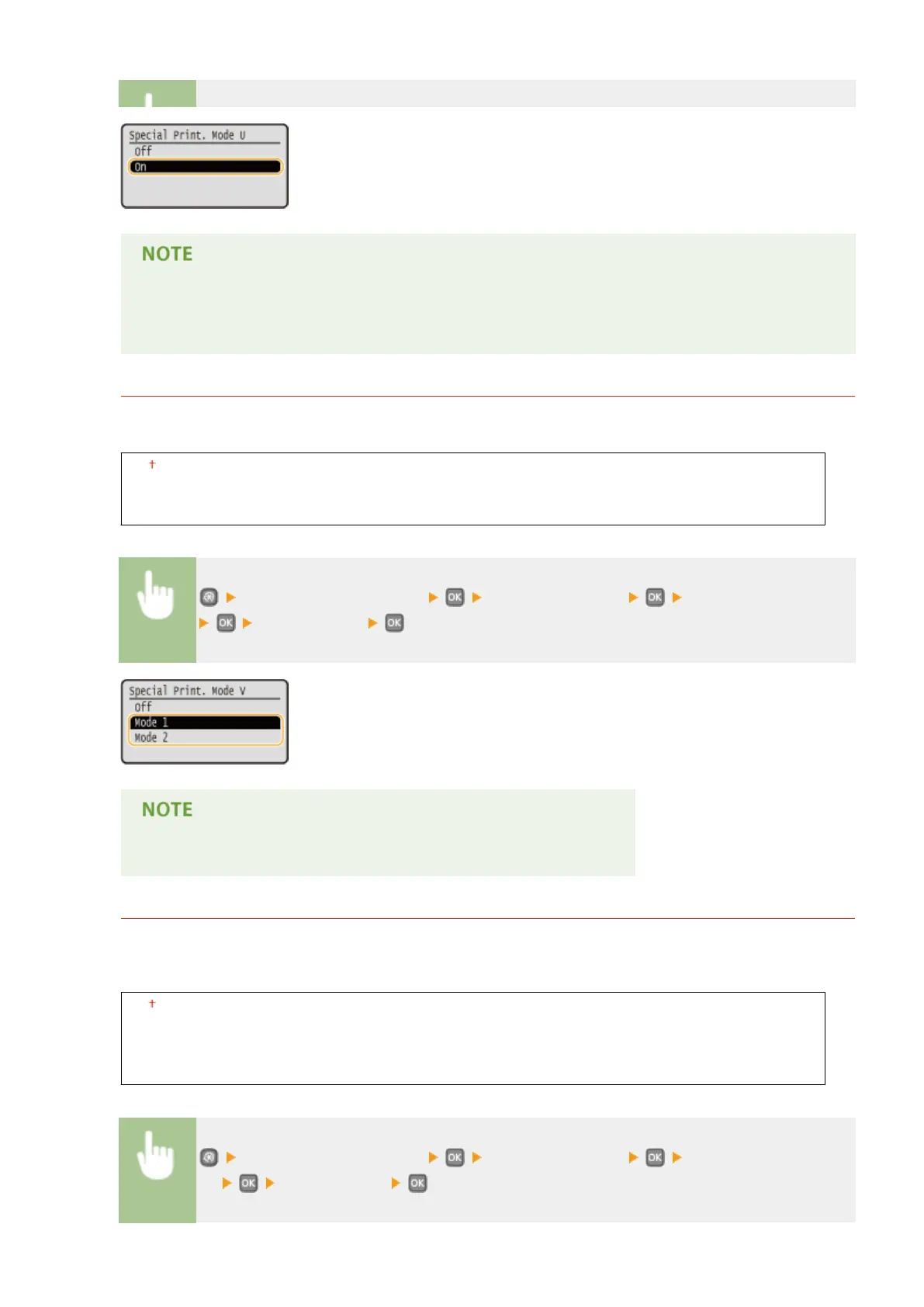
When you set this item to <On>, print quality may be lower depending on the paper type or the
operating environment (more specically when you print on thin paper or use the machine in an
environment with high humidity).
Special Printing Mode V
If the printed paper curls when you are using paper having absorbed moisture, set this item. The improvement
effect is stronger with <Mode 2> than with <Mode 1>.
Off
Mode 1
Mode 2
<Adjustment/Maintenance> <Special Processing> <Special Printing Mode V>
Select the mode
Printing speed becomes slower when you select stronger improvement.
Special Printing Mode B
Streaks may appear on printouts immediately after you replace the toner cartridge or when you print for the
rst time after a long time. In this case, setting this item may solve the problem. The improvement effect is
weakest with <Mode 1> and strongest with <Mode 3>.
Off
Mode 1
Mode 2
Mode 3
<Adjustment/Maintenance> <Special Processing> <Special Printing Mode
B> Select the mode
Setting Menu List
335










 To Next Page