Disabling HTTP Communication
0W20-04E
HTTP is used for communications over the network, such as when you access the machine via the Remote UI. If you
are using a USB connection or are otherwise not using HTTP, you can disable HTTP to block malicious third-party
intrusions via the unused HTTP port.
Disabling HTTP disables some of the network capabilities, such as the Remote UI, WSD printing., and printing
with Google Cloud Print.
1
Press .
2
Use / to select <Network Settings>, and press .
● If the logon screen appears, enter the correct ID and PIN using the numeric keys, and then press .
Logging on to the Machine(P. 34)
3
Select <TCP/IP Settings> <Use HTTP>.
4
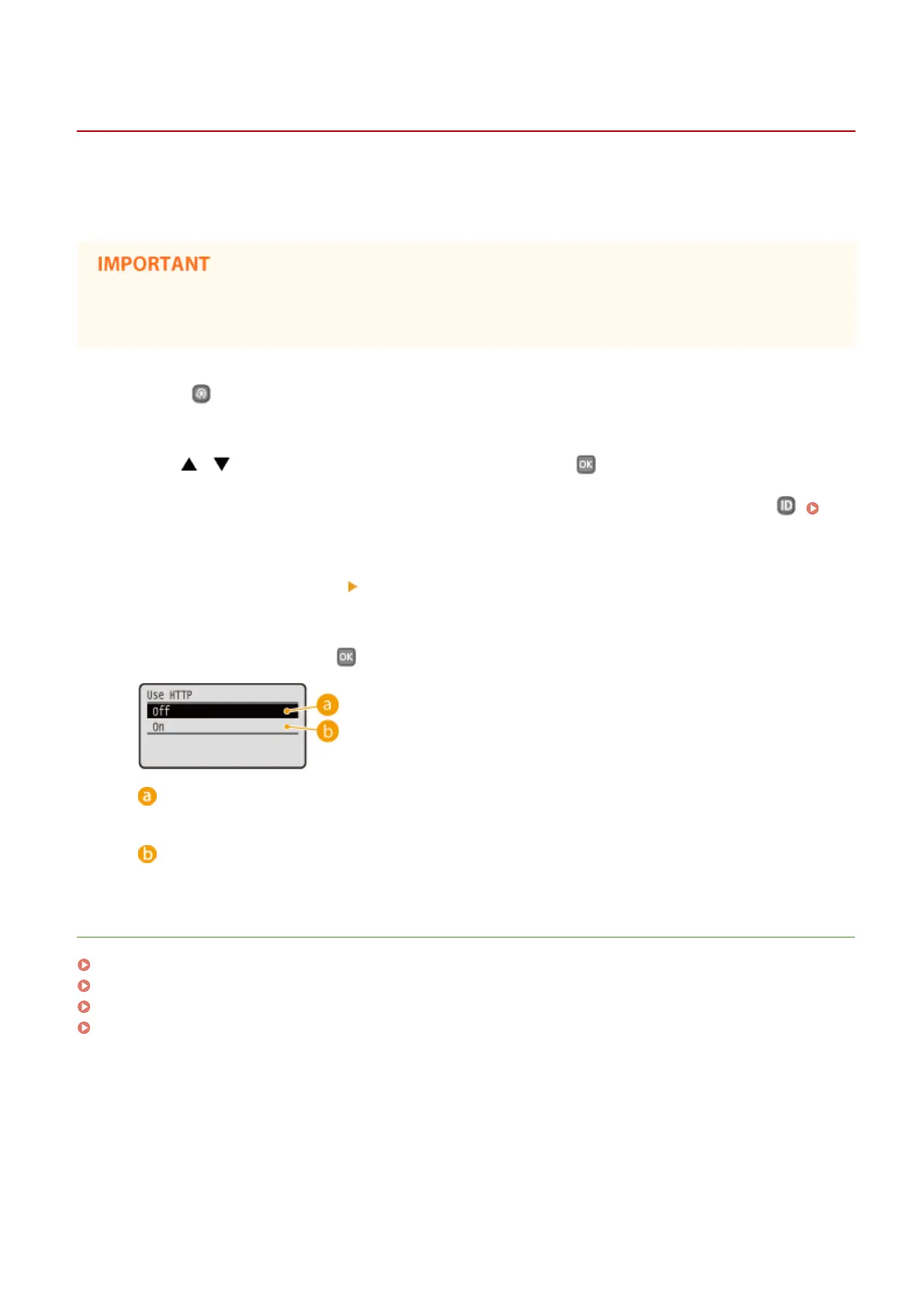
Select <Off>, and press .
<Off>
Disables HTTP communication.
<On>
Enables HTTP communication.
LINKS
Using Remote UI(P. 269)
Changing Port Numbers(P. 226)
Conguring Printing Protocols and WSD Functions(P. 165)
Using Google Cloud Print(P. 452)
Security
232










 To Next Page