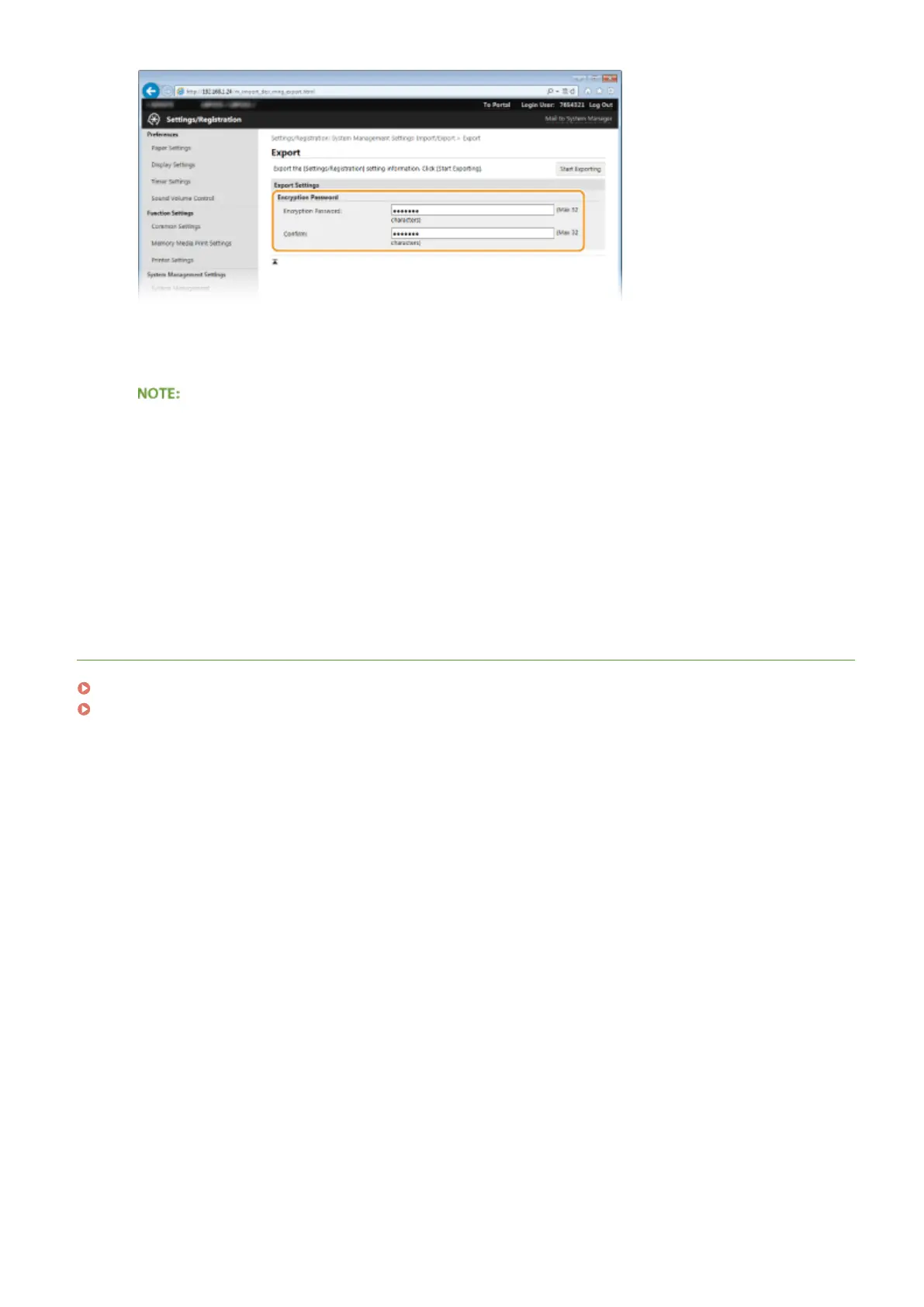
[Encryption Password]
Enter an encryption password up of up to 32 alphanumeric characters. Enter the same password in
[Conrm]. To export the data, you must set an encryption password.
● The password is required when exported data is imported.
5
Click [Start Exporting].
6
Follow the on-screen instructions to specify the location where the exported setting
data is saved.
● The setting data will be saved.
LINKS
Remote UI Screens(P. 272)
Setting Menu List(P. 287)
Using Remote UI
283










 To Next Page