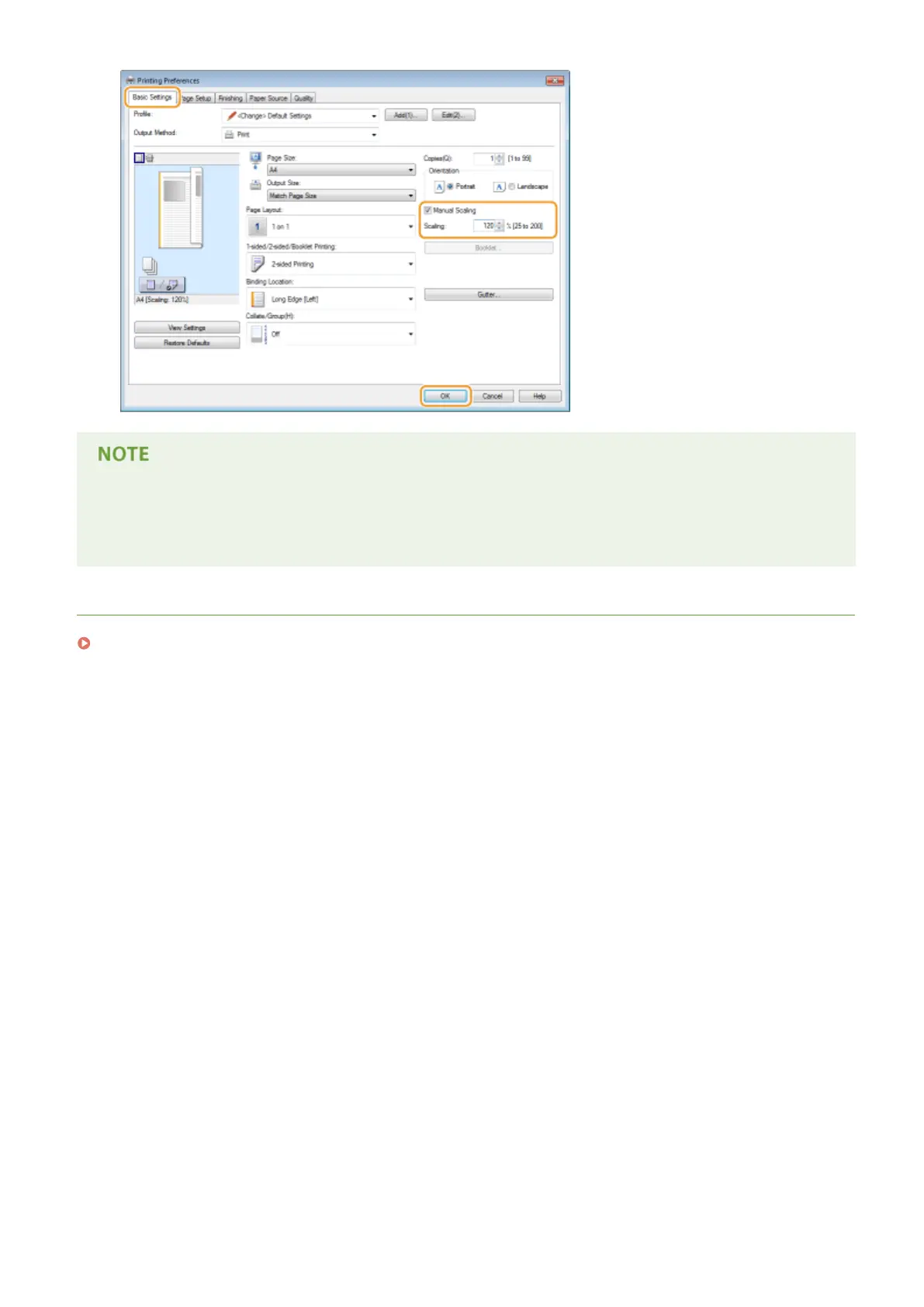
● Depending on the selected paper size, you may not be able to set the optimum enlarging/reducing ratio. For
example, there may be large blank spaces on your printout, or portions of the document that are missing.
● The enlarging/reducing settings on some applications have priority over those on the printer driver.
LINKS
Basic Printing Operations(P. 70)
Printing
83










 To Next Page