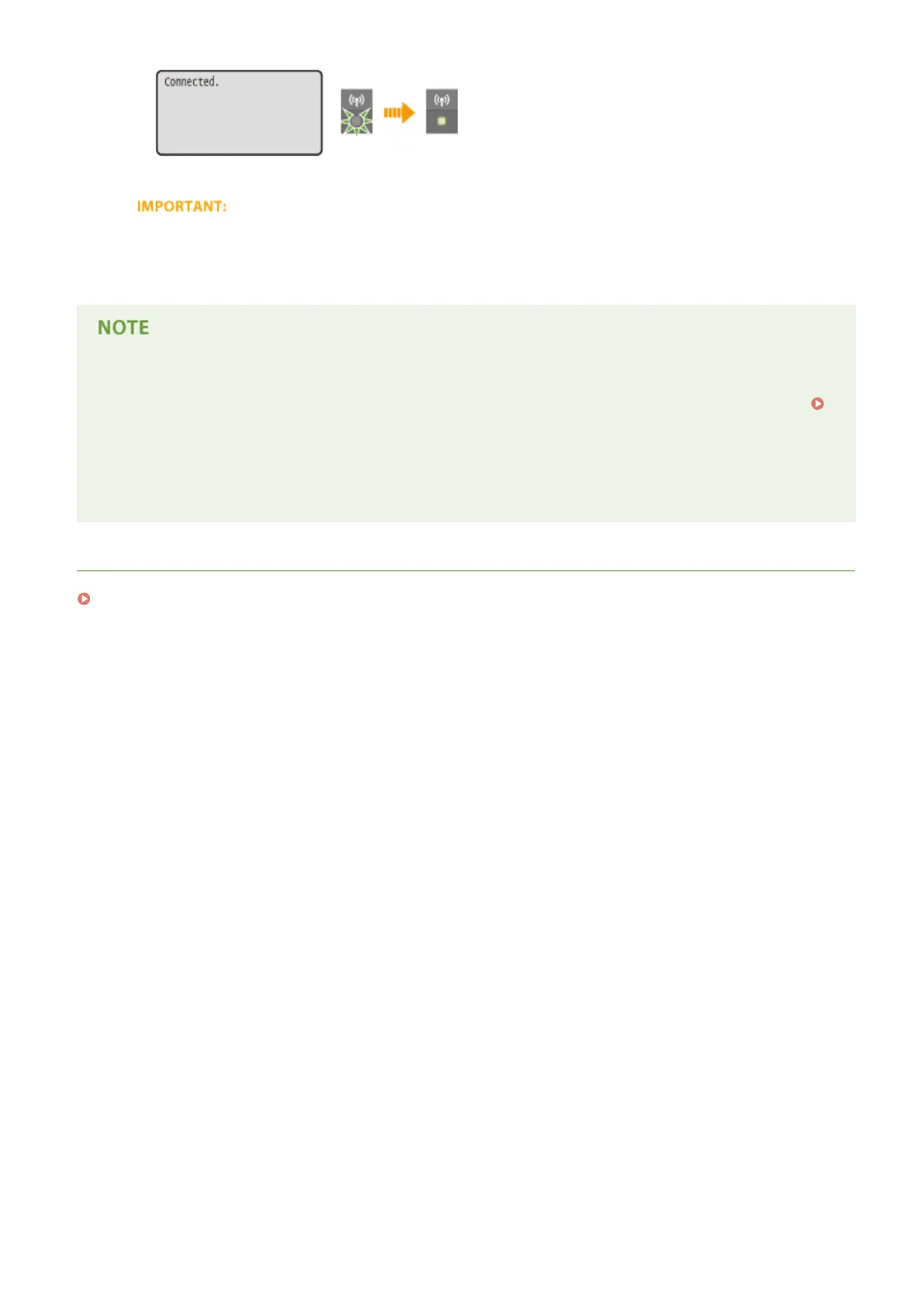
● Wait approximately 2 minutes until the IP address settings of the machine are completed.
Signal strength
● When more than one wireless router is available for connection, the machine connects to the device with
the strongest signal. Signal strength is measured using RSSI (Received Signal Strength Indication).
Reducing power consumption
● You can set the machine to enter <Power Save Mode> based on signals emitted from the wireless router.
Power Save Mode (P. 291)
If the IP address of the machine has changed
● In a DHCP environment, the IP address of the machine may be changed automatically. If this happens, the
connection is maintained as long as the machine and the computer belong to the same subnet.
LINKS
Connecting to a Wireless LAN(P. 136)
Network
145










 To Next Page