5
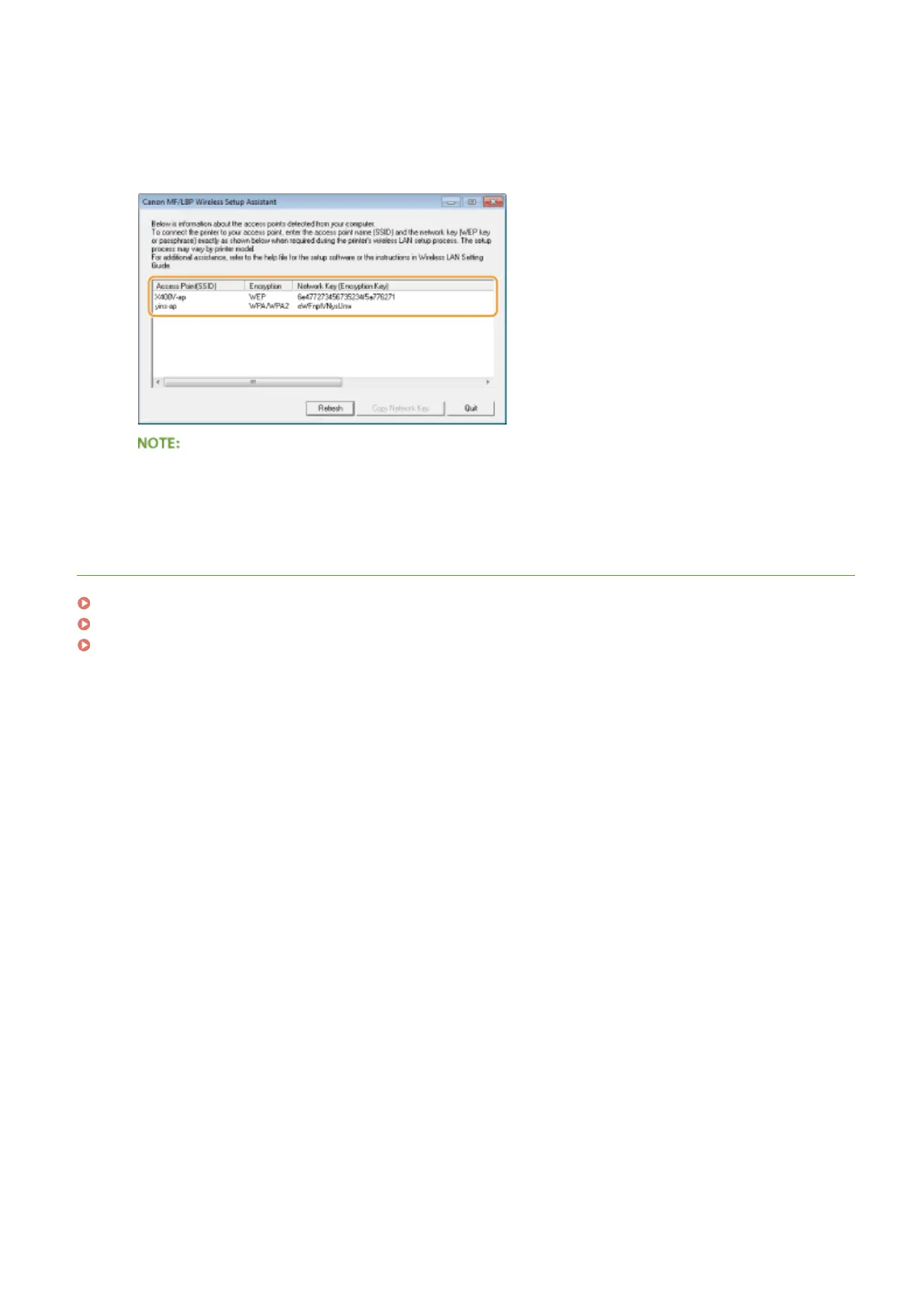
Check the information displayed for the wireless router.
● Write down the necessary information. If you do not know what information is necessary, write down all the
information that is displayed.
If wireless routers are not found
● Click [Refresh]. If nothing happens, check that the settings are correctly congured on the computer and
the wireless router.
LINKS
Connecting to a Wireless LAN(P. 136)
Setting Up Connection by Selecting a Wireless Router(P. 143)
Setting Up Connection by Specifying Detailed Settings(P. 146)
Network
152










 To Next Page