Viewing WEP and WPA/WPA2-PSK information
1
Select <Security Settings>, and press .
2
Conrm the current security setting, and press .
● If the security settings are not congured, <None> is displayed.
3
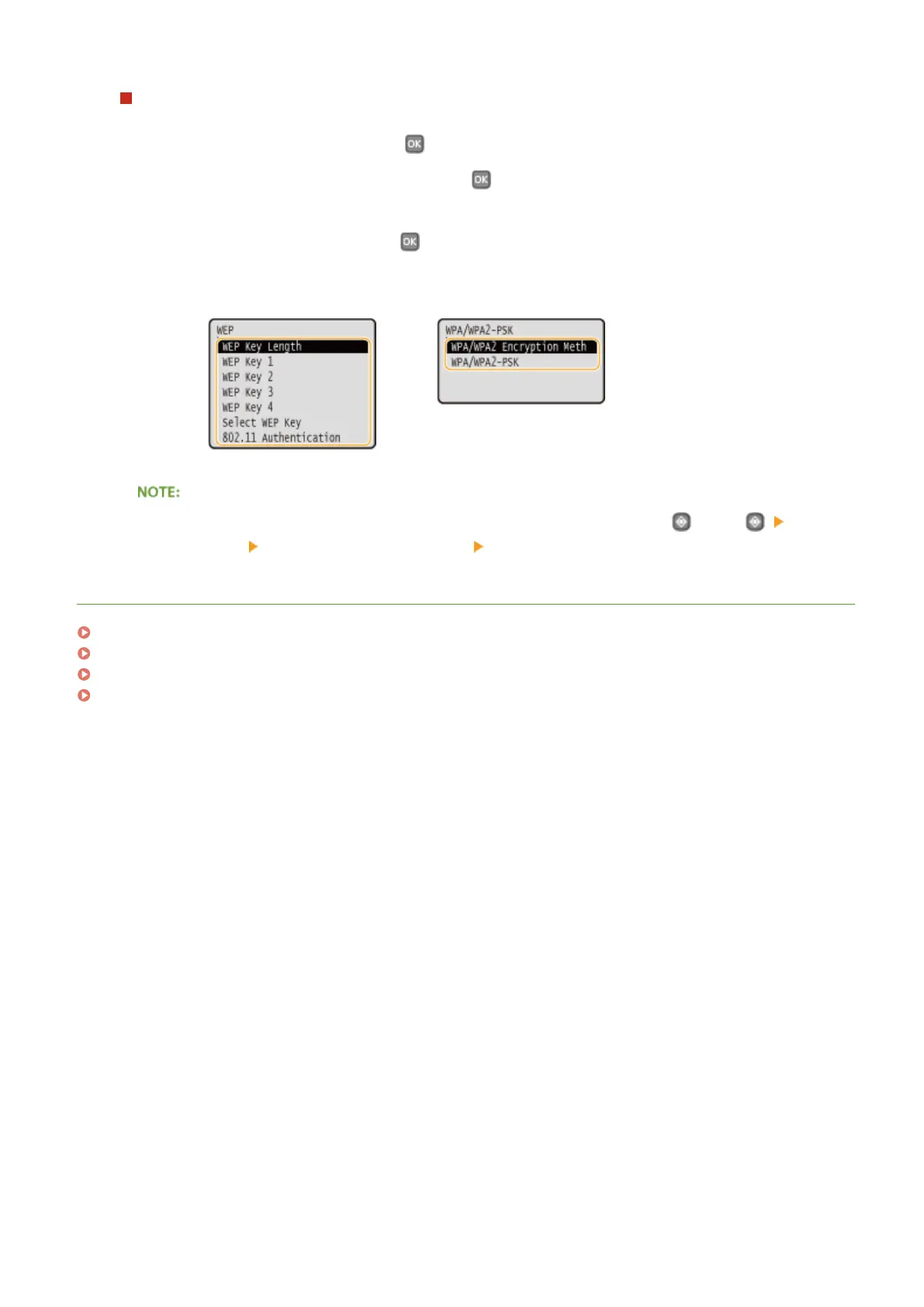
Select the setting to view, and press .
WEP WPA/WPA2-PSK
● <Wireless LAN Status> and <Latest Error Information> can be viewed from . Press <Network
Information>
<Network Connection Method> <Connect. Info.> and select the setting to view.
LINKS
Connecting to a Wireless LAN(P. 136)
Setting IPv4 Address(P. 154)
Setting IPv6 Addresses(P. 157)
Conguring DNS(P. 181)
Network
163










 To Next Page