2
Congure the settings as necessary.
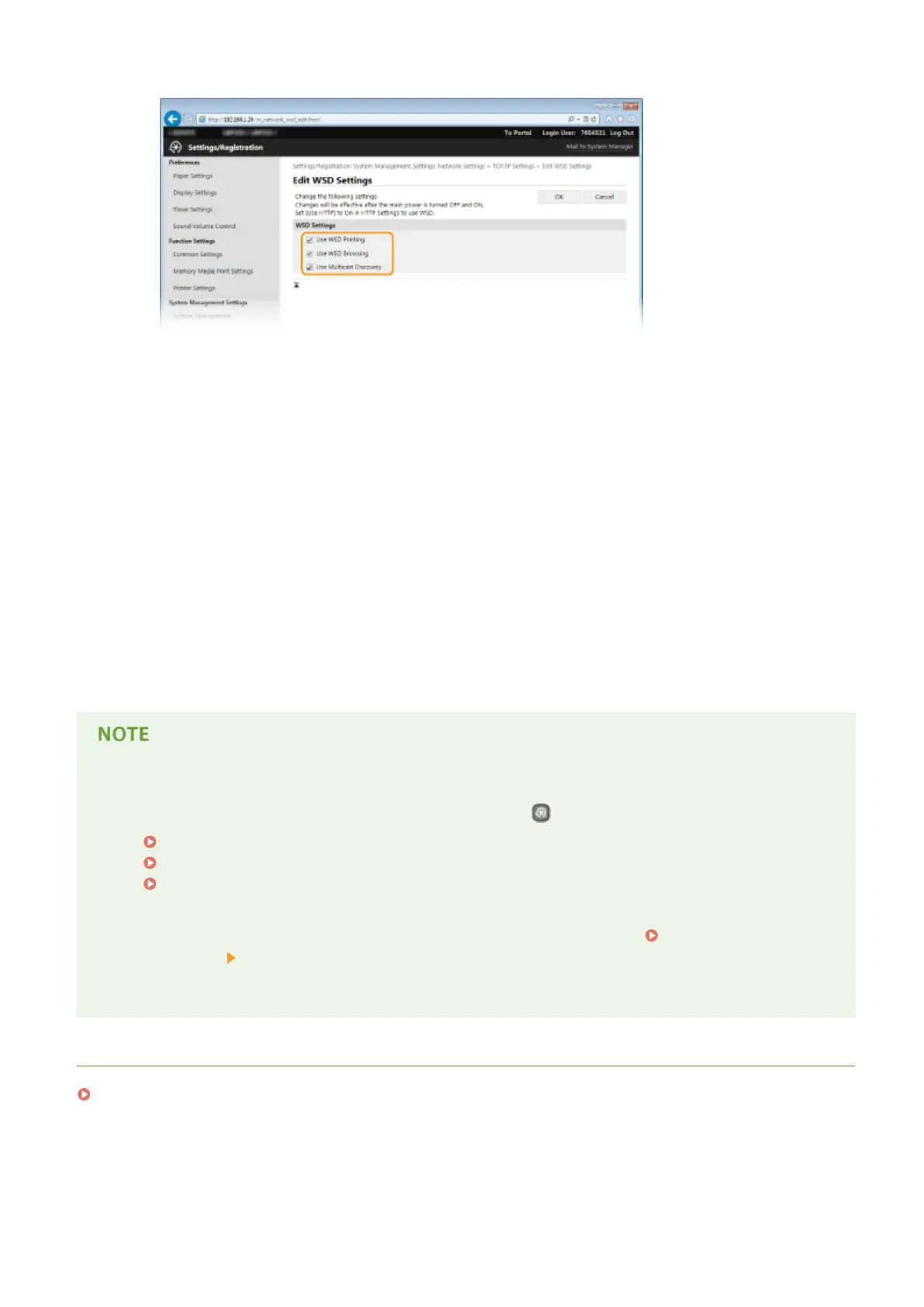
[Use WSD Printing]
Select the check box to print via WSD. When not using WSD printing, clear the check box.
[Use WSD Browsing]
Select the check box to obtain information about the machine from a computer via WSD. This check box is
automatically selected when the [Use WSD Printing] check box is selected.
[Use Multicast Discovery]
Select the check box to set the machine to reply to multicast discovery messages. If the check box is
cleared, the machine stays in sleep mode even when multicast discovery messages are owing on the
network.
3
Click [OK].
5
Restart the machine.
● Turn OFF the machine, wait for at least 10 seconds, and turn it back ON.
Selecting settings from the operation panel
● LPD, RAW, and WSD settings can also be accessed by pressing
on the operation panel.
LPD Settings(P. 295)
RAW Settings(P. 296)
WSD Settings(P. 296)
Setting up WSD network devices on Windows Vista/7/8
● The WSD printer can be added from the printer folder. Open the printer folder (
Displaying the Printer
Folder(P. 474) ) click [Add a device] or [Add a printer] and follow the on-screen instructions. For more
information about how to install the printer driver for the WSD network printer, see Printer Driver
Installation Guide.
LINKS
Conguring Printer Ports(P. 168)
Network
167










 To Next Page