[mDNS Settings]
[Use mDNS]
Adopted by Bonjour, mDNS (multicast DNS) is a protocol for associating a host name with an IP
address without using DNS. Select the check box to enable mDNS and enter the mDNS name in the
[mDNS Name] text box.
[DHCP Option Settings]
[Acquire Host Name]
Select the check box to enable Option 12 to obtain the host name from the DHCP server.
[DNS Dynamic Update]
Select the check box to enable Option 81 to dynamically update the DNS records through the DHCP
server.
[Acquire DNS Server Address]
Select the check box to enable Option 6 to obtain a DNS server address from the DHCP server.
[Acquire Domain Name]
Select the check box to enable Option 15 to obtain a domain name from the DHCP server.
[Acquire WINS Server Address]
Select the check box to enable Option 44 to obtain a WINS server address from the DHCP server.
3
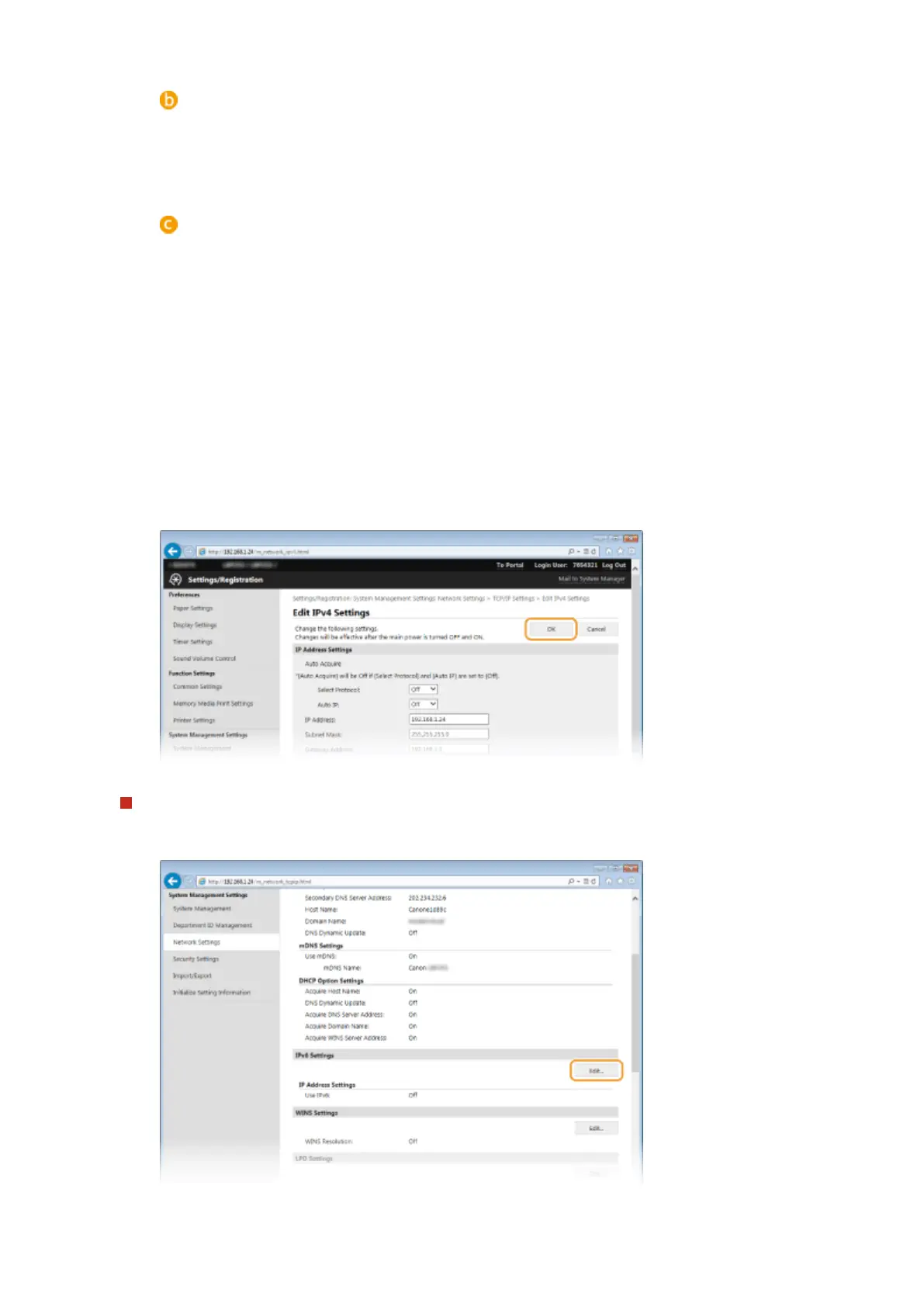
Click [OK].
Conguring IPv6 DNS
1
Click [Edit] in [IPv6 Settings].
2
Congure IPv6 DNS settings.
Network
183










 To Next Page