[DHCP Option Settings]
[Acquire DNS Server Address]
Select the check box to enable Option 23 to obtain a DNS server address from the DHCP server.
[Acquire Domain Name]
Select the check box to enable Option 24 to obtain a domain name from the DHCP server.
3
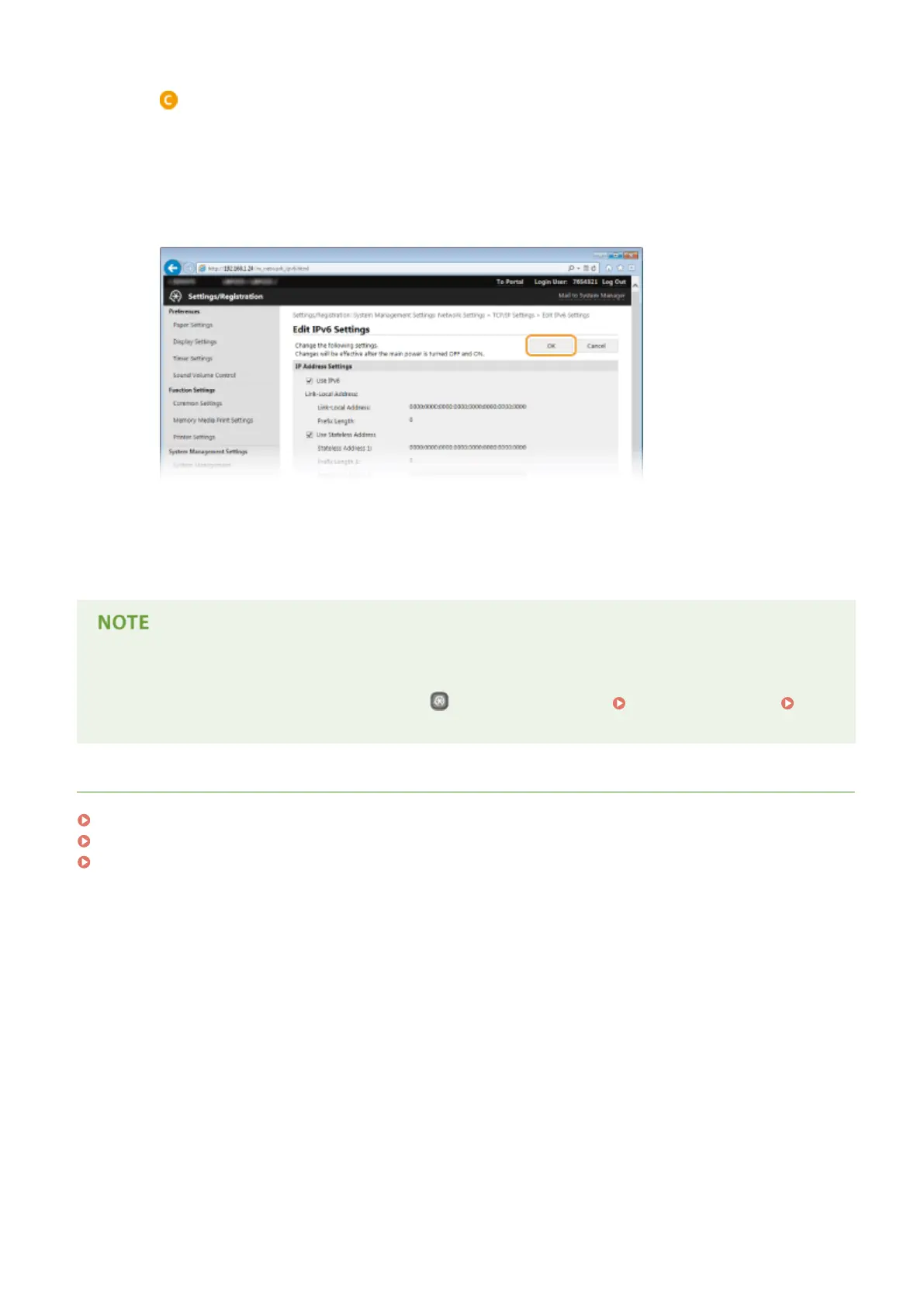
Click [OK].
5
Restart the machine.
● Turn OFF the machine, wait for at least 10 seconds, and turn it back ON.
Selecting settings from the operation panel
● DNS settings can also be accessed by pressing
on the operation panel. IPv4 Settings(P. 292) IPv6
Settings(P. 294)
LINKS
Setting IPv4 Address(P. 154)
Setting IPv6 Addresses(P. 157)
Viewing Network Settings(P. 161)
Network
185










 To Next Page