4
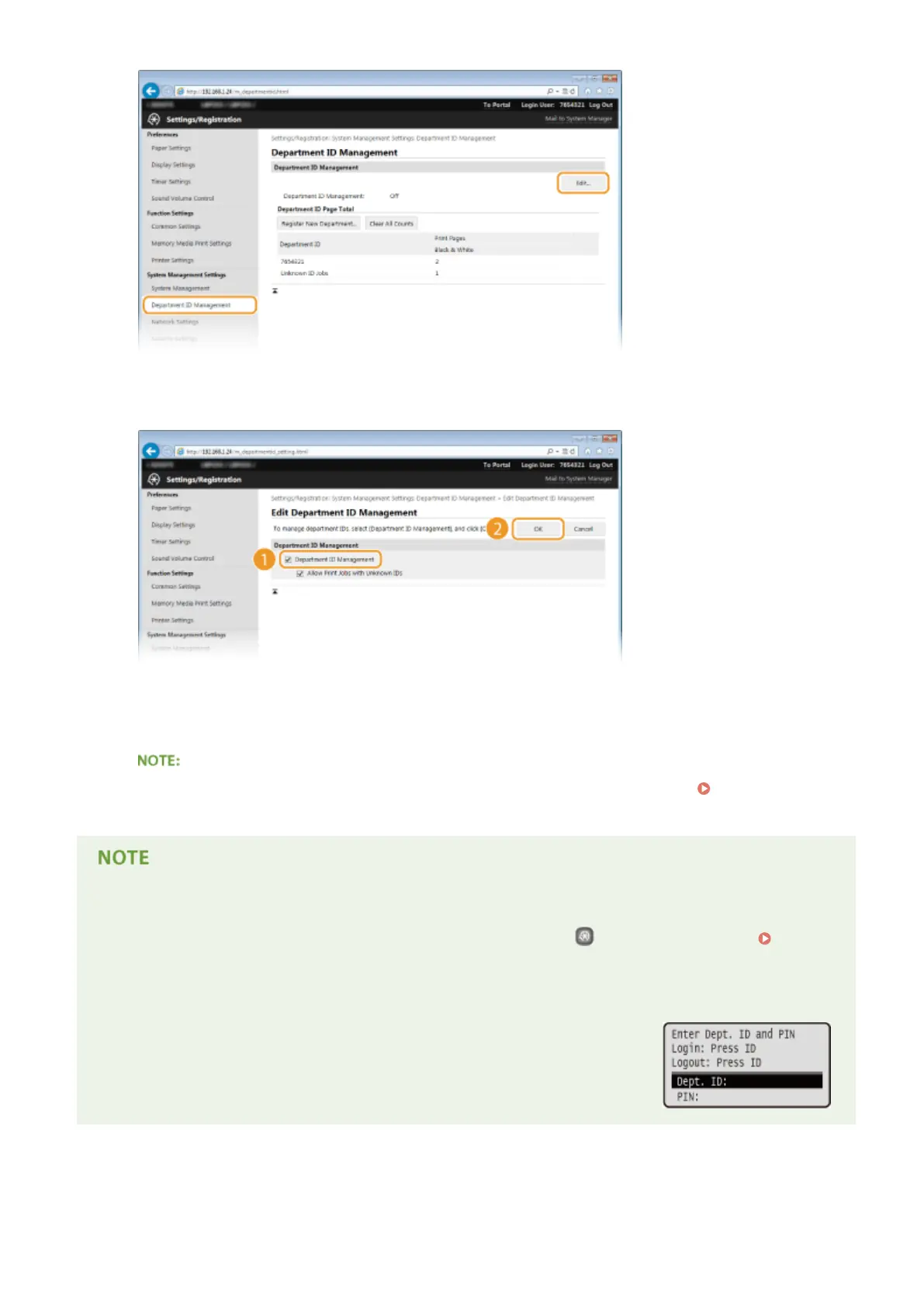
Select the [Department ID Management] check box and click [OK].
[Department ID Management]
Select the check box to enable Department ID Management. If you do not want to use Department ID
Management, clear the check box.
● For information on the [Allow Print Jobs with Unknown IDs] check box, see Blocking Jobs When
Department ID Is Unknown(P. 214) .
Using the operation panel
● You can also switch Department ID Management On/Off by pressing
on the operation panel.
Department ID Management On/Off(P. 338)
Logging on to the machine
● When you try to operate the machine when Department ID Management is
enabled, the following logon screen is displayed:
Security
212










 To Next Page