[Change Password]
To set or change the password, select the check box and enter up to 24 alphanumeric characters for the
new password both in the [Password] and [Conrm] text boxes.
6
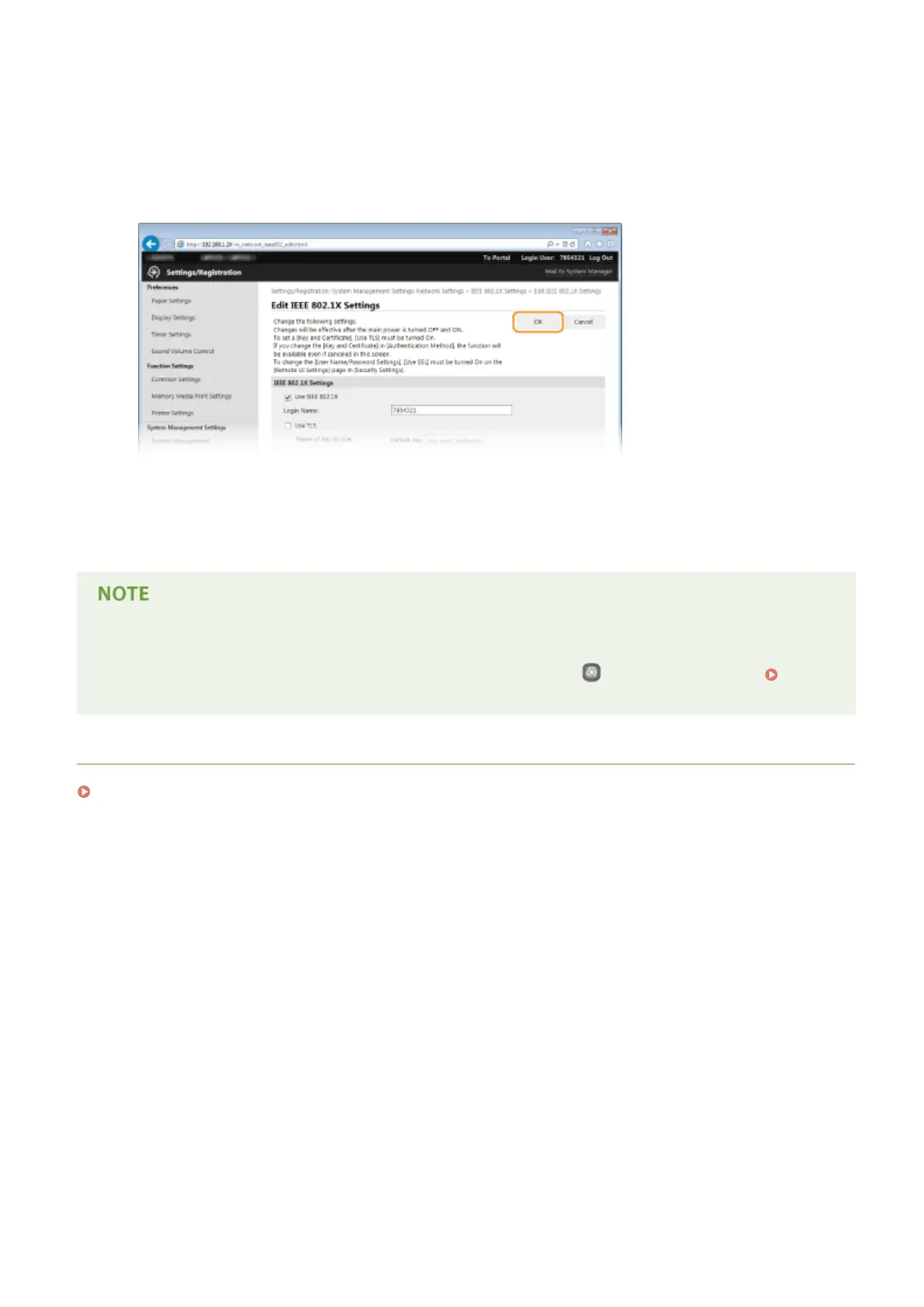
Click [OK].
7
Restart the machine.
● Turn OFF the machine, wait for at least 10 seconds, and turn it back ON.
Using the operation panel
● You can also enable or disable IEEE 802.1X authentication by pressing
on the operation panel. IEEE
802.1X Settings(P. 299)
LINKS
Conguring Settings for Key Pairs and Digital Certicates(P. 253)
Security
252










 To Next Page