● Keys for network communication may take approximately 10 to 15 minutes to generate.
● After a key pair is generated, it is automatically registered to the machine.
Generate Key and Certicate Signing Request (CSR)
1
Start the Remote UI and log on in System Manager Mode.
Starting Remote UI(P. 270)
2
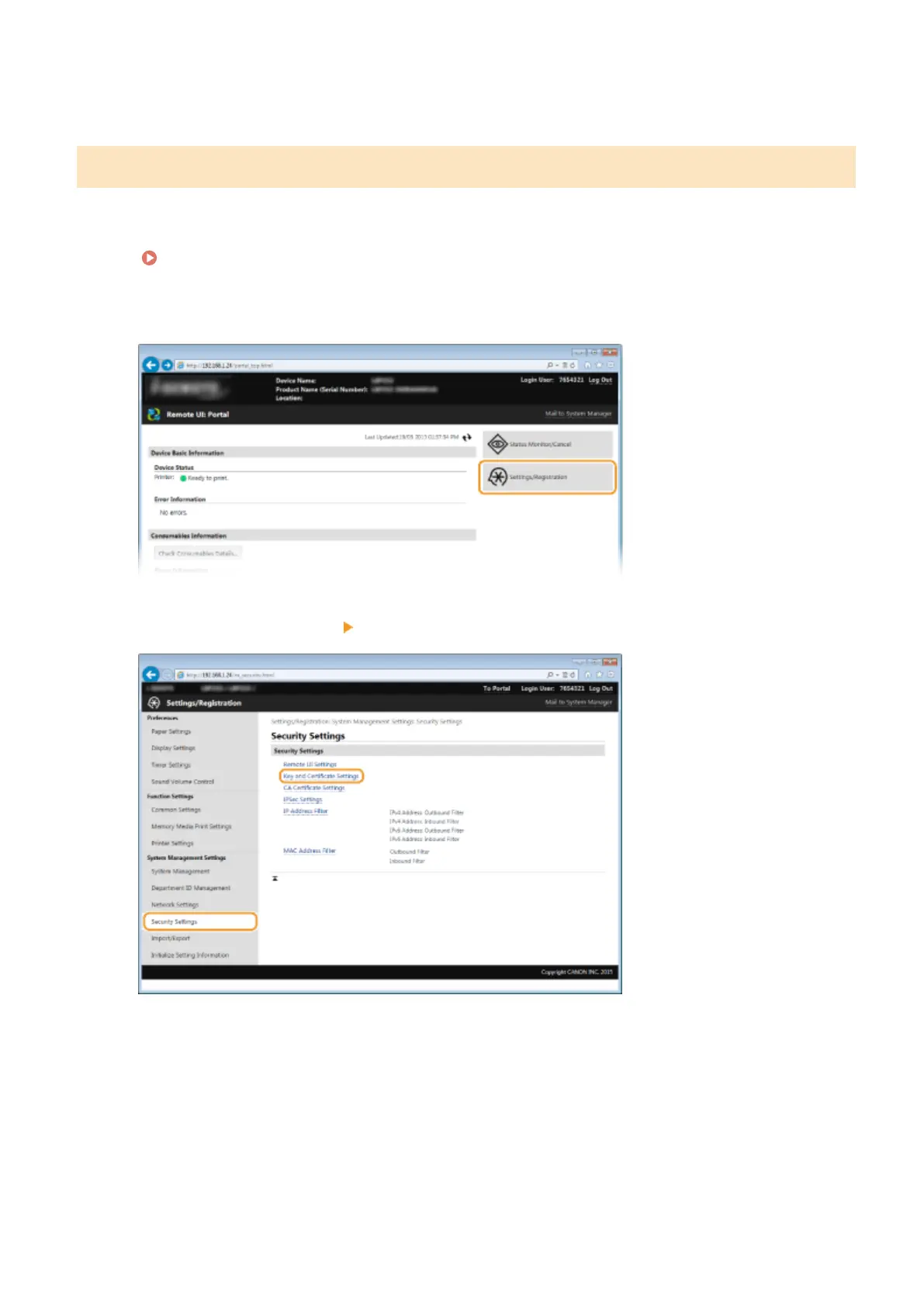
Click [Settings/Registration].
3
Click [Security Settings] [Key and Certicate Settings].
4
Click [Generate Key].
Security
257










 To Next Page