◼ Register the digital certicate issued by the certication authority.
You cannot use the key pair generated by the Certicate Signing Request (CSR) until the certicate is registered. Once
the certication authority has issued the digital certicate, register it using the procedure below.
1
Start the Remote UI and log on in System Manager Mode. Starting Remote
UI(P. 270)
2
Click [Settings/Registration].
3
Click [Security Settings] [Key and Certicate Settings].
4
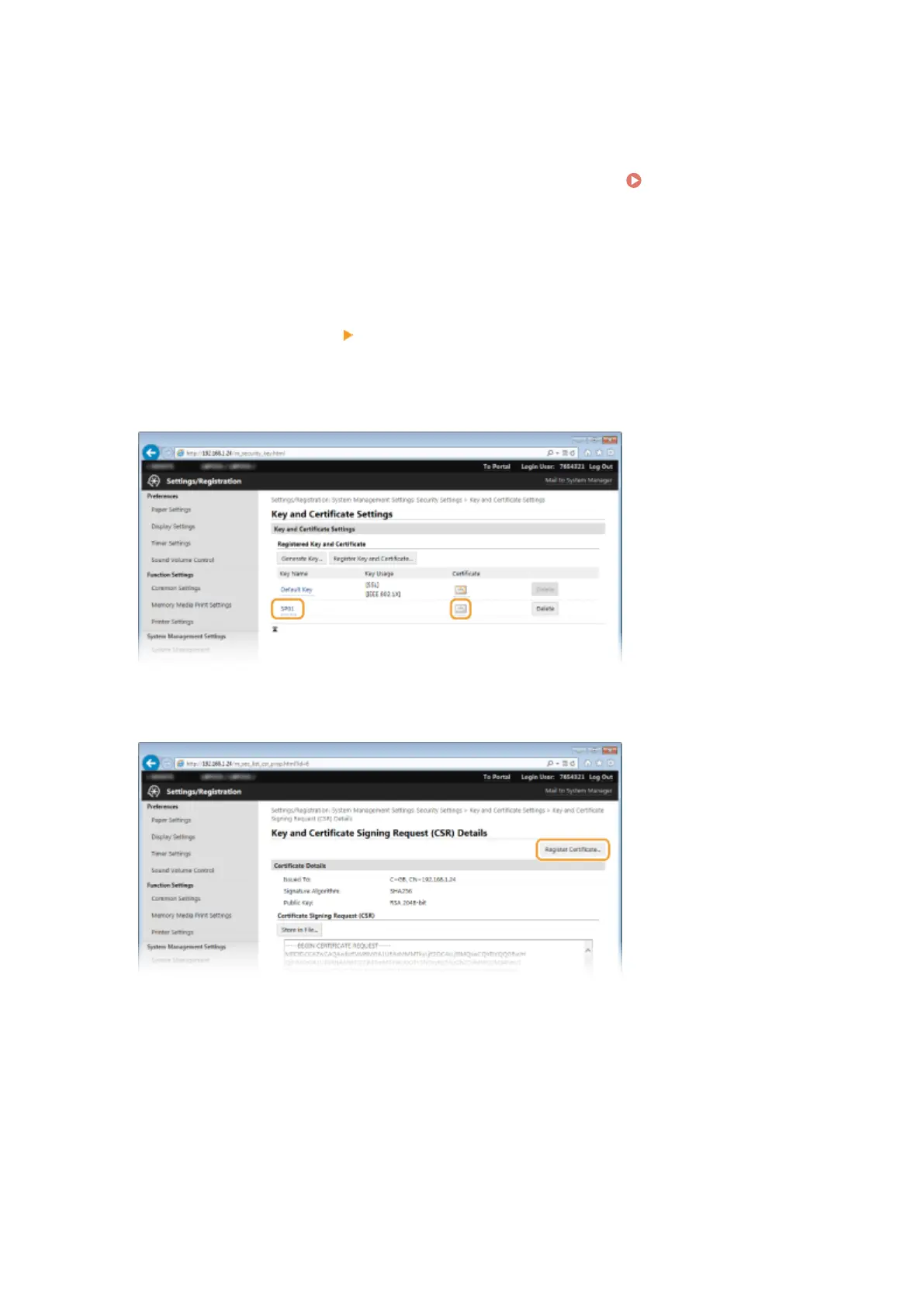
Click [Key Name] or [Certicate] for the certicate to be registered.
5
Click [Register Certicate].
6
Click [Browse], specify the le for the certicate signing request, and click [Register].
Security
260










 To Next Page