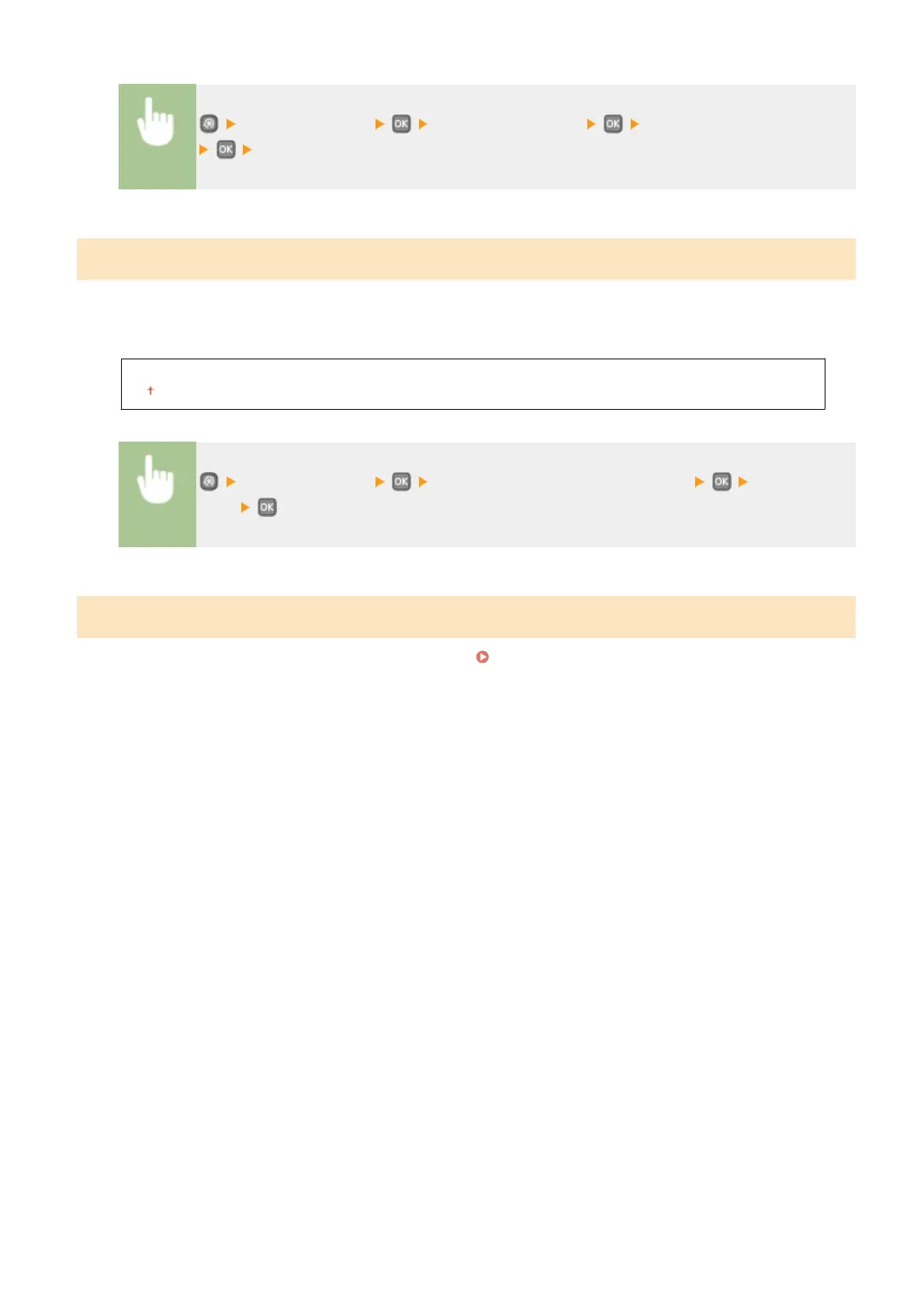
<Network Settings> <IEEE 802.1X Settings> Select <Off> or <On>
Restart the machine
Device Settings Management On/Off
Specify whether to manage data in the machine such as settings data by using an imageWARE Enterprise
Management Console plug-in. For details of the imageWARE Enterprise Management Console, contact your local
authorized Canon dealer.
Off
On
<Network Settings> <Device Settings Management On/Off> Select <Off> or
<On>
Initialize Network Settings
Select to return the Network Settings to the factory defaults. Initialize Menu(P. 345)
Setting Menu List
300










 To Next Page