1
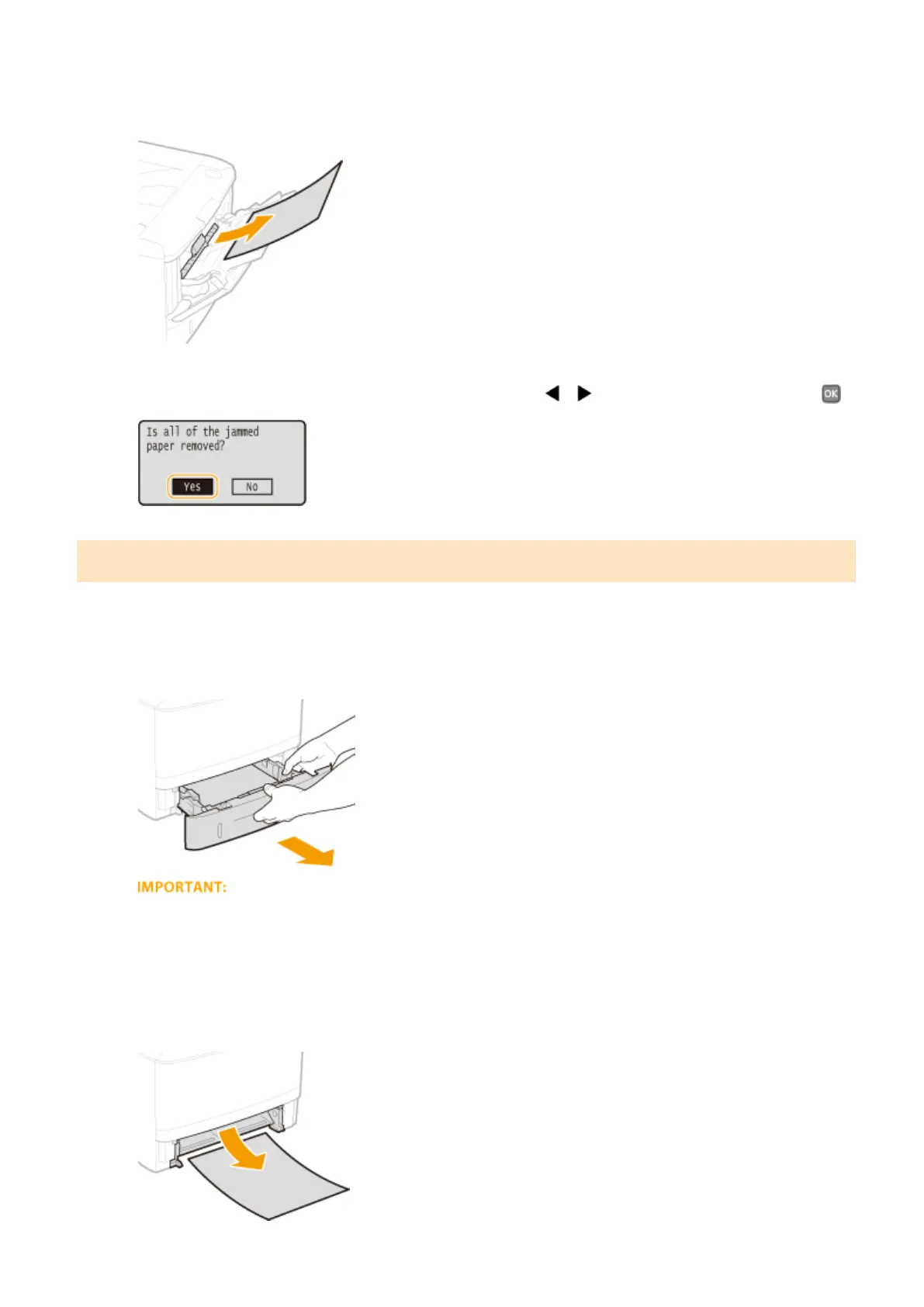
Gently pull out the paper.
2
When the screen shown below is displayed, use / to select <Yes>, and press .
Paper Jams in the Paper Drawer
If the jammed paper cannot be removed easily, do not forcibly pull it out, but follow the procedure for a different
paper jam location indicated by the message.
1
Pull out the paper drawer.
● Make sure to hold the paper drawer with both hands, and pull it out gently. Otherwise, you may damage
the paper drawer by dropping it, if it slides out too easily.
2
Gently pull out the paper.
● When the optional paper feeder(drawer 2) is attached, gently pull out the paper in the same way.
Troubleshooting
351










 To Next Page