● When you set this item to <On>, print quality may be lower depending on the paper type or the operating
environment (more specically when you print on thin paper or use the machine in an environment with
high humidity).
Are you using appropriate paper?
● Check usable paper, and replace with appropriate paper.
Paper(P. 440)
Loading Paper(P. 35)
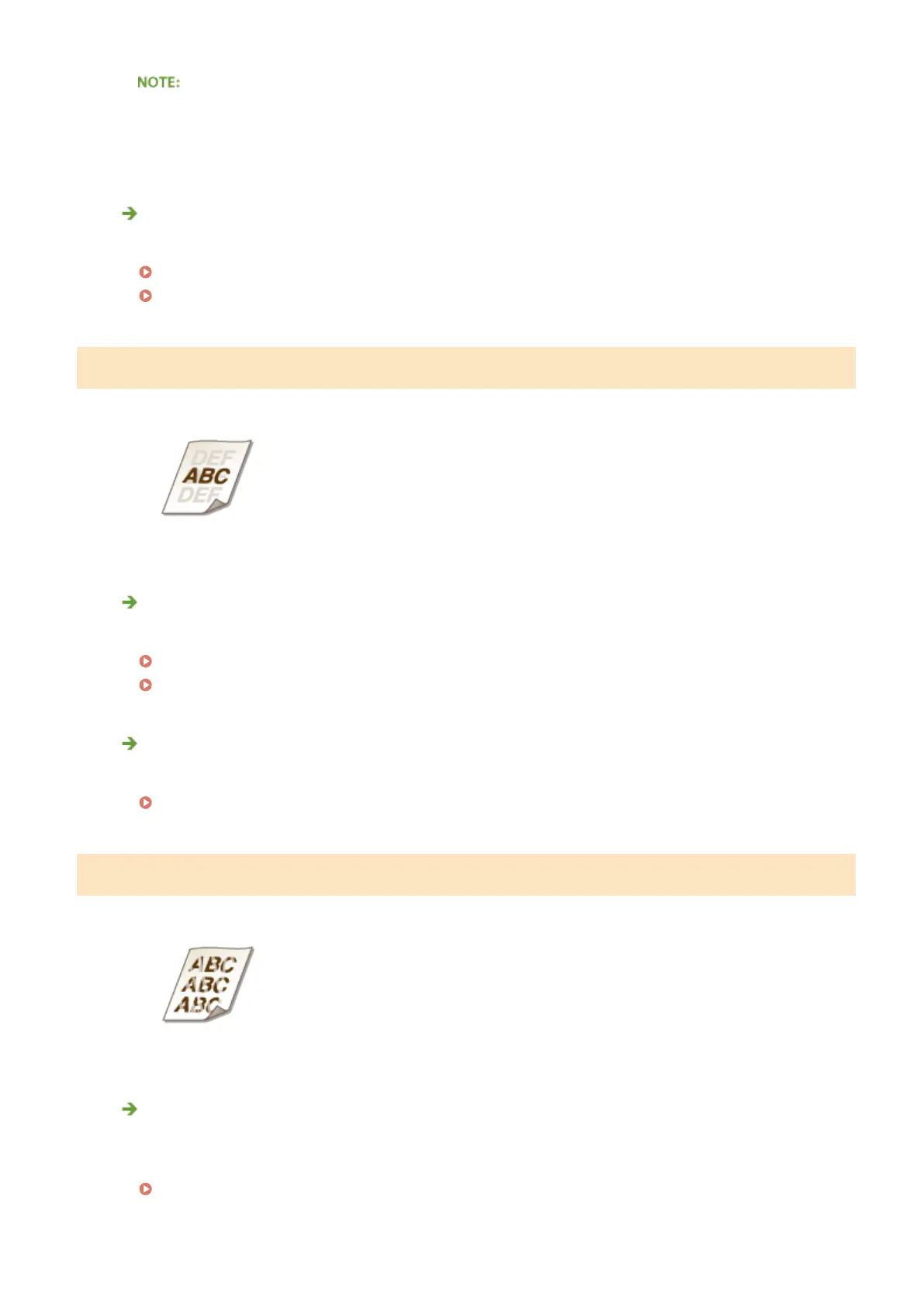
Afterimages Appear in Blank Areas
Are you using appropriate paper?
● Check usable paper, and replace with appropriate paper.
Paper(P. 440)
Loading Paper(P. 35)
Is it time to replace the toner cartridge?
● Materials inside the toner cartridge may have deteriorated. Replace the toner cartridge.
How to Replace Toner Cartridges(P. 400)
Printouts Are Faded
Is the amount remaining in toner cartridge running low?
● Remove the toner cartridge, shake it ve or six times gently to evenly distribute the toner inside the
cartridge, and then reload it into the machine.
Using Up Toner(P. 398)
Troubleshooting
380










 To Next Page